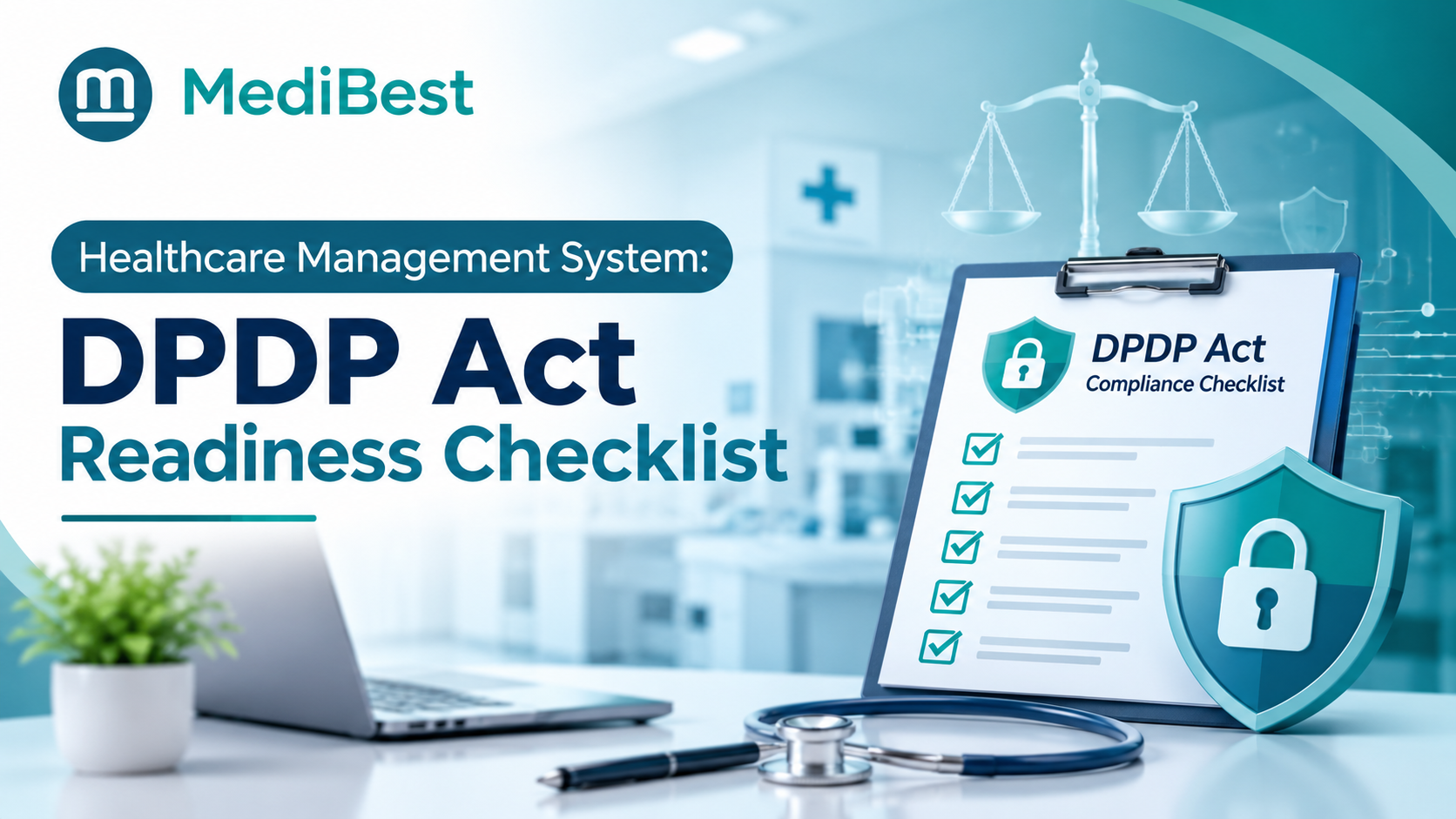
A healthcare management system that is ready for the DPDP Act must include consent capture, role-based access, encryption, audit logs, breach alerts, patient rights tools and retention controls. Together, these features let a hospital collect, protect and delete patient data the way the law expects. The main obligations apply from May 2027, so the time to check your software is now.
Here is a scene that plays out in hospitals every week. A billing clerk forwards a patient’s lab report on WhatsApp to “save time.” Nobody logs it, nobody approved it, and the patient never knew. Under the DPDP Act, one slip like that can become a reportable breach, and failing to keep reasonable security safeguards can attract a penalty of up to two hundred and fifty crore rupees.
Stay till the end. There is a five-minute test that shows where your hospital stands today.
Why can’t hospitals afford to wait?
Your hospital decides why and how patient data is used, so the law treats you as a “Data Fiduciary.” The rules arrive in phases:
- Now: the Data Protection Board and the basic definitions are already in force.
- November 2026: rules for registered consent managers begin.
- May 2027: notice, consent, security and breach duties apply in full.
The government has publicly discussed shortening this timeline, so treat May 2027 as the last safe date, not the target. Software changes take months to plan, test and train staff on.
What should DPDP-ready hospital software include?
Six features matter most. Each comes with a red flag, so you can spot a weak system fast.
Clear consent and notice capture
Your software should show patients a plain-language notice that explains why their data is collected. It should record who agreed, when, and for which purpose, and withdrawing consent must be as easy as giving it. Children under eighteen need verifiable parental consent, so the system should flag minors from the date of birth and capture the guardian’s details. Medical emergencies can be handled without consent, but the reason should still be logged.
Red flag: consent lives in a paper form nobody can search.
One clean patient record
Scattered files make every DPDP duty harder. Solid medical records management means one complete record per patient, every correction tracked, and a full copy ready when a patient asks for it. Retention needs care too. Some records must be kept under other health rules, so the software should apply retention periods by record type, not one blanket delete.
Red flag: the same patient has three records across OPD, lab and billing.
Secure storage and encryption
Your hospital information system is where the real risk sits. Look for encrypted data, masked identifiers on screens that do not need them, tested backups and processing logs you can produce on demand. This is the base layer of cyber security for hospitals, and it goes well beyond a firewall. Our guide on why cyber security is crucial for hospitals covers the wider picture.
Red flag: backups exist, but nobody has ever tested a restore.
Role-based access and audit trails
A front desk executive should not see lab histories, and a billing clerk should not open clinical notes. Role-based access fixes that. An audit trail then answers the question that matters after any incident: who opened this file, and when?
Red flag: staff share one login at the nursing station.
Breach alerts and reporting support
Speed matters after a leak. Affected patients must be told, and the Data Protection Board must be notified, with a detailed report due within seventy-two hours. Your system should flag unusual activity, keep an incident log and help you collect the facts quickly.
Red flag: you would learn about a breach from a patient’s phone call.
Patient rights and grievance tools
Patients can ask to see their data, correct it, erase it, or raise a complaint. Your system needs a simple way to log each request, track its status and reply within the time the Rules allow.
Red flag: requests are handled through a shared email inbox.
Spotted more than two red flags that sound familiar?
Where does the DPDP Act touch each hospital department?
The Act is not only an IT problem. It shows up at every counter.
| Department | Where data usually leaks | What your software should do |
| Registration and OPD | Paper forms, shared logins, no consent record | Capture notice and consent at the desk, flag minors, log every access |
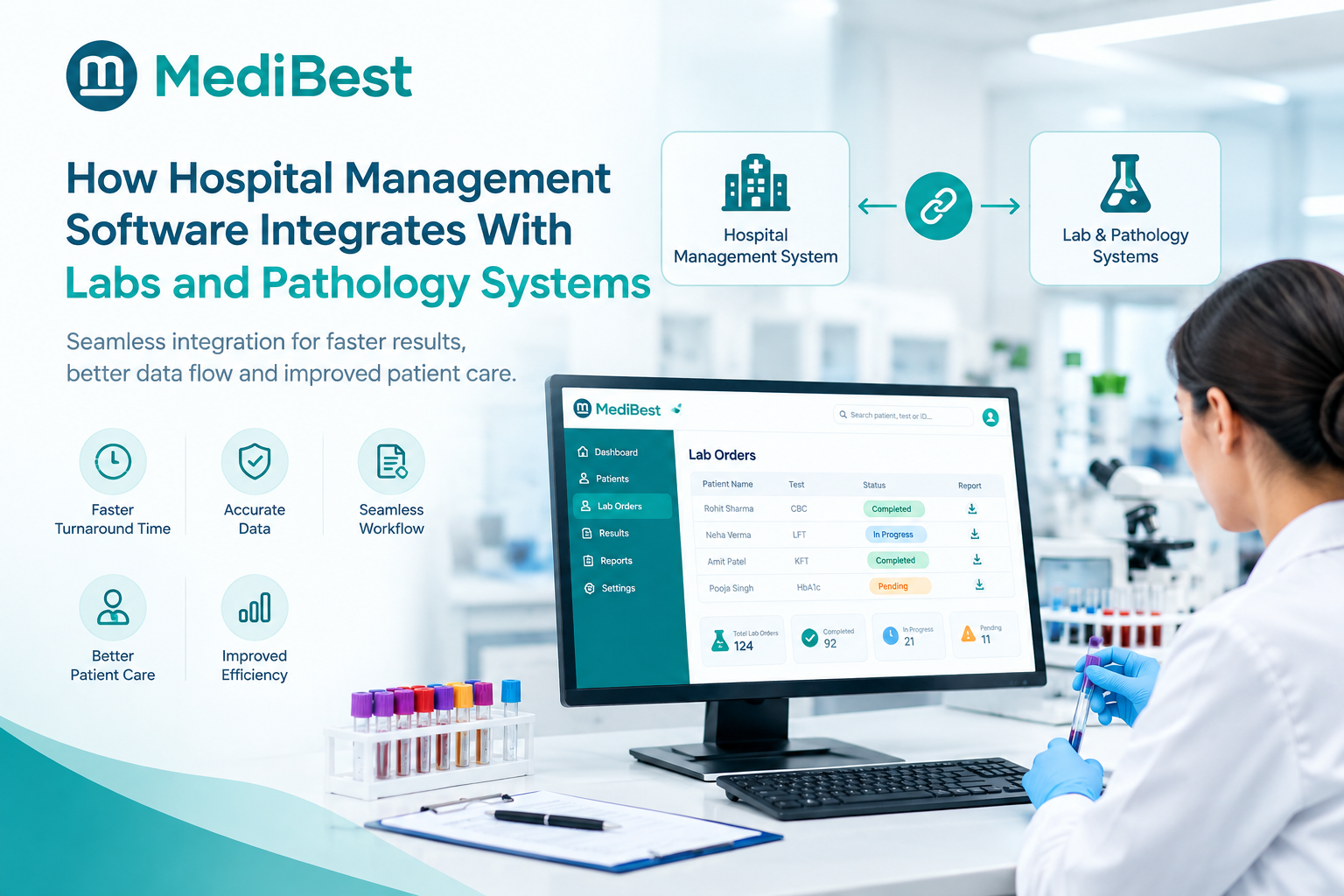
| Lab and radiology | Reports sent on chat apps or open email | Release reports through a patient login or secure link, with access logs |
| Pharmacy | Full patient history visible to counter staff | Show only what dispensing needs |
| Billing and insurance | Whole files sent for a single claim | Share only the fields a claim needs and log each disclosure |
| Discharge and records | Summaries copied to personal devices, no retention rule | Control printing and export, apply retention by record type |
| IT and admin | Ex-staff accounts still active | Deactivate access the same day a role ends |
Can you test your own system in one afternoon?
Yes, and you do not need an outside consultant to start. Look at your hospital IT management system as a whole, because patient data sits in registration, billing, lab, pharmacy and on paper. Ask these five questions:
- Where does patient data enter and leave our hospital?
- Can I show a patient exactly what they agreed to?
- Can I list who viewed one patient’s file last week?
- If data leaked today, who would act first, and how fast?
- If a patient asked for a correction tomorrow, where would we log it?
Every “I’m not sure” is a gap. The fourth question is the one teams rarely rehearse, so run a mock breach drill and time it. Write the gaps down, because that list becomes your fix-it plan.
How can Medibest help hospitals get ready?
Most DPDP gaps are process gaps, not tool gaps, and they are far easier to close when patient data lives in one place. That is the idea behind Medibest HMS, our web-based, enterprise-grade hospital management system. Here is how its design supports your readiness work:
| What DPDP readiness needs | How our platform helps |
| One home for patient data | A single application covers hospital departments, accounts, HR and material management, so there are fewer scattered copies to protect |
| Rules that keep changing | A high level of parameterisation lets hospitals adapt to policy and workflow changes without a rebuild |
| Control over where data lives | On-premise or cloud deployment, with access from multiple locations |
| Room for future updates | An extendable architecture, so new functions plug into the core as the Rules evolve |
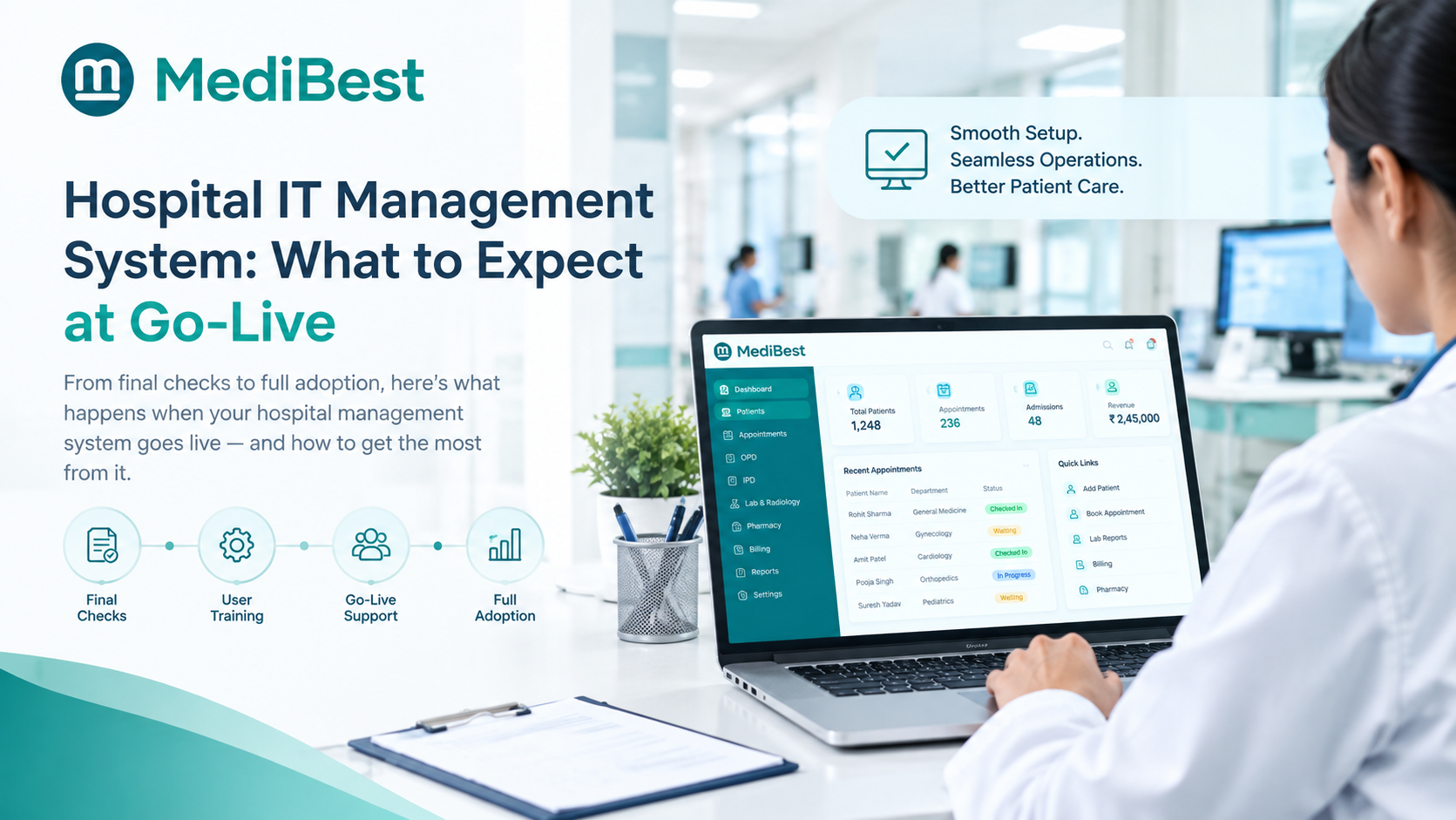
| A rollout that does not stop work | Phased implementation, with go-live typically in four to eight weeks |
| Help when it matters | Tech support built for hospitals that never close |
We believe this combination makes Medibest one of the strongest choices for Indian hospitals preparing for May 2027. Do not take our word for it. Ask our team to walk through the six features above against your own setup, and judge us on what you see.
Frequently Asked Questions
1. Does the DPDP Act apply to hospitals and clinics?
Yes. It covers any organisation that handles the digital personal data of people in India, whatever its size. If your hospital or clinic stores patient details in software, or digitises paper files, the Act applies to you.
2. When must hospitals comply with the DPDP Act?
The Rules were notified in November 2025, and the core duties apply from May 2027. Because a shorter timeline has been discussed, hospitals should start preparing now.
3. Can a hospital process patient data without consent?
In limited cases, yes. The Act allows it in medical emergencies and a few other situations. For routine care, a clear notice with recorded consent is the safer route. Your legal advisor should confirm the basis for each workflow.
4. What must a hospital do after a patient data breach?
Tell the affected patients and report to the Data Protection Board. A detailed report is due within seventy-two hours, so your system should help you gather facts fast.
5. Is ABDM compliance the same as DPDP compliance?
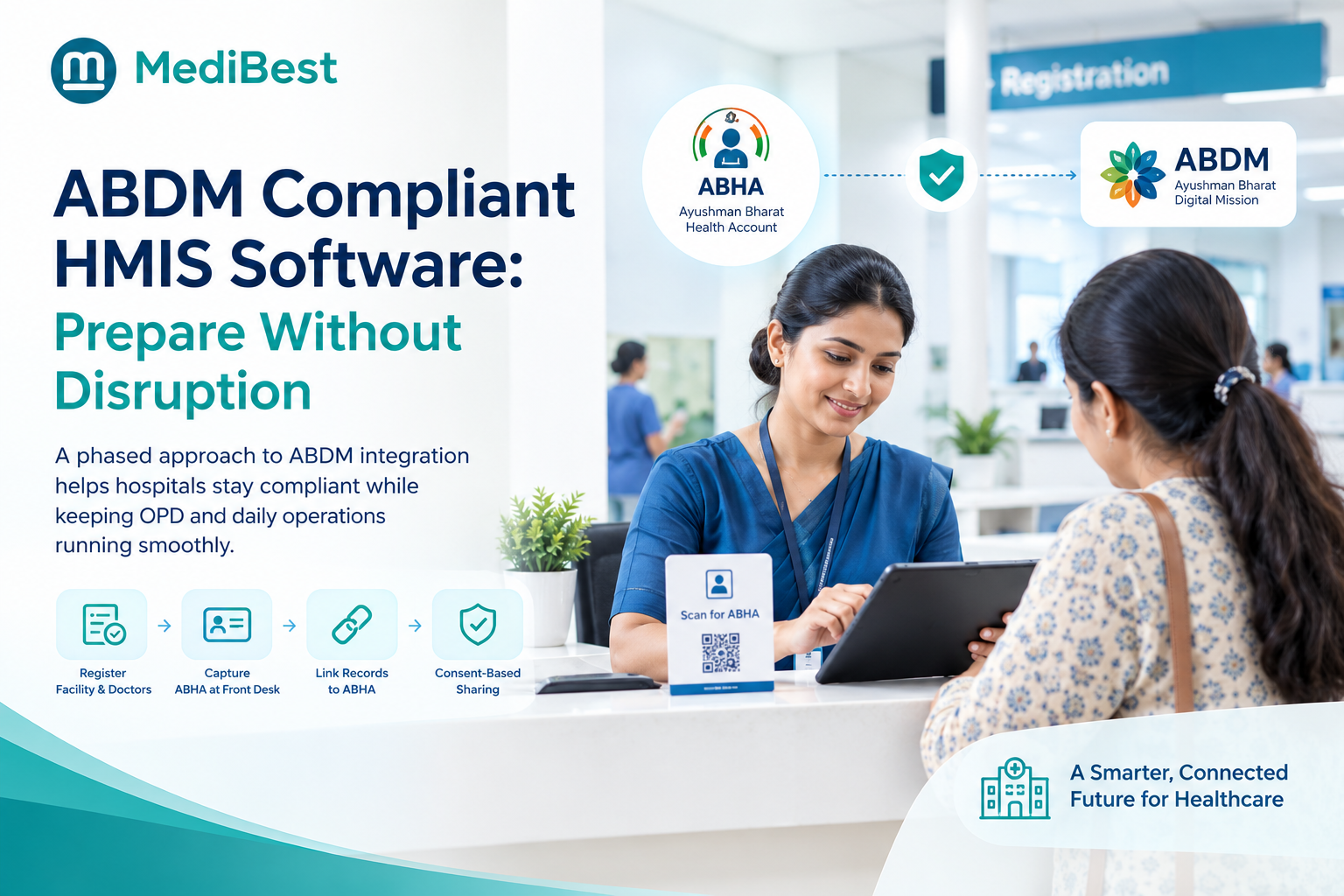
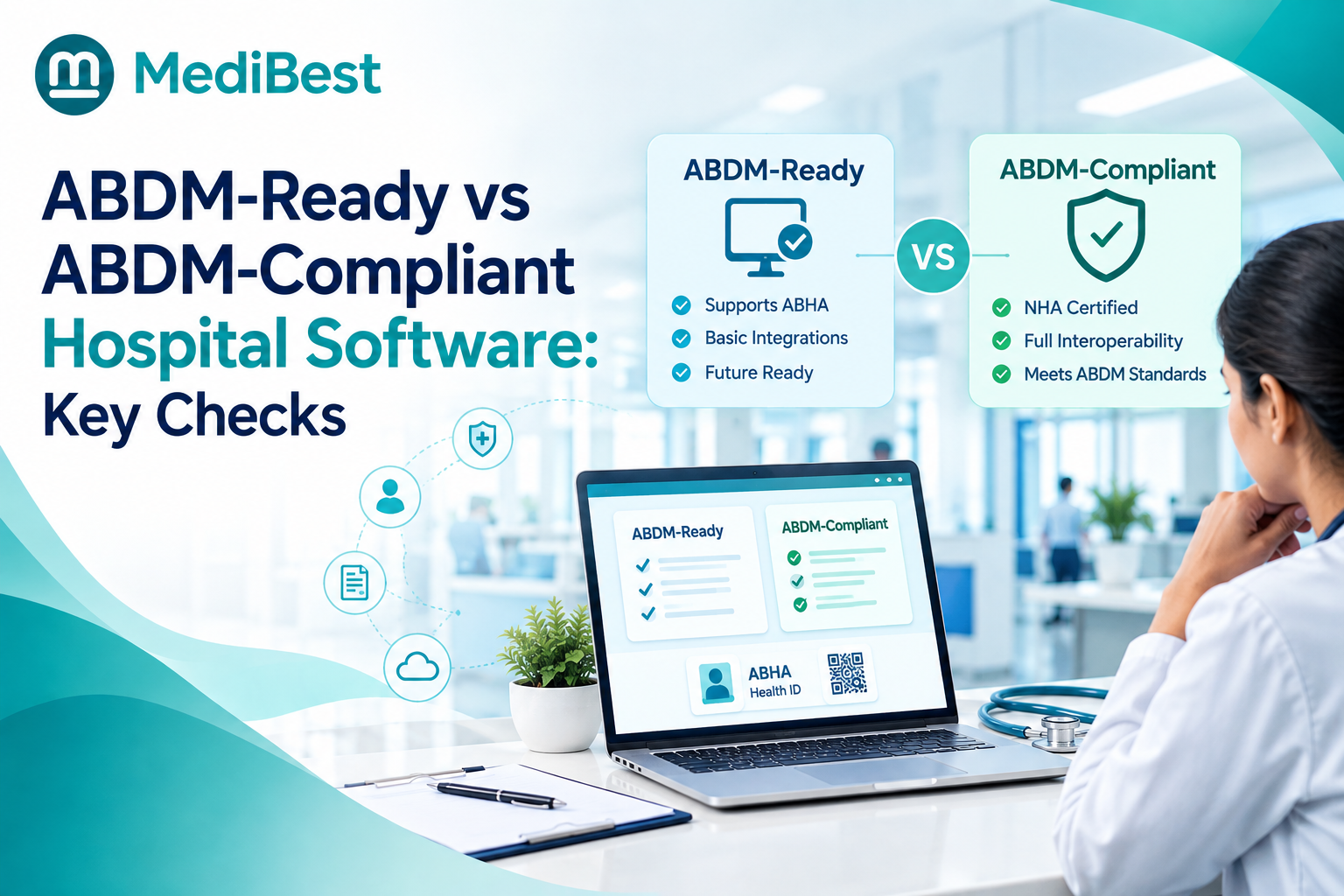
No. ABDM sets standards for sharing health records through ABHA, while DPDP is a national law covering all personal data your hospital handles. ABDM-ready software helps with consent-based sharing, but you still need security, breach and rights controls.
6. Can patients ask a hospital to delete their records?
They can request erasure, but you may keep records that other laws require. Your software should apply retention rules by record type and log each decision.
Conclusion
DPDP readiness is not a one-time project. It is a set of daily habits built into the software your staff already uses: clear consent, tight access, safe storage, fast breach response and respect for patient requests. A healthcare management system that makes these habits automatic protects both patients and your hospital’s reputation. Run the five-minute test, fix the red flags in order, and finish well before May 2027.
Ready to find out where your hospital stands?