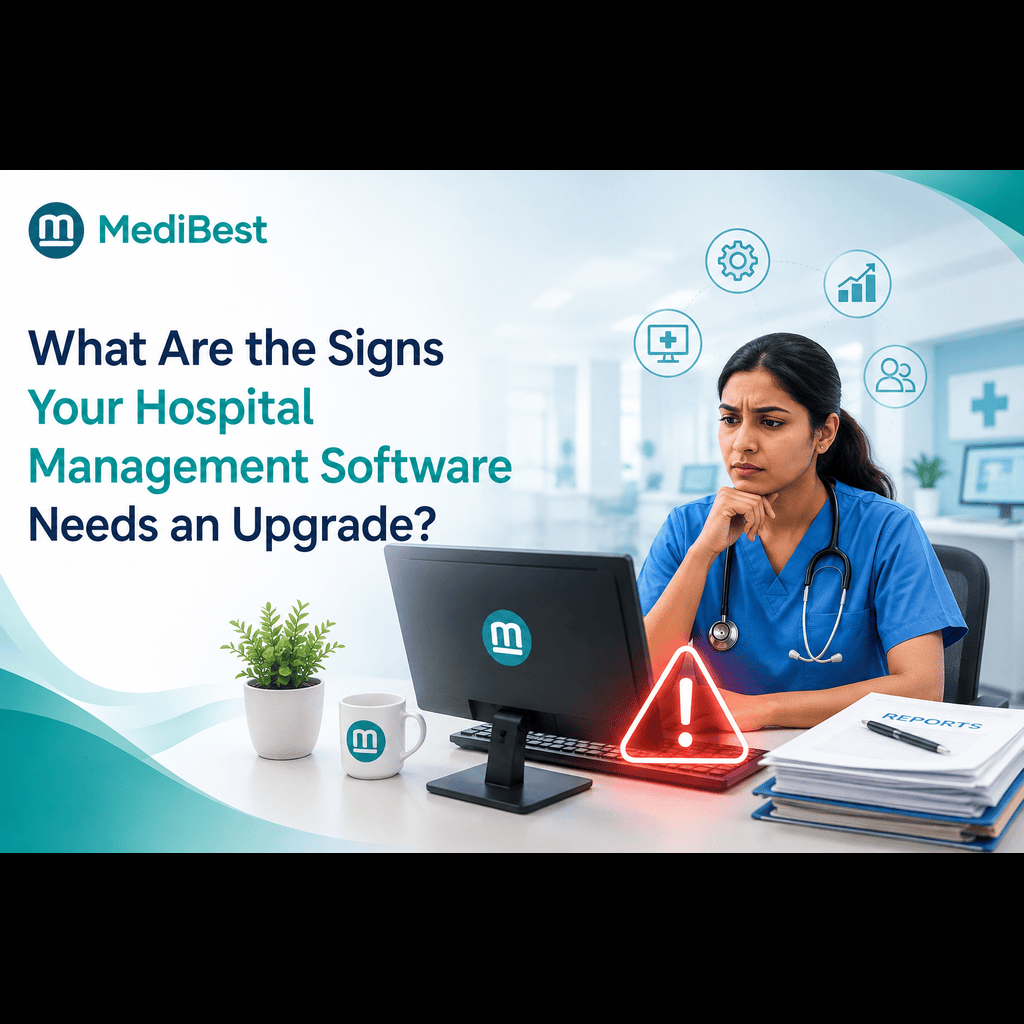
The clearest signs a hospital management software needs an upgrade are frequent system slowdowns, staff building manual workarounds, poor integration with newer tools, and reporting that takes hours instead of minutes. When any of these become a daily pattern rather than an occasional glitch, the software has stopped keeping pace with how the hospital actually operates. Most hospitals don’t notice this shift happening gradually. They notice it one frustrated staff member, one billing error, or one missed compliance deadline at a time.
Hospitals rarely wake up one day and decide their software is outdated. It happens slowly, a slow login screen here, a report that used to take ten minutes now taking an hour, a new compliance requirement the old system simply can’t handle. By the time leadership notices the pattern, staff have often already built workarounds that hide the real cost of an aging system. Recognizing these signs early, before they compound into bigger operational problems, is the difference between a planned upgrade and a forced, chaotic one.
Here’s what to watch for with your current hospital management system software.
1. Staff Are Building Manual Workarounds
This is usually the earliest and most reliable warning sign. When a system can’t handle a task properly, people find ways around it, and those workarounds quietly become normal.
- Staff keeping parallel spreadsheets because a report doesn’t show what they need
- Manual double-entry between systems that should be integrated
- Sticky notes or side channels replacing features the software should be handling
If your team has quietly built an informal system alongside the official one, that’s not staff being resourceful. That’s the software failing to do its job.
2. The System Slows Down During Peak Hours
A hospital’s busiest hours are exactly when software needs to perform reliably. If your healthcare management software consistently lags, freezes, or times out during high patient volume, that’s a scalability problem, not a minor inconvenience.
- Registration desks backing up because the system can’t process admissions fast enough
- Lab results delayed due to system lag, not actual testing time
- Billing terminals timing out during shift changes
Performance issues that only show up under load tend to get dismissed as one-off glitches. They’re rarely isolated, and they get worse as patient volume grows.
3. Reporting Takes Hours Instead of Minutes
Modern software for healthcare management should generate reports in a few clicks. If your administrative team is still manually compiling data from multiple sources or spending hours building monthly reports, the system’s reporting layer hasn’t kept up with what a hospital actually needs today.
- Leadership waiting days for occupancy or revenue reports
- No real-time dashboard for key metrics like bed availability or department performance
- Reports requiring manual cross-referencing across separate modules
This isn’t just an inconvenience. Delayed data means delayed decisions, and in a hospital, that has real operational cost.
4. It Doesn’t Integrate With Newer Tools and Systems
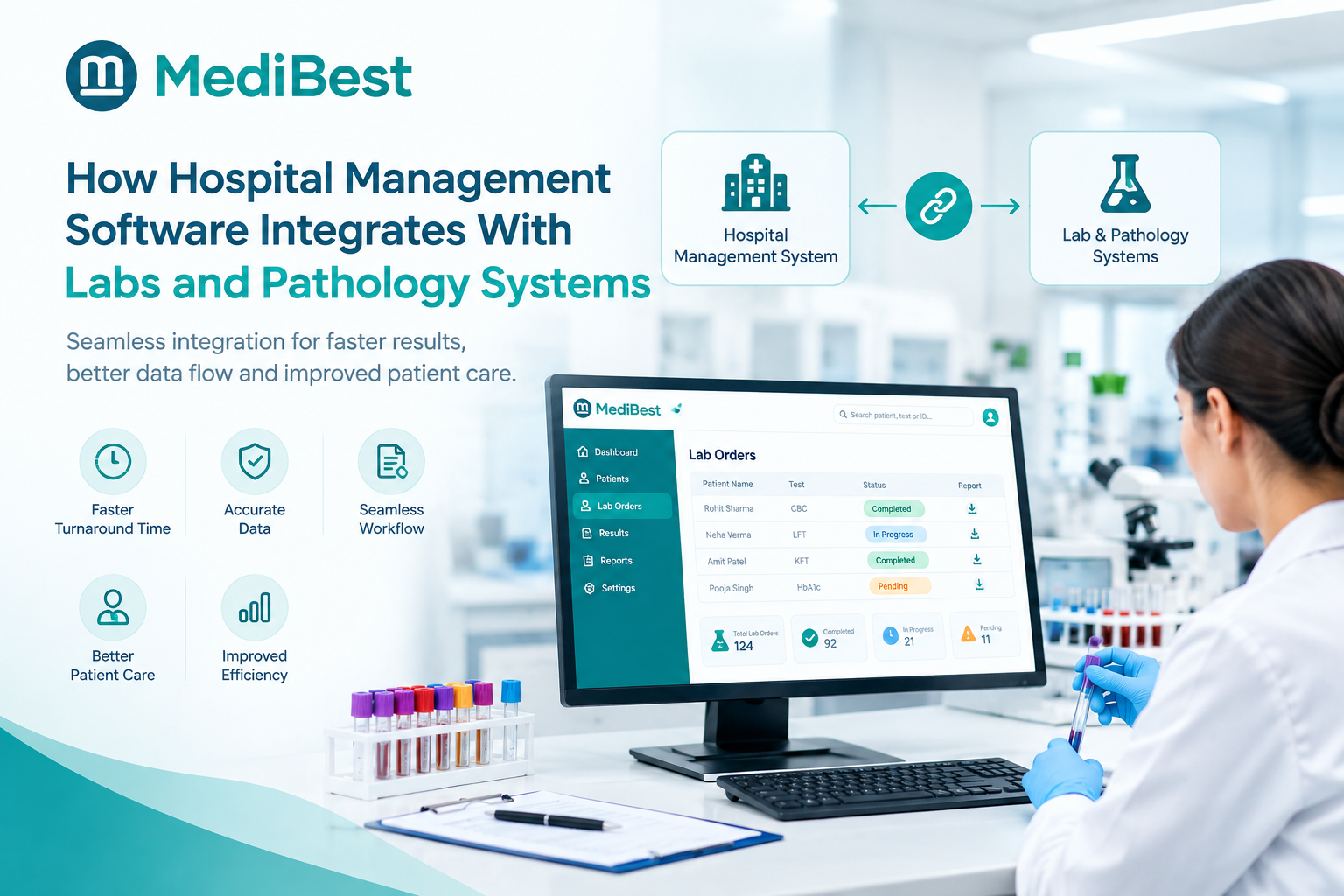
Healthcare technology has moved fast. Diagnostic equipment, pharmacy systems, and even patient communication tools increasingly expect to connect directly with the hospital’s core software. If your current system can’t integrate with these newer tools without manual data transfer, it’s becoming an isolated island in an increasingly connected environment.
- No API or integration support for newer diagnostic equipment
- Pharmacy or lab systems operating separately from the core platform
- No support for patient-facing tools like appointment apps or telemedicine
5. Compliance Requirements Are Getting Harder to Meet
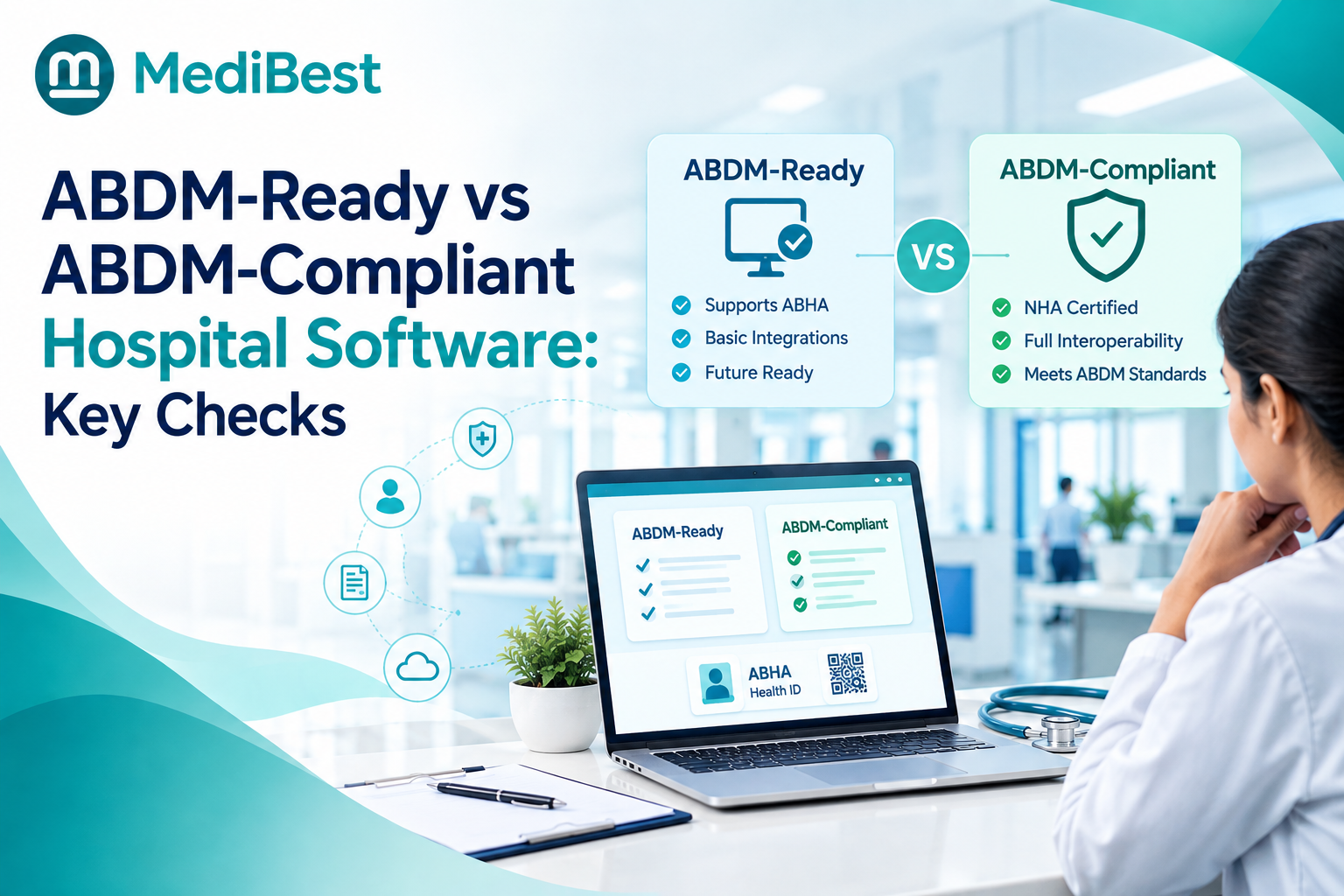
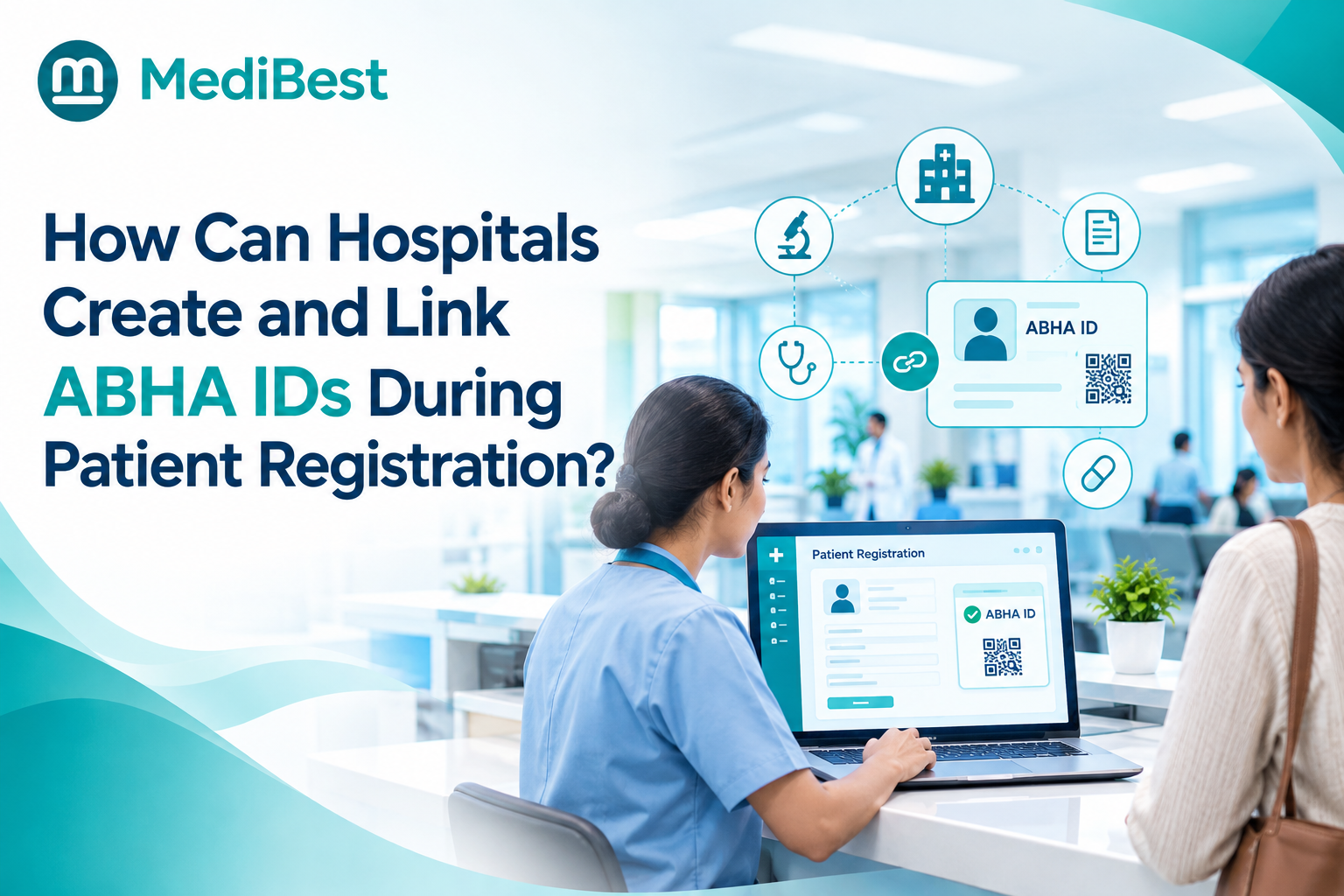
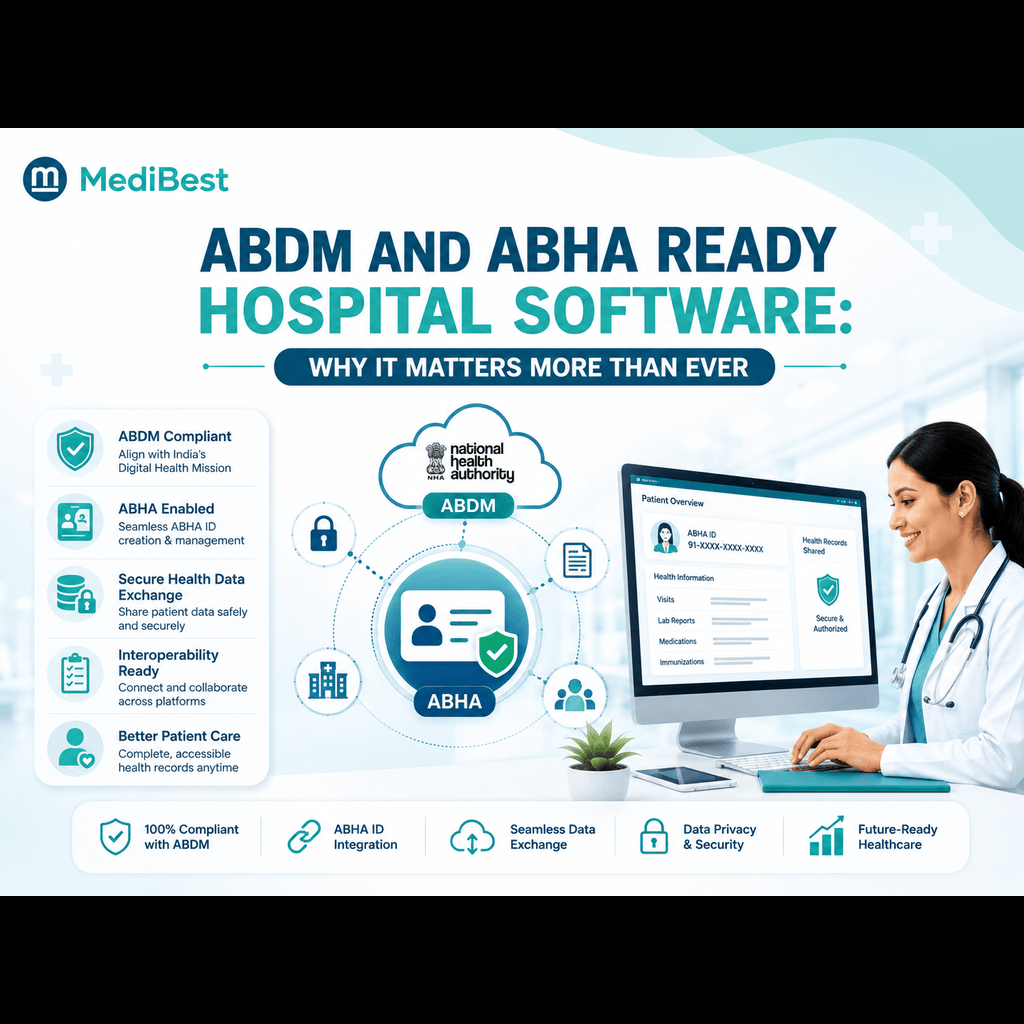
This is one of the most urgent signs, especially for hospitals in India. If your system struggles to support ABDM and ABHA-linked interoperability, or can’t produce the documentation needed for NABH accreditation without heavy manual effort, it’s not just outdated, it’s a compliance risk.
- Manual work required to generate ABDM-compliant records
- Difficulty producing audit trails for NABH documentation
- No built-in support for evolving data protection requirements
Compliance standards keep evolving, and software that can’t evolve with them puts the hospital at genuine legal and operational risk.
6. Support Response Times Have Gotten Worse (or Stopped Entirely)
Sometimes the software itself isn’t the only problem, the vendor behind it has quietly stopped investing in it. Watch for:
- Slower response times on support tickets than in previous years
- No new feature updates or security patches in a long time
- Vendor pushing hospitals toward a newer product instead of maintaining the current one
If you’re seeing this pattern, it’s worth revisiting how to properly evaluate a vendor’s support commitment before deciding whether to stick with your current provider or move on.
7. Staff Frequently Complain About the Interface
Frontline feedback is one of the most honest indicators available. If nurses, doctors, and administrative staff regularly describe the system as clunky, slow, or confusing, that frustration has a real cost in training time, errors, and staff morale.
- New hires taking unusually long to get comfortable with the system
- Repeated complaints about the same specific features
- Staff actively avoiding certain modules in favor of manual processes
8. The System Can’t Support Growth Plans
If your hospital is planning to add departments, open a new branch, or simply grow patient volume, and your current software can’t scale to match, that’s a structural limitation, not a feature gap. A system that requires a complete rebuild every time the hospital grows is a long-term cost, not a one-time inconvenience.
Upgrade Signs
| Sign | What It Looks Like | Risk If Ignored |
| Manual workarounds | Parallel spreadsheets, double entry | Data inconsistency, wasted staff time |
| Peak-hour slowdowns | System lag during busy shifts | Delayed patient care, billing backlogs |
| Slow reporting | Hours instead of minutes | Delayed leadership decisions |
| Poor integration | No connection to newer tools | Isolated data, manual transfers |
| Compliance strain | Manual ABDM/NABH documentation | Legal and audit risk |
| Weak vendor support | Slower response, no updates | Prolonged downtime during issues |
| Staff frustration | Frequent complaints, avoidance | Higher training cost, more errors |
| No scalability | Can’t support growth plans | Costly rebuild later |
Frequently Asked Questions
1. How often should hospitals evaluate whether their HMS needs an upgrade?
An annual review is a reasonable baseline, though hospitals experiencing rapid growth or new compliance requirements should assess more frequently, since gaps tend to surface faster under those conditions.
2. Is it better to upgrade an existing system or switch vendors entirely?
It depends on whether the core architecture can support modern needs. If integration, compliance, and scalability issues are structural, a vendor switch often makes more sense than repeatedly patching an outdated system.
3. What’s the first sign hospitals usually notice when software becomes outdated?
Staff-created workarounds are typically the earliest sign, since employees tend to quietly compensate for software gaps long before leadership notices a formal complaint.
4. Can outdated hospital software actually affect patient safety?
Yes. Slow systems during peak hours, delayed lab results, and fragmented patient records all directly increase the risk of errors that affect patient care.
5. Does Medibest help hospitals transition from outdated systems?
Yes. Medibest’s implementation team works specifically with hospitals migrating from legacy systems, handling data transfer and staff training as part of the transition process.
Recognizing the Signs Before They Become a Crisis
Software doesn’t fail all at once. It degrades slowly, through workarounds, slowdowns, and mounting compliance strain, until the cost of staying becomes higher than the cost of upgrading. Hospitals that recognize these signs early get to plan the transition on their own terms. Medibest works with hospital teams to assess exactly where a current system is falling short and what a proper upgrade path looks like, without disrupting daily operations in the process.
Contact Medibest Techserv LLP, to assess whether your current system needs an upgrade, get in touch with our team today.