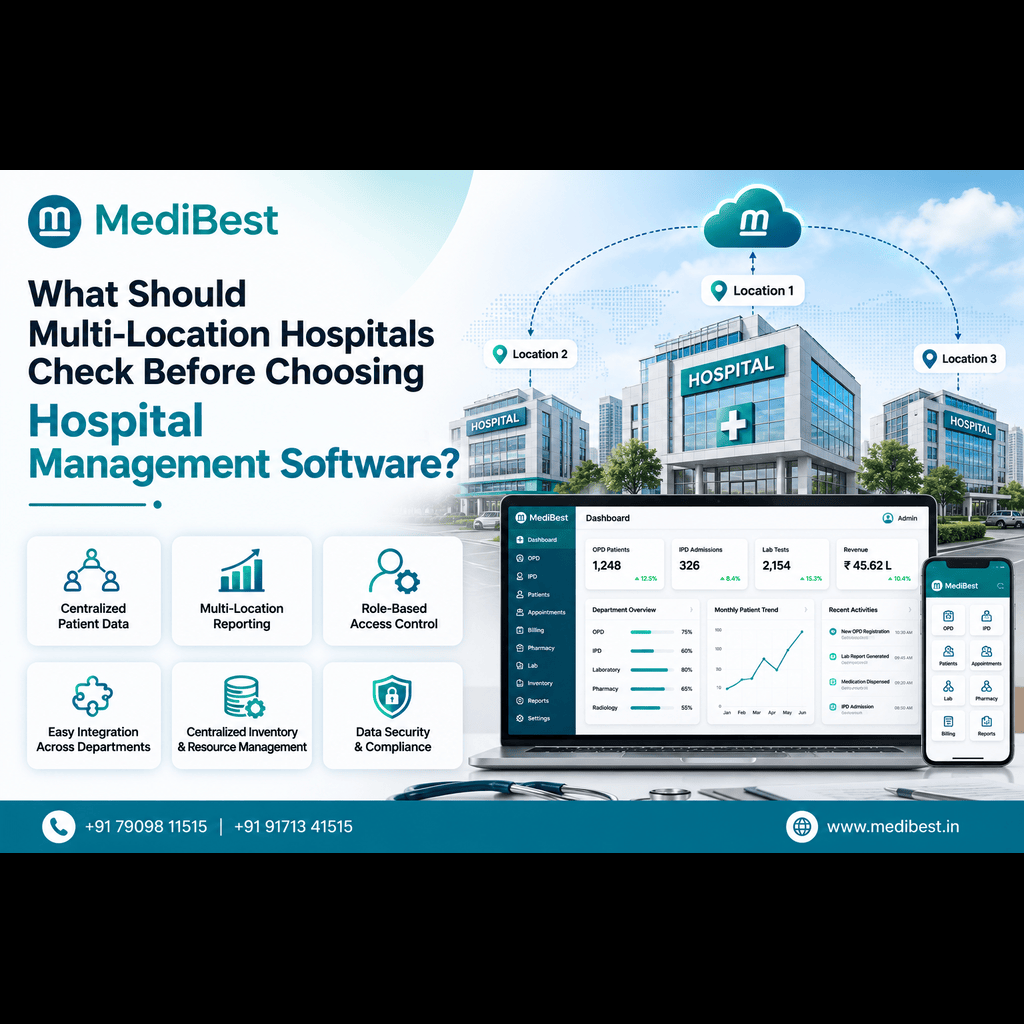
Multi-location hospitals should check for centralized data architecture, real-time inter-branch synchronization, unified patient records, and scalable licensing before choosing hospital management software. Without these four things, a chain ends up running disconnected systems that create duplicate records, billing mismatches, and delayed reporting across branches. The right platform should feel like one hospital operating from many buildings, not many hospitals pretending to be one.
Running a single hospital is complicated enough. Running three, five, or ten locations under one brand multiplies every operational headache: staff scheduling, inventory, patient handoffs, compliance reporting, and financial consolidation all need to work in sync. A software system built for a standalone clinic simply cannot handle that load. This is where chains often make an expensive mistake, picking a tool that looks good on a demo call but breaks down the moment a second or third branch goes live.
Here’s what actually matters when you’re evaluating hospital management system software for a multi-branch setup.
1. Does the System Centralize Data Across All Branches?
This is the single biggest differentiator between software built for one hospital and software built for a network.
- Patient records should be accessible from any branch, not siloed by location
- Doctors should see a patient’s full history even if the last visit was at a different branch
- Admin teams should get consolidated reports without manually combining spreadsheets from each site
If a vendor can’t answer clearly how their platform handles centralized data, that’s a red flag before anything else gets discussed.
2. Can It Handle Real-Time Synchronization?
A patient checked in at Branch A should not vanish from the system when a doctor at Branch B pulls up their file an hour later. Real-time sync between locations affects everything from bed availability to pharmacy stock to lab result sharing. Delayed or batch-processed syncing (updates that only happen overnight) creates gaps that directly affect patient safety and staff efficiency.
3. Is the Licensing Model Built to Scale?
Many hospitals start with two or three branches and expand faster than expected. Before signing anything, ask:
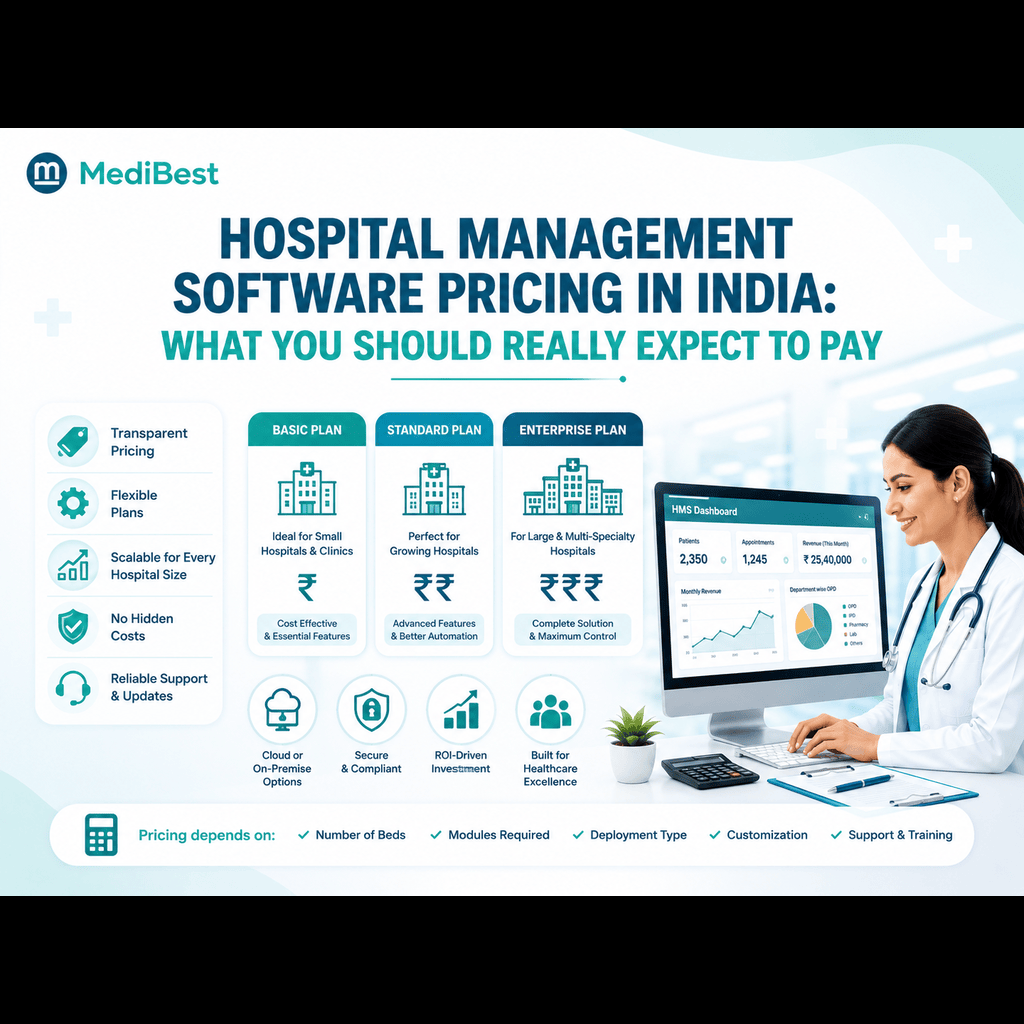
- Is pricing per-branch, per-user, or per-bed?
- Does adding a new location require a fresh implementation, or does it plug into the existing setup?
- Are there hidden costs for data migration when a new branch goes live?
A software for healthcare management platform that scales cleanly saves significant time and cost as the network grows. One that doesn’t will quietly become the most expensive line item in your IT budget.
4. Does It Support Role-Based Access Control Across Locations?
Multi-location hospitals need granular permission structures. A branch manager shouldn’t have the same access as a network-wide administrator, and a nurse at one site shouldn’t be able to edit billing records at another. Look for systems that let you define roles by branch, department, and designation, not just a single blanket permission level for the whole organization.
5. How Strong Is Its Reporting and Analytics Layer?
Leadership at a hospital chain needs to compare performance across branches: occupancy rates, revenue per department, average patient wait times, and staff productivity. This is only possible if the underlying healthcare management software consolidates data automatically instead of requiring manual exports from each site every month.
A good system should let you:
- Pull comparative reports across branches in a few clicks
- Track KPIs by location, doctor, or department
- Export data in formats your finance and compliance teams already use
6. Does It Meet Indian Compliance and Interoperability Standards?
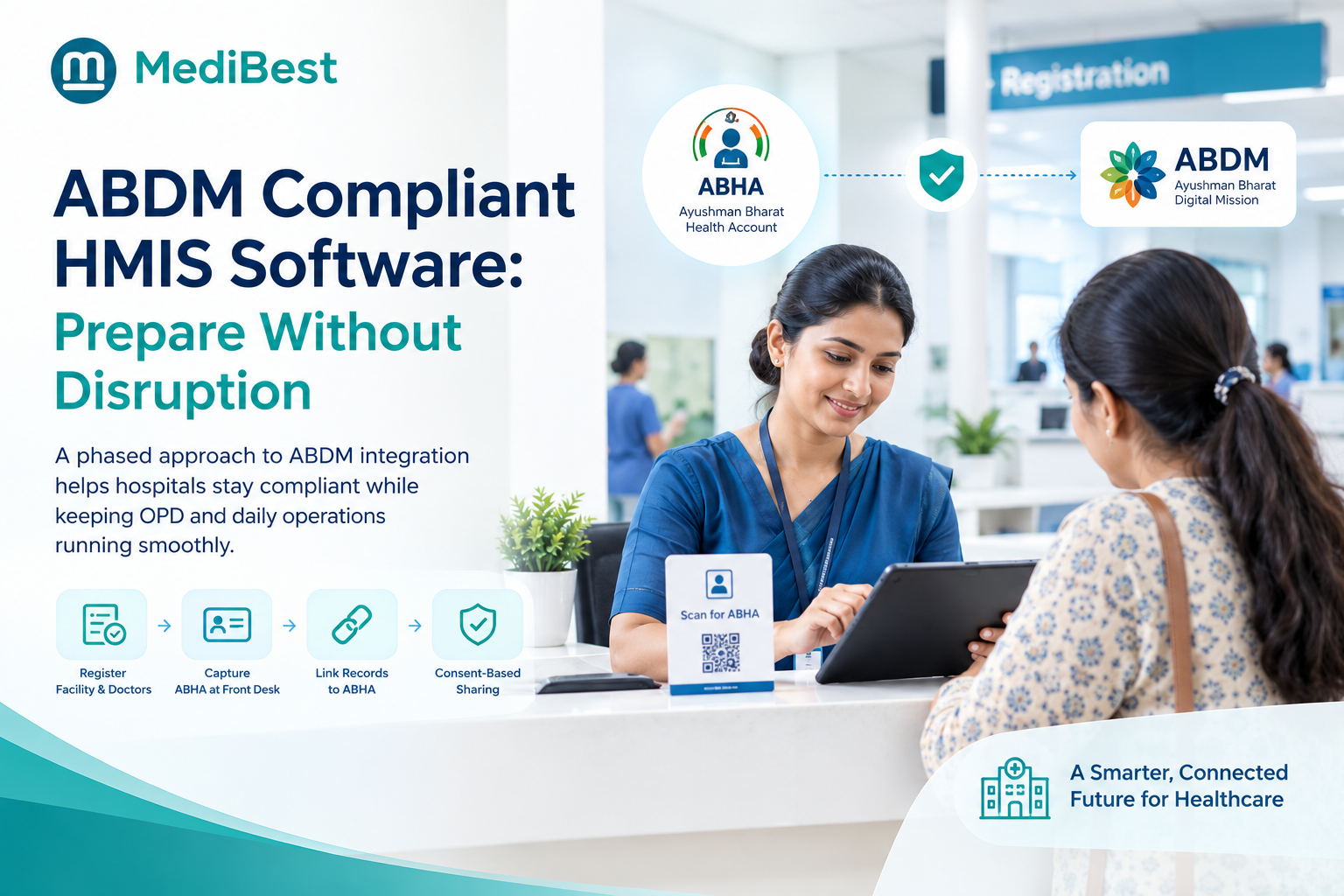
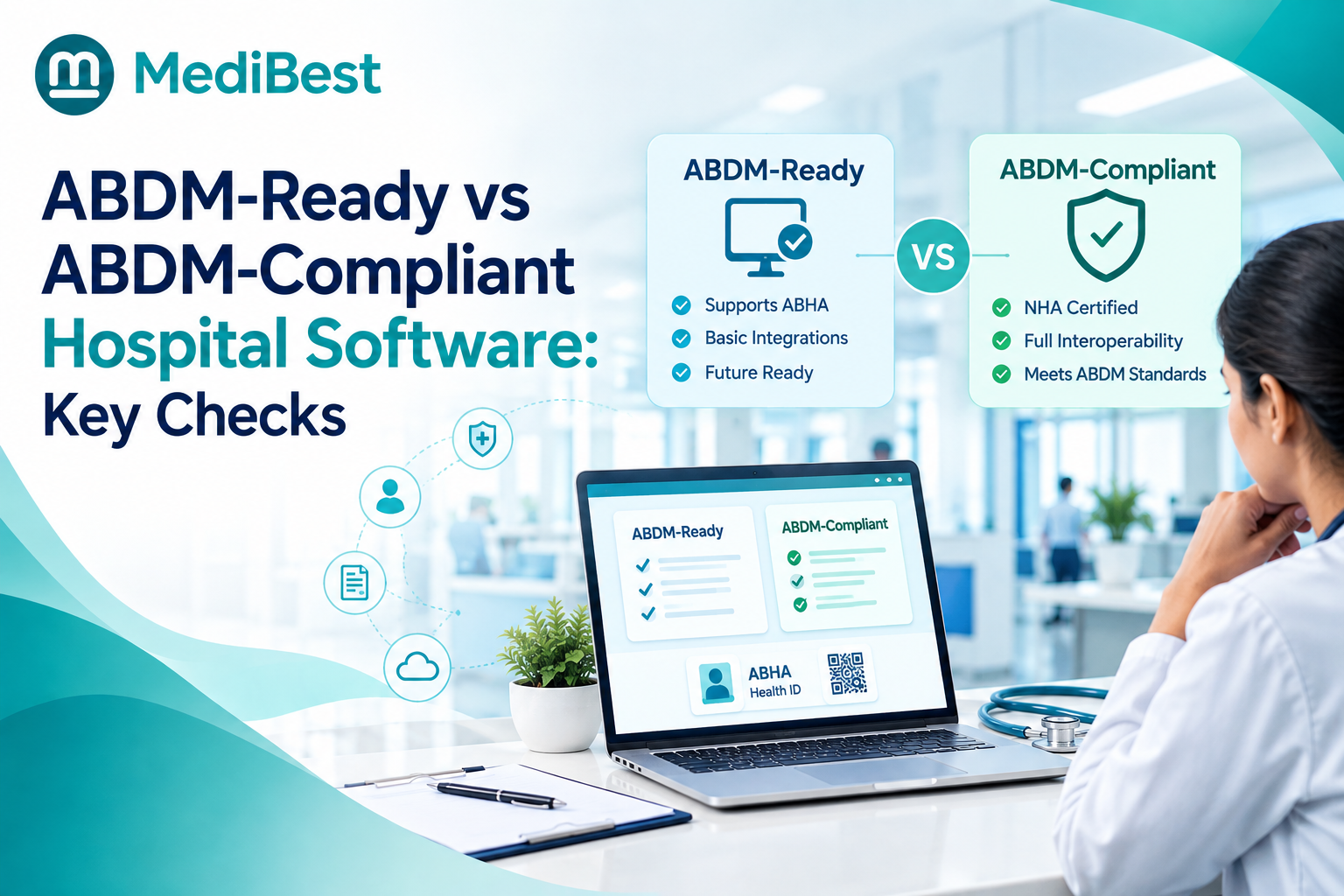
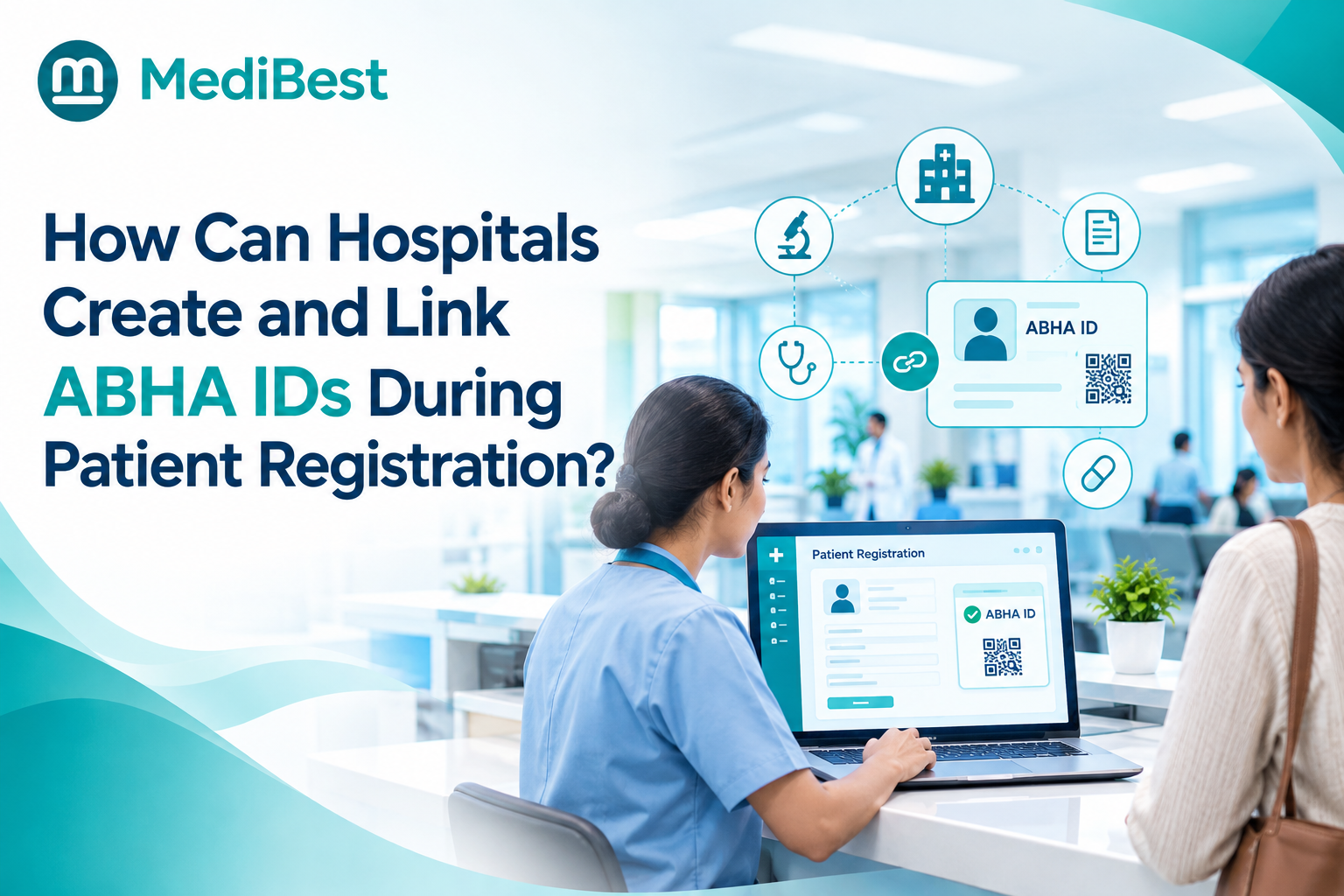
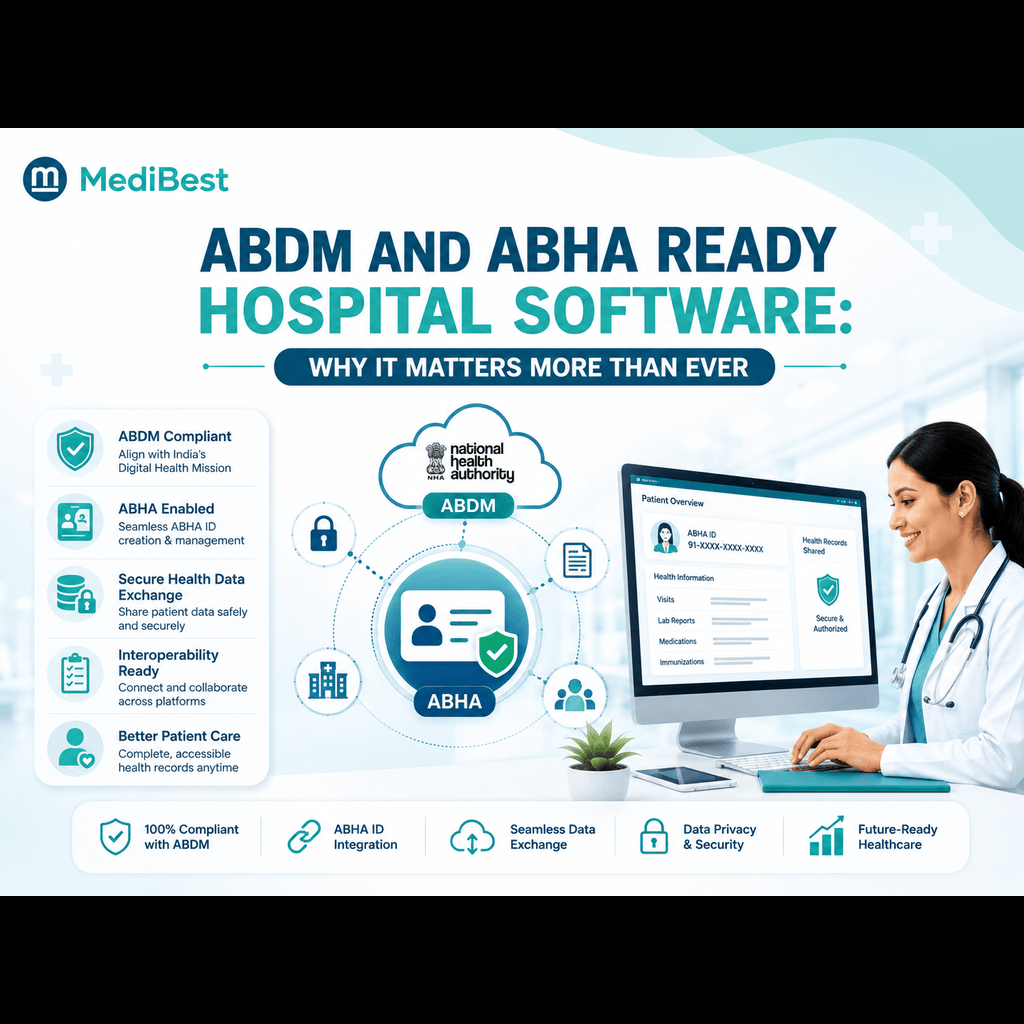
For hospitals operating in India, compatibility with ABDM (Ayushman Bharat Digital Mission) and ABHA-linked record systems is becoming less optional every year. Check whether the vendor’s system supports interoperability standards, NABH documentation requirements, and secure data handling across states if your branches span more than one region.
7. What Does Implementation and Support Look Like Across Multiple Sites?
Rolling out software across one location is manageable. Rolling it out across five locations simultaneously, each with different staff, workflows, and infrastructure, is a different challenge entirely. Ask potential vendors:
- Do they provide on-site training for each branch or only centralized onboarding?
- What’s the support turnaround time if a branch-specific issue comes up?
- Is there a dedicated account manager for multi-location clients, or does every branch raise separate tickets?
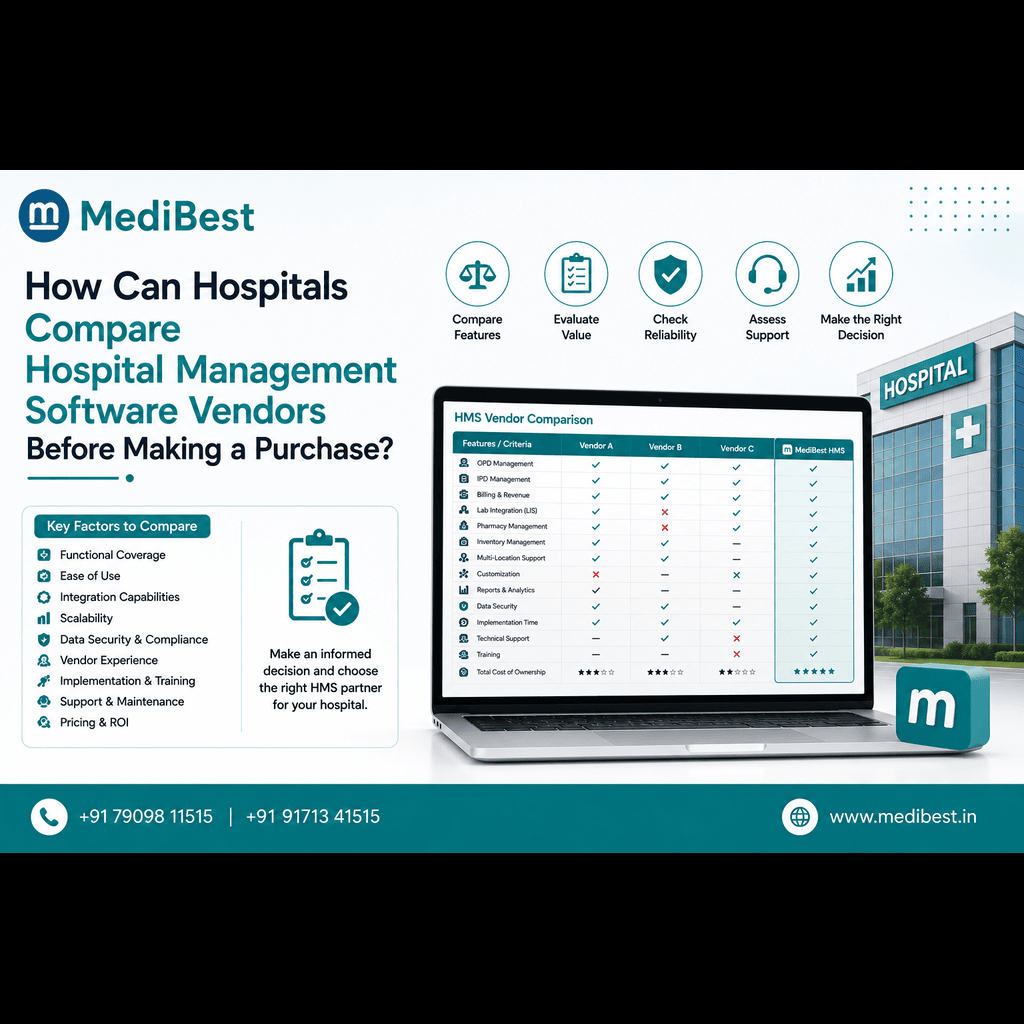
This is often where chains discover the real difference between vendors who sell software and vendors who understand hospital operations. If you’re comparing vendors on this specific point, our breakdown on how to choose the right hospital management software vendor walks through the right questions to ask during vendor evaluation calls.
8. Can the System Handle Department-Level Complexity at Every Branch?
Not every branch of a hospital chain runs identical departments. One location might have a full-scale ICU and diagnostics lab, while another is a smaller outpatient center. The software should flex to each branch’s actual service lines rather than forcing a one-size-fits-all module structure onto every site. This matters especially for hospital management software solutions in Indore-based chains expanding into smaller towns with leaner facility setups.
A Quick Comparison: Single-Branch vs Multi-Branch Requirements
| Requirement | Single-Branch Hospital | Multi-Location Hospital Chain |
| Patient records | Local storage sufficient | Centralized, accessible network-wide |
| Reporting | Single dashboard | Cross-branch comparative analytics |
| User roles | Basic access levels | Branch-specific + network-wide roles |
| Licensing | Fixed cost | Scalable, per-branch or per-bed |
| Compliance | Single-site NABH/ABDM checks | Multi-site, possibly multi-state compliance |
| Support | Single point of contact | Dedicated account management |
Frequently Asked Questions
1. What’s the biggest mistake hospital chains make when choosing HMS?
Choosing software that works well for one branch and assuming it will scale automatically. Most single-site tools aren’t built for centralized data or multi-branch reporting, and chains discover this only after rollout has already started.
2. Can existing single-branch software be upgraded for multi-location use?
Sometimes, but it depends on the vendor’s architecture. Systems built on a centralized cloud model are easier to extend. Systems built on isolated on-premise servers per branch usually require a full migration.
3. How long does implementation take across multiple hospital branches?
It varies by chain size, but a phased rollout, branch by branch, generally works better than a simultaneous go-live across all locations. This reduces disruption to daily operations at any single site.
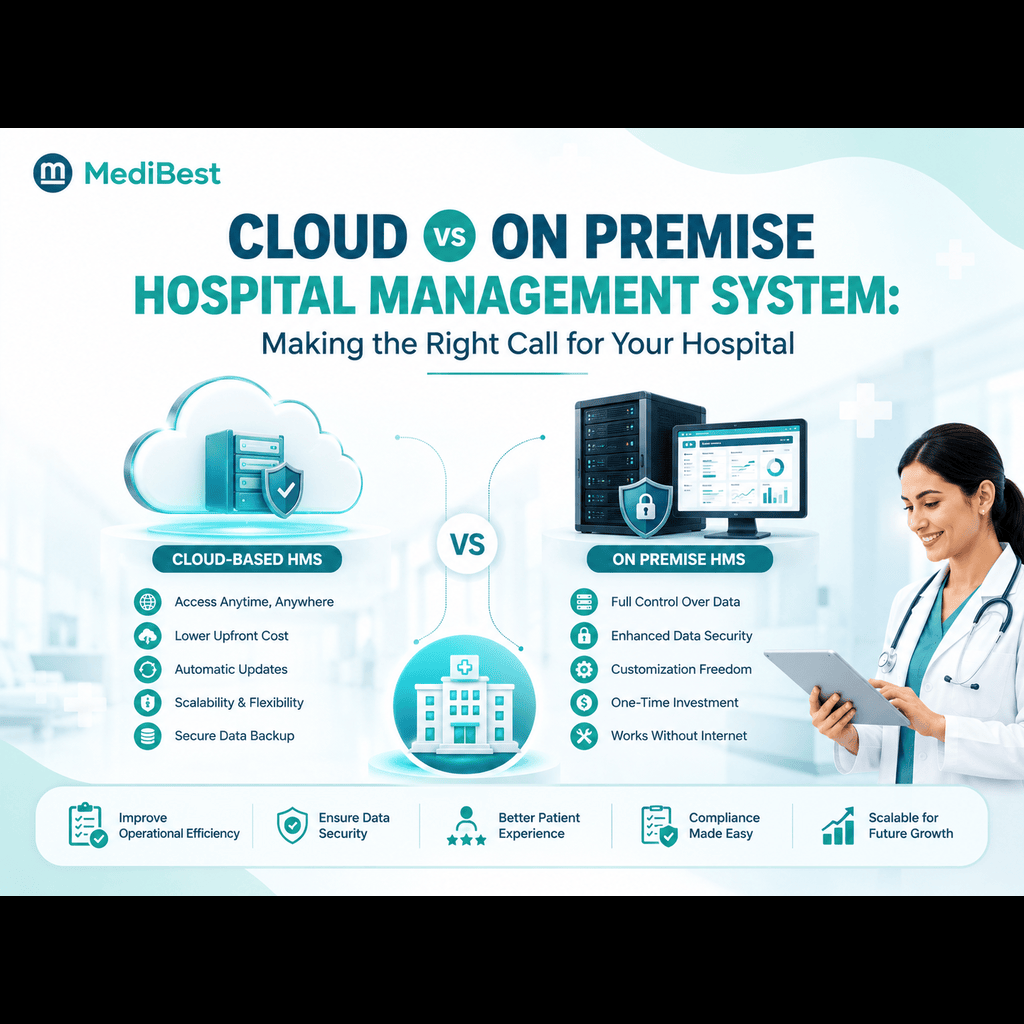
4. Does cloud-based HMS work better than on-premise for multi-location hospitals?
Cloud-based systems generally offer easier centralization, remote access, and lower upfront infrastructure costs per branch, making them a common choice for growing chains. On-premise setups can work but require more IT overhead at each location.
5. Is Medibest’s HMS suitable for hospital chains expanding across Madhya Pradesh?
Yes. Medibest builds its hospital management software with centralized architecture designed to support hospitals expanding across multiple cities, including chains based in and around Indore.
Ready to Explore Your Options?
If your hospital network is exploring the best hospital IT management system software options for an upcoming expansion, Medibest’s team can walk you through how our platform handles multi-branch centralization, compliance, and reporting in a live demo. Reach out to discuss your specific branch structure and get a tailored rollout plan.
Contact Medibest Techserv LLP
For a personalized demo and consultation, get in touch with our team today.