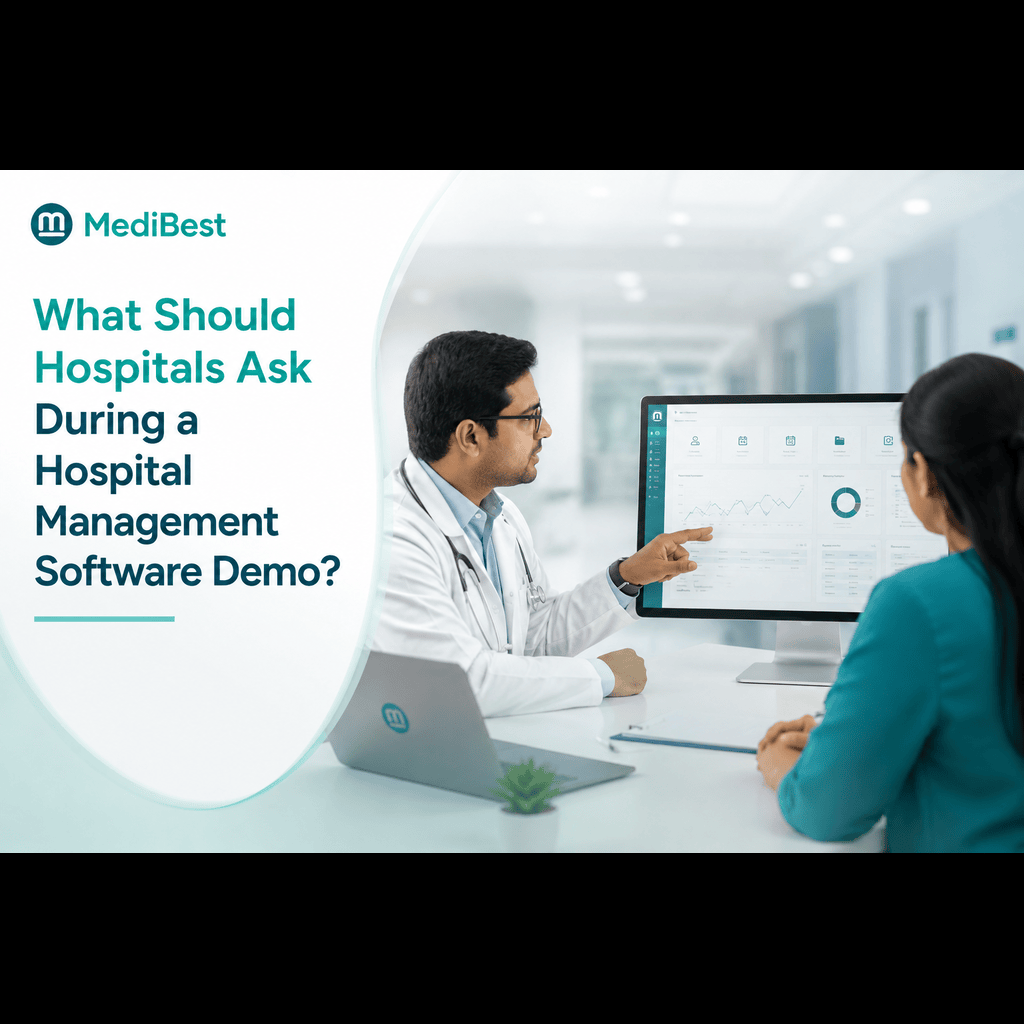
Hospitals should ask about data migration, staff training, module customization, and support response times during a hospital management software demo, not just watch the vendor walk through screens. A demo is designed to show the system at its best. The right questions reveal how it performs under real hospital conditions, with real staff, real patient loads, and real daily pressure. Walking in with a clear list of questions turns a sales presentation into an actual evaluation.
Most hospitals sit through a demo, nod along as the vendor clicks through polished screens, and walk away without the information they actually need to make a decision. The software looks capable, the interface looks clean, and everyone assumes the rest will work itself out during implementation. That assumption is exactly where things go wrong. At Medibest, we’ve sat on both sides of this conversation enough times to know that a good demo should feel less like a sales pitch and more like a working session where you stress-test the platform against your hospital’s actual needs.
Here’s what to ask when evaluating hospital management system software during a demo.
1. Can the System Handle Our Specific Department Workflows?
Generic demos usually show a simplified, best-case version of the software. Push past that.
- Ask the vendor to walk through your hospital’s actual OPD-to-billing workflow, not a generic one
- Request a live demonstration of lab and pharmacy integration, if those are part of your setup
- Ask how the system handles exceptions, like a patient transferred mid-treatment between departments
If the vendor struggles to answer these on the spot, that’s a sign the platform may not be as flexible as the pitch suggests.
2. How Long Does Data Migration Actually Take?
This is one of the most underestimated parts of adopting new healthcare management software. Ask specifically:
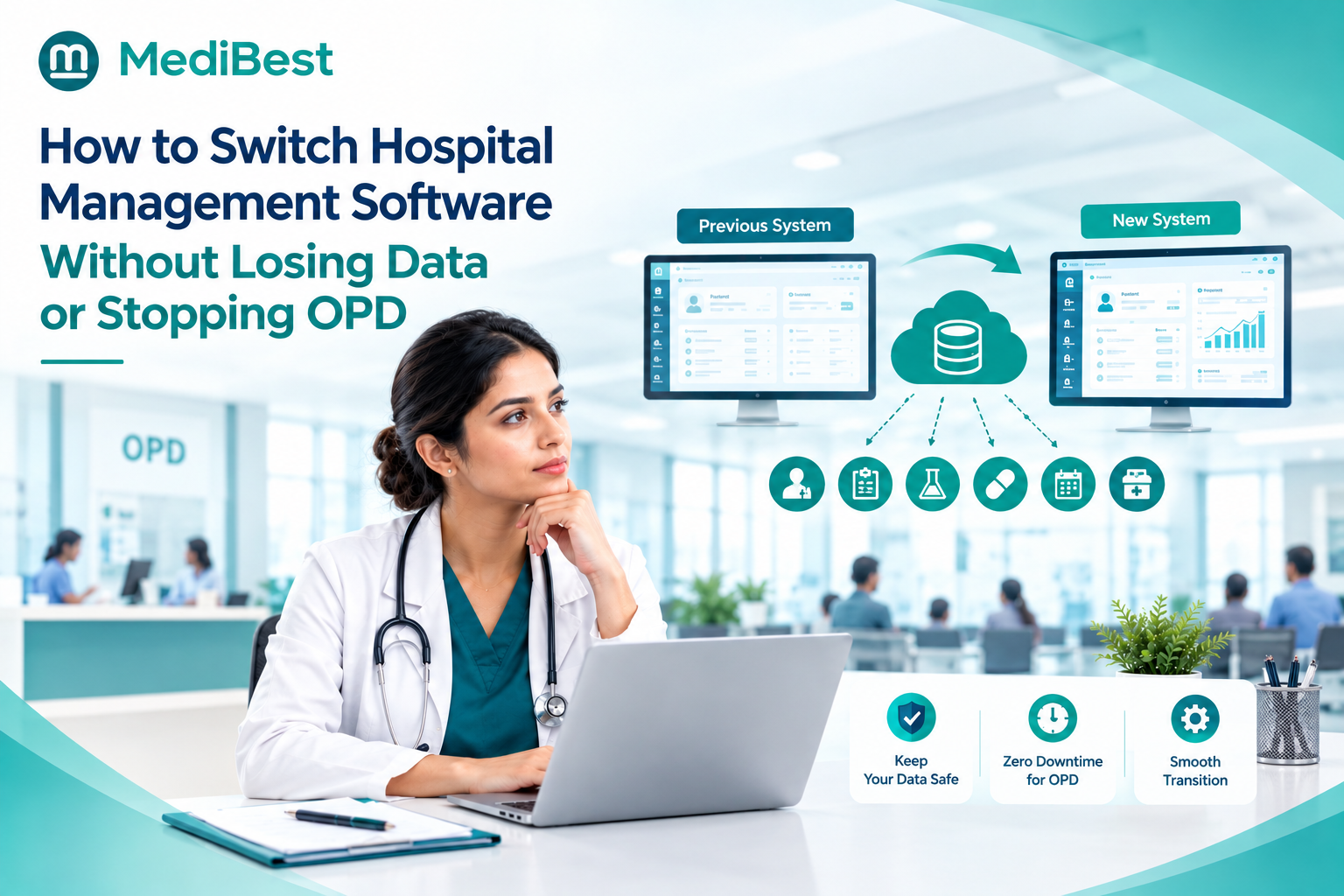
- How is existing patient data migrated from our current system?
- What happens to historical records during the transition period?
- Is there a risk of data loss or duplication, and how is that prevented?
- How long does migration typically take for a hospital of our size?
Vendors who give vague timelines here often underestimate this phase, which later causes delays that affect patient care continuity.
3. What Does Staff Training Actually Look Like?
A powerful system is only as good as the staff’s ability to use it confidently. During the demo, ask:
- Is training on-site, remote, or a mix of both?
- How long does it typically take staff to become comfortable with the interface?
- Is there separate training for different roles, like nurses, billing staff, and lab technicians?
- What refresher resources are available after the initial rollout?
Hospitals that skip detailed training questions often end up with expensive software that staff avoid using properly, defeating the entire purpose of the purchase.
4. Can the Software Be Customized Without Custom Development Costs?
Every hospital has slightly different workflows, and rigid software creates daily friction. Ask the vendor to demonstrate:
- Adding or modifying a form field live during the demo
- Adjusting a workflow step without needing a developer
- Whether customization requests come with additional charges
A flexible software for healthcare management platform should allow reasonable adjustments without turning every small change into a separate billing event. This is one area where Medibest’s approach differs from many vendors, since our implementation team makes these adjustments as part of onboarding rather than treating them as costly add-ons.
5. What Happens When Something Breaks?
Ask this directly, because it’s the question most demos gloss over. Find out:
- What’s the average response time for critical issues, like billing system downtime?
- Is support available 24/7, or only during business hours?
- Is there a dedicated account manager, or do all issues go through a general ticketing system?
- Can they share real examples of how they resolved a major issue for another hospital client?
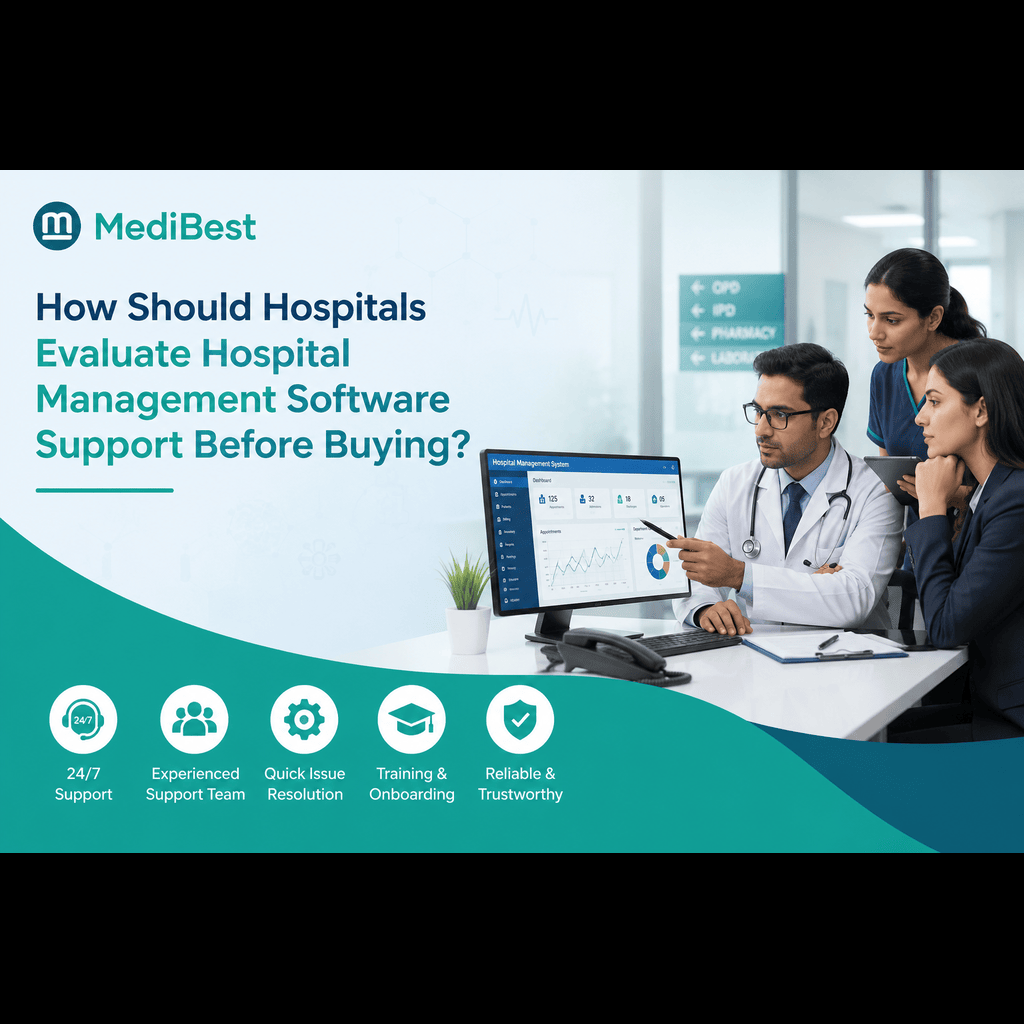
Support quality is where many vendors quietly fall short after the contract is signed, so pressing on this during the demo itself matters more than most hospitals realize.
6. Does It Support Compliance and Interoperability Requirements?
For hospitals in India, this is non-negotiable. Confirm the system supports:
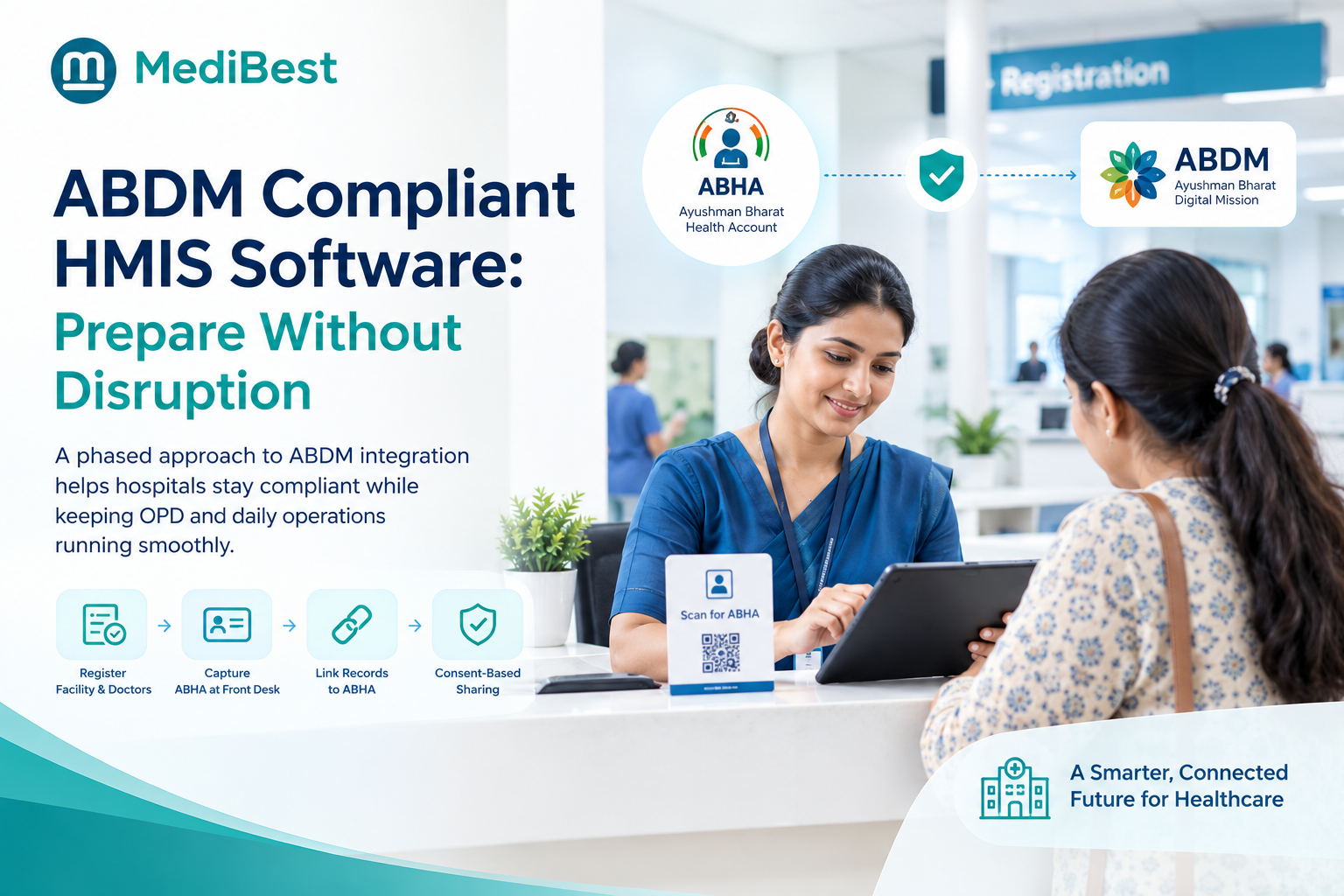
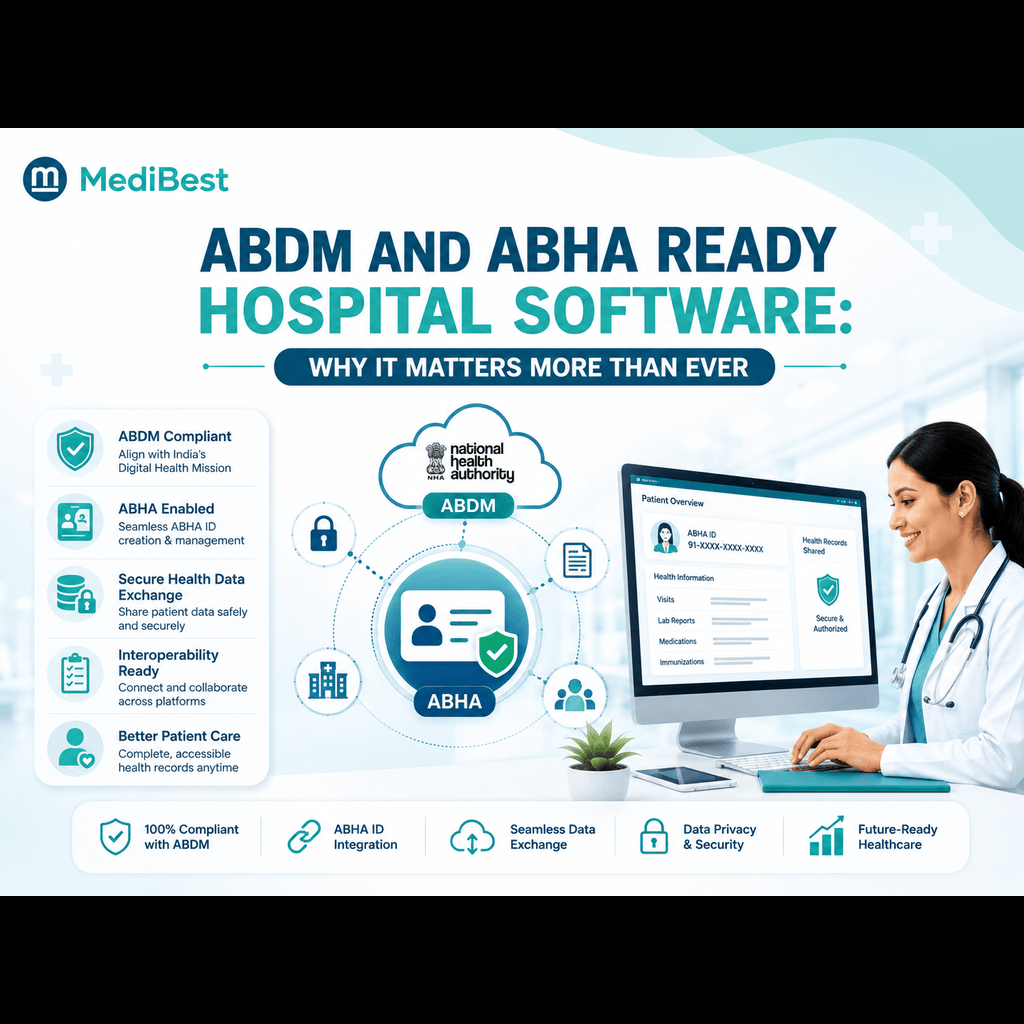
- ABDM and ABHA-linked interoperability
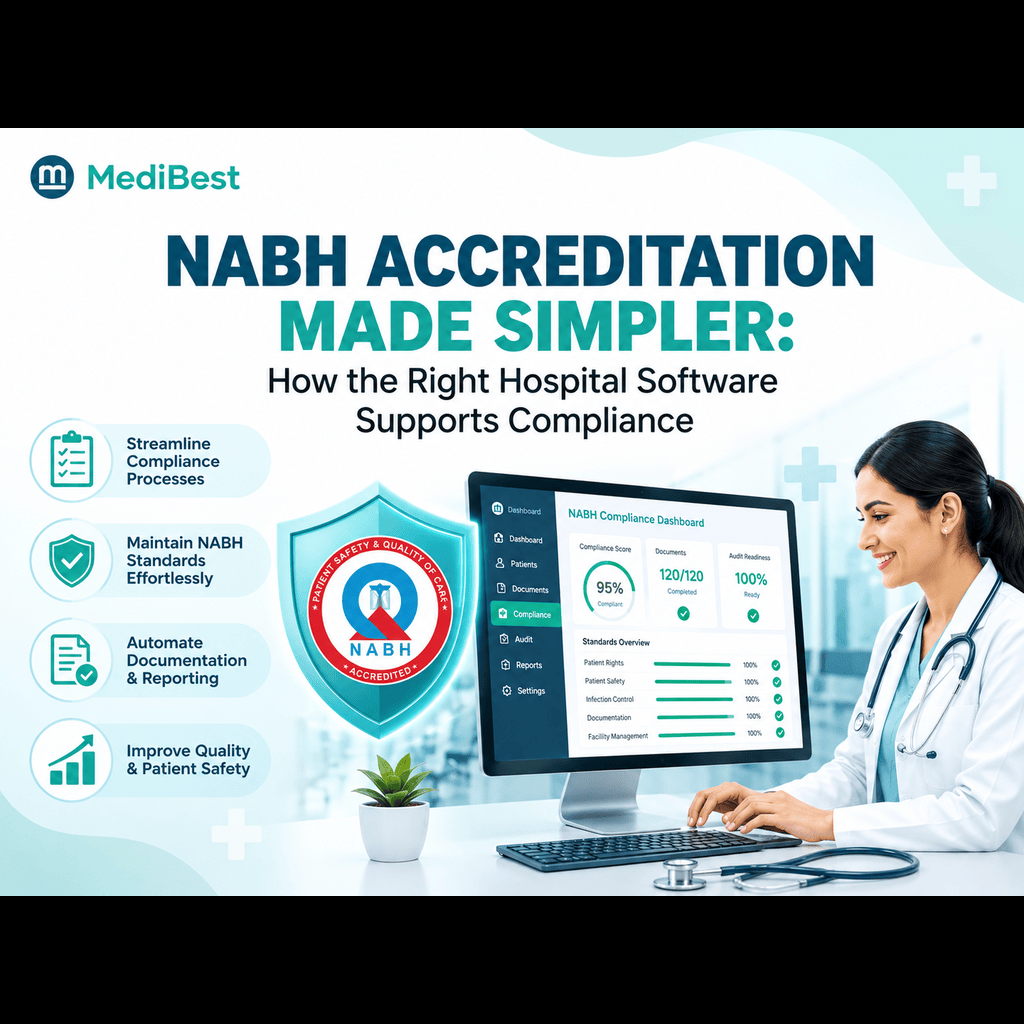
- NABH documentation and audit trail requirements
- Secure role-based access across departments
- Data backup and disaster recovery protocols
Ask the vendor to show, not just describe, how compliance features work inside the actual interface.
7. How Does the System Scale If We Expand?
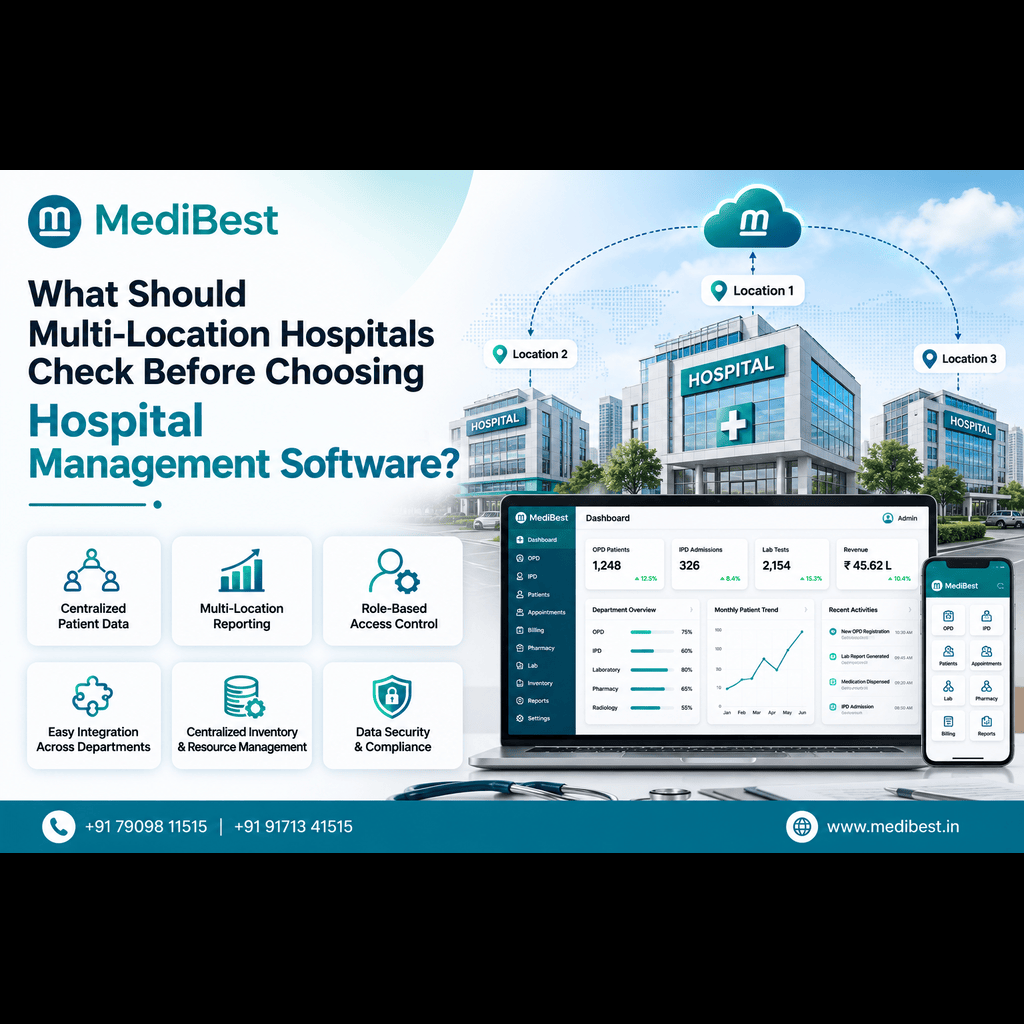
Even if expansion isn’t immediate, ask how the platform handles growth. A system that works well for a single facility but requires a complete overhaul to add a second location becomes a costly problem later. If this is relevant to your hospital’s plans, our earlier piece on what multi-location hospitals should check before choosing HMS breaks down the specific factors that matter for growing hospital networks.
Demo Questions Checklist at a Glance
| Question Area | What to Confirm | Why It Matters |
| Workflow fit | Handles our actual department processes | Avoids mismatched software |
| Data migration | Timeline and data safety | Prevents record loss or delays |
| Training | On-site vs remote, role-specific | Determines actual staff adoption |
| Customization | Live changes without dev costs | Reduces long-term rigidity |
| Support | Response time, dedicated contact | Impacts daily reliability |
| Compliance | ABDM, ABHA, NABH, security | Legal and audit protection |
| Scalability | Growth without full rebuild | Saves future migration cost |
Why This Approach Works Better Than a Standard Sales Demo
A demo is only useful if it answers the questions that actually predict success after implementation. Hospitals that walk in prepared with specific questions about migration, training, support, and compliance walk out with a far clearer picture than those who simply watch a screen share. This is exactly how Medibest structures its hospital management software demos. Instead of a generic script, our team builds the walkthrough around your hospital’s actual department workflows, so your decision makers see precisely how the platform fits daily operations before signing anything.
Frequently Asked Questions
1. What questions should I ask before a hospital software demo even begins?
Ask the vendor to prepare examples specific to your department structure, such as OPD workflows, billing integration, and lab reporting, rather than a generic walkthrough. This ensures the demo reflects how the software will actually be used.
2. How long should a hospital management software demo take?
A thorough demo typically runs sixty to ninety minutes, enough time to walk through core modules and ask detailed follow-up questions without rushing through critical features.
3. Should IT staff or hospital administrators attend the demo?
Both. IT staff can evaluate technical integration and data security, while administrators and department heads can assess whether the workflow matches daily operations.
4. What red flags should hospitals watch for during a demo?
Vague answers about data migration timelines, unclear support response commitments, or an inability to demonstrate live customization are all signs worth taking seriously before moving forward.
5. Does Medibest offer a demo tailored to a hospital’s specific departments?
Yes. Medibest’s demos are built around the hospital’s actual workflow and department mix rather than a generic product walkthrough, so teams can evaluate real fit before deciding.
Ready to See It in Action?
If your hospital is preparing to evaluate HMS medical software options, a well-structured demo is the clearest way to separate genuine fit from a polished sales pitch. Medibest’s team can walk you through a live, department-specific demo built around your hospital’s exact workflow, and answer every question on your evaluation checklist along the way.
Contact Medibest Techserv LLP, For a personalized demo, get in touch with our team today.