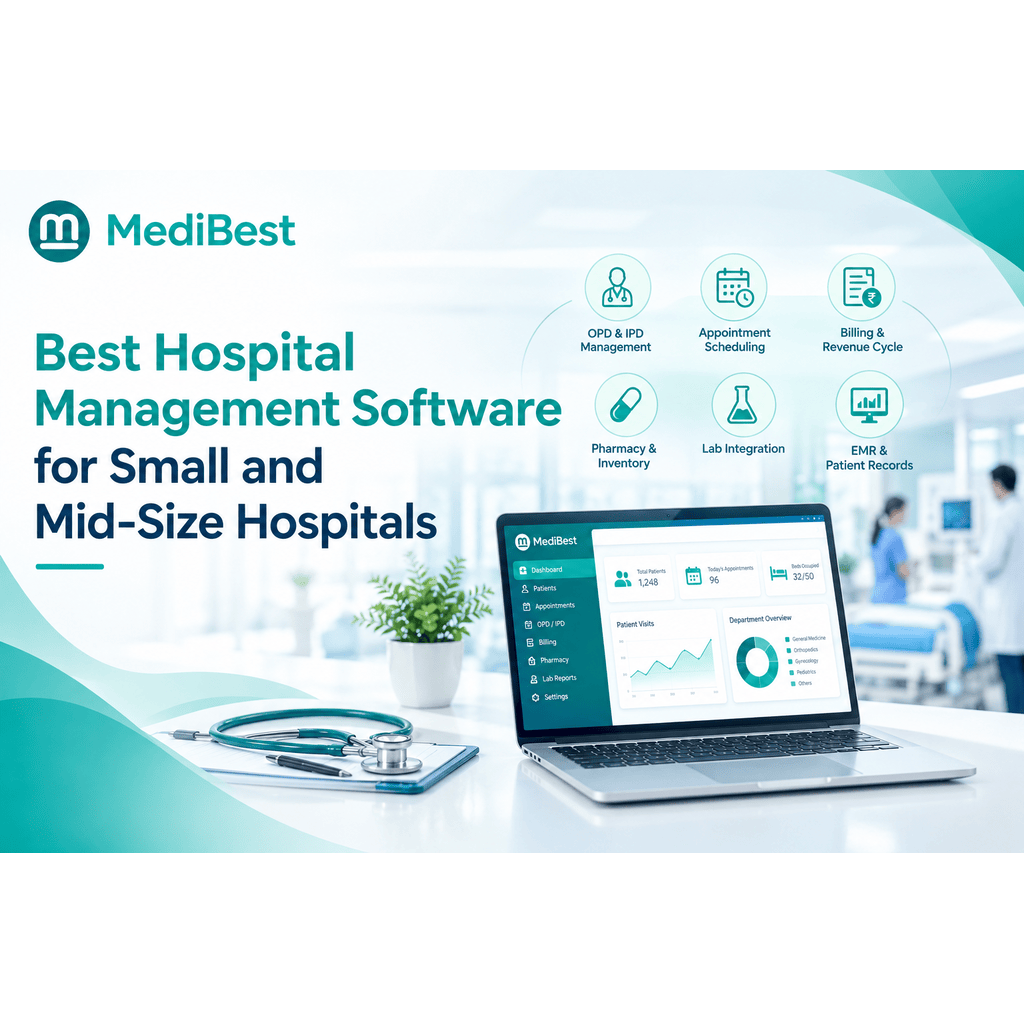
The best hospital management software for a small or mid-size hospital is one that covers OPD, IPD, billing, and pharmacy in a single system, is easy for your staff to learn, and does not force you to pay for enterprise features you will never use. It should fit your patient volume and your budget, not the other way around. If a system needs a dedicated IT team just to run daily operations, it is probably built for a much bigger hospital than yours.
Choosing software for a smaller facility is a different problem than choosing it for a three hundred bed hospital chain. You have fewer staff wearing more hats, a tighter budget, and less room for a long, painful rollout. Get the choice right and your front desk, billing counter, and doctors all work off one system instead of five different registers. Get it wrong and you end up paying for modules nobody opens.
This guide breaks down what actually matters when you are shortlisting a hospital management system for a small or growing hospital, so you can compare vendors with a clear checklist instead of guessing from a sales brochure.
What Makes Software “Right Sized” for a Smaller Hospital?
Big hospital chains buy software built for scale: dozens of departments, complex approval chains, and integrations with insurance networks across cities. A fifty bed hospital or a nursing home does not need any of that complexity on day one.
A rightly sized hospital management software should give you:
- Core clinical and admin modules together – OPD, IPD, pharmacy, lab, and billing in one place instead of separate tools that do not talk to each other
- A short learning curve – your receptionist and nurses should be comfortable within days, not weeks
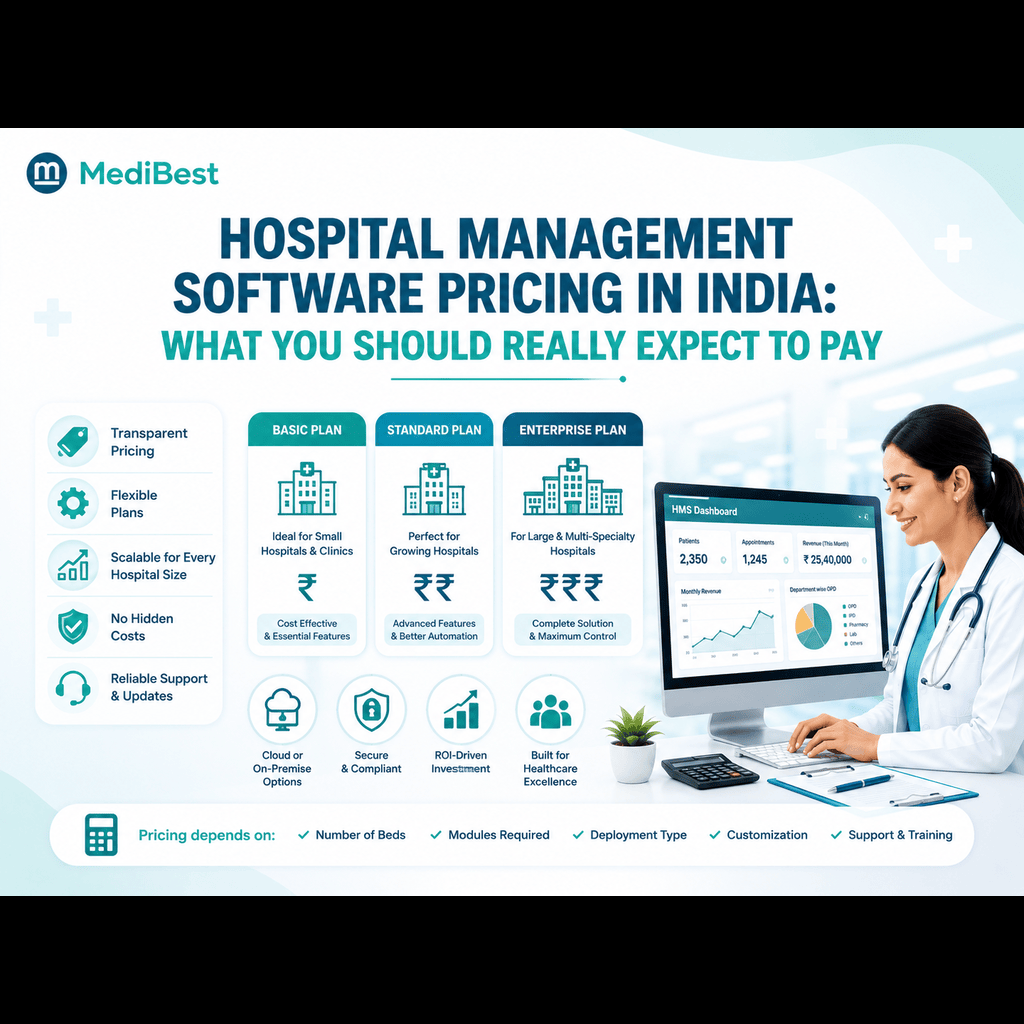
- Pricing that matches your bed count – you should not pay chain-hospital rates for a facility a fraction of that size
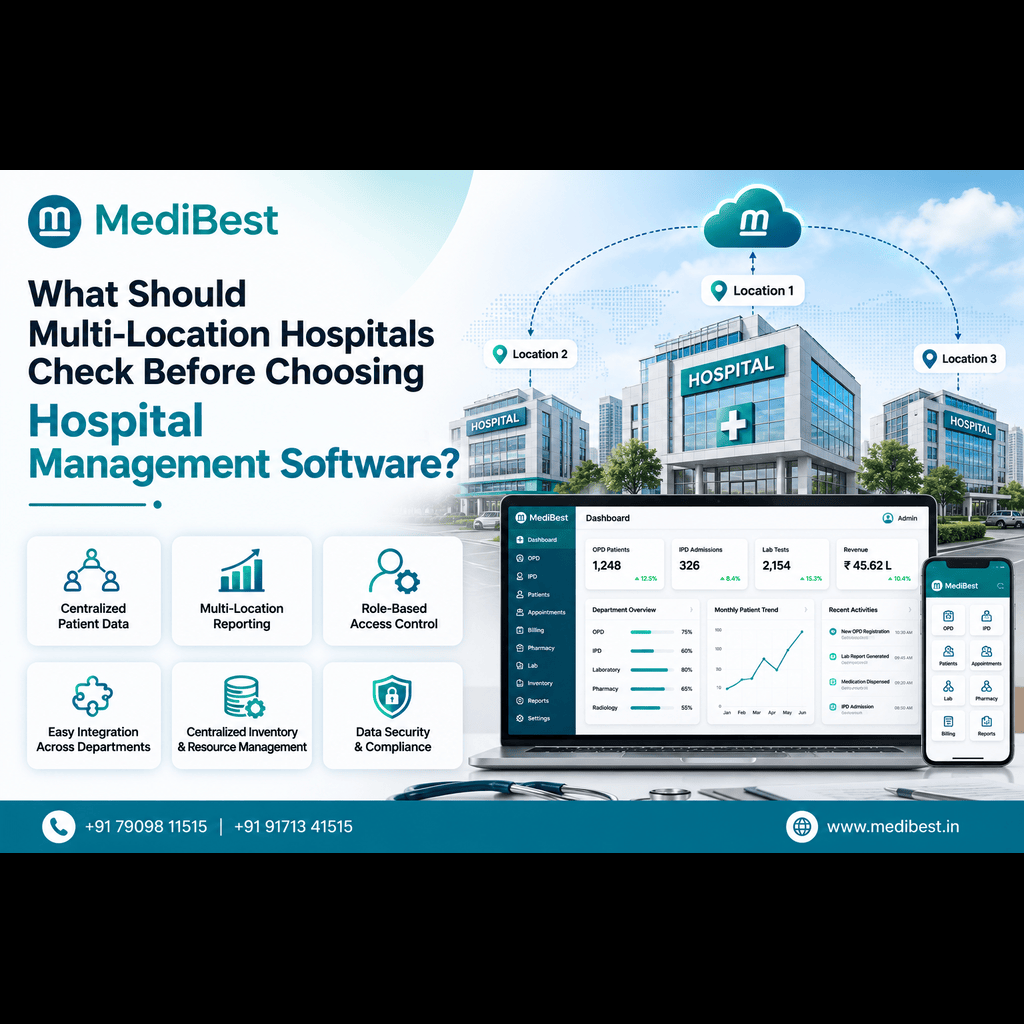
- Room to grow – the system should support new departments or a second branch later without a full replacement
Why Small and Mid-Size Hospitals Can’t Just Use “Big Hospital” Software
It is tempting to pick the software with the longest feature list, but a smaller facility usually ends up paying for capacity it never uses. A few practical reasons this backfires:
- Longer setup time drains staff hours you do not have to spare
- Unused modules still add to your annual license cost
- Heavy customisation requirements mean you are dependent on the vendor’s support team for even small changes
- Steep training needs slow down adoption, so staff quietly go back to registers and Excel sheets
A good hospital management system software for this segment focuses on doing the essentials well: patient registration, appointment scheduling, billing, pharmacy stock, and basic reporting, with the option to add specialised modules only when you actually need them.
Still paying for features your staff never even opens? See what a system built for your actual bed count looks like.
Key Features to Check Before You Buy
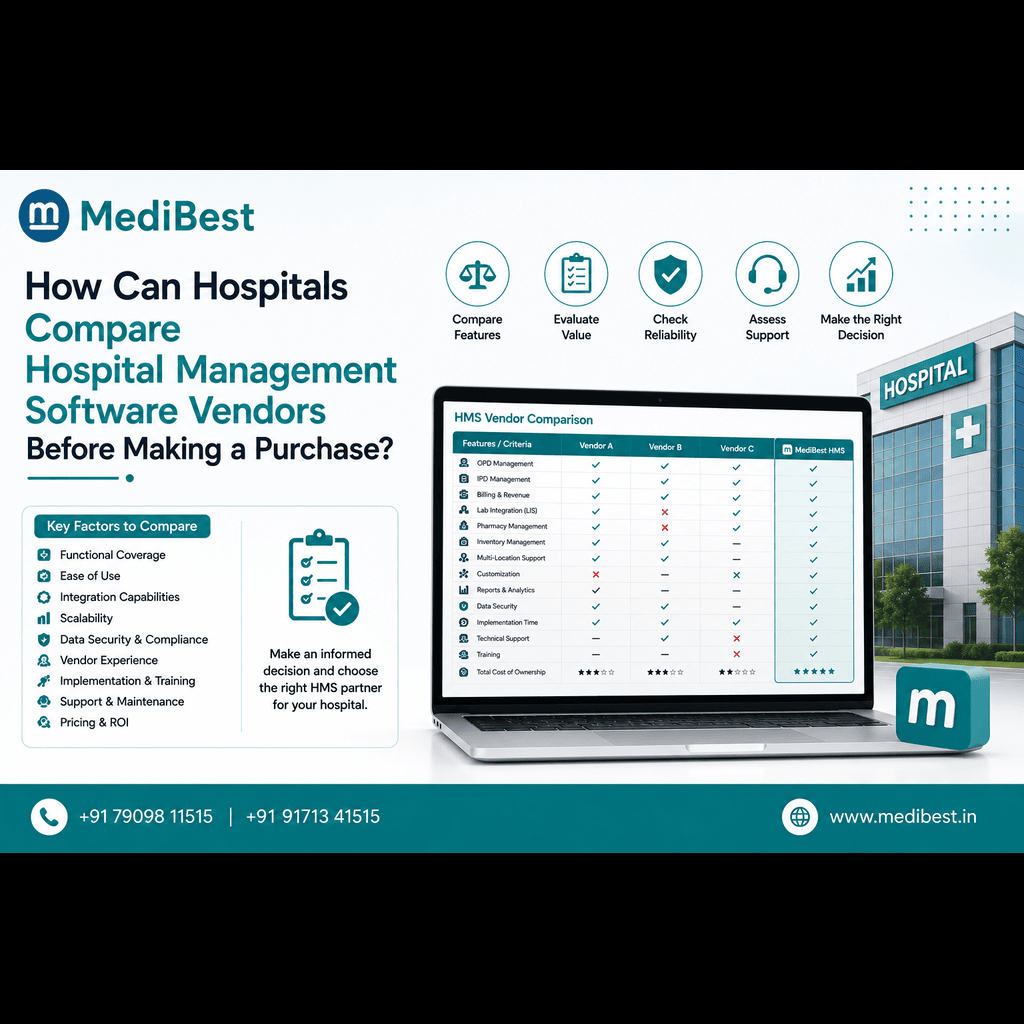
Every vendor will claim their platform is the best fit for your hospital. Instead of taking that at face value, check the platform against this list:
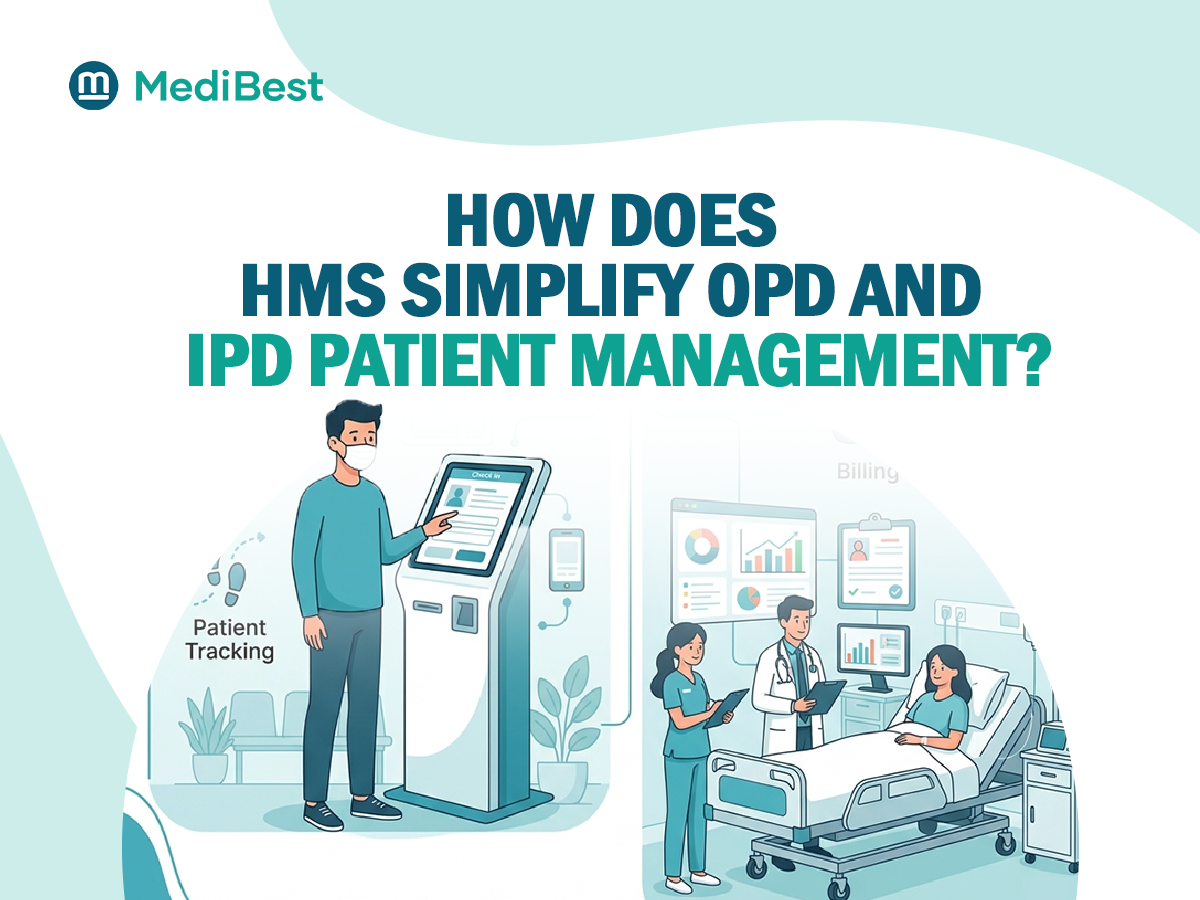
- Unified OPD and IPD management so patient records move with them across departments
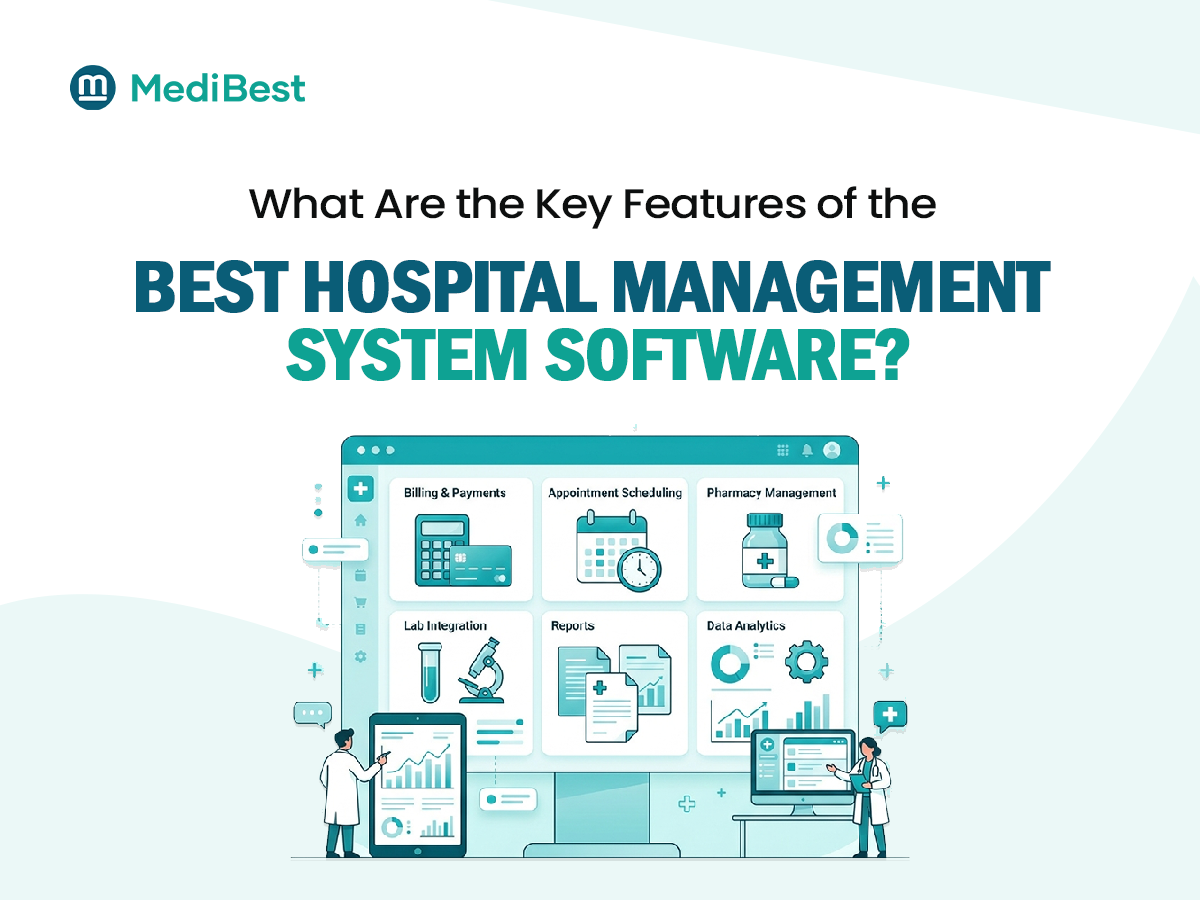
- Integrated billing that connects with pharmacy, lab, and consultation charges automatically
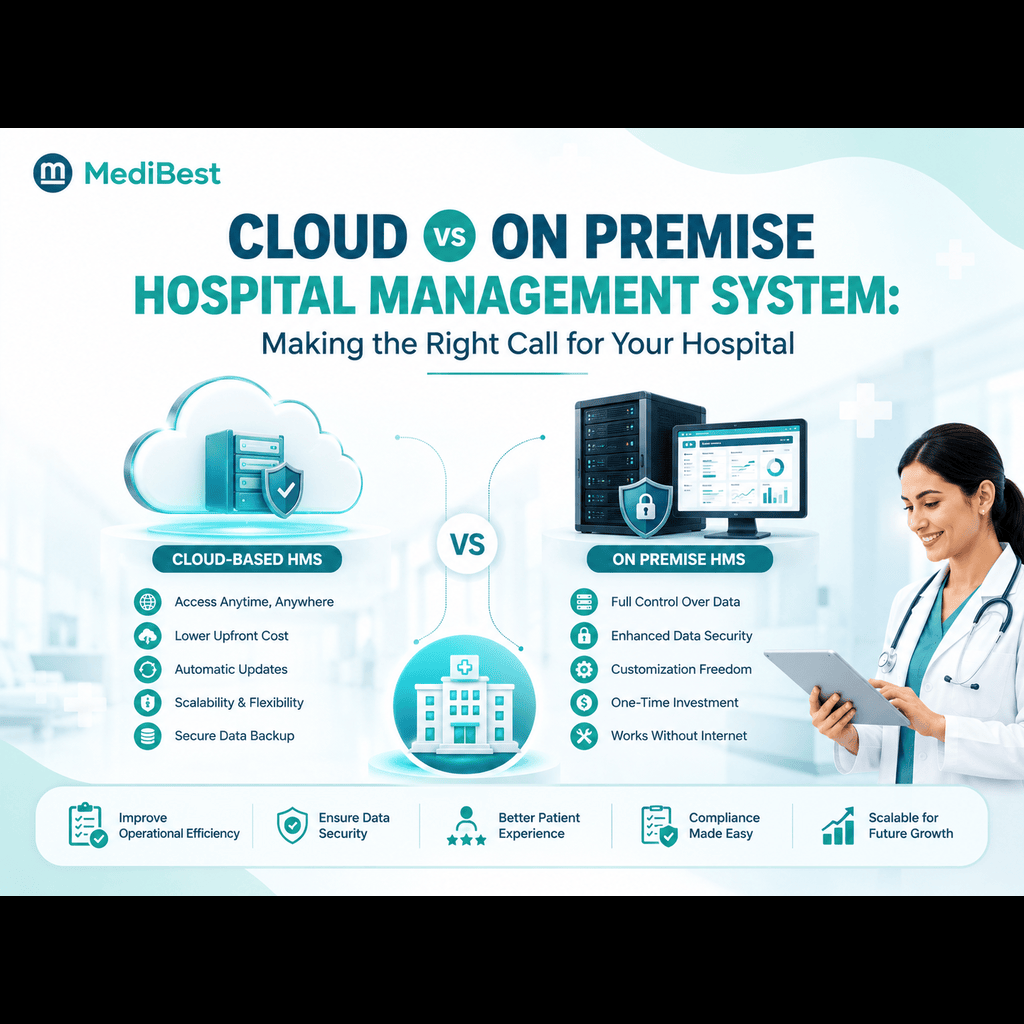
- Cloud or on-premise flexibility depending on your internet reliability and IT setup
- Simple, role-based access so front desk, nurses, and doctors each see only what they need
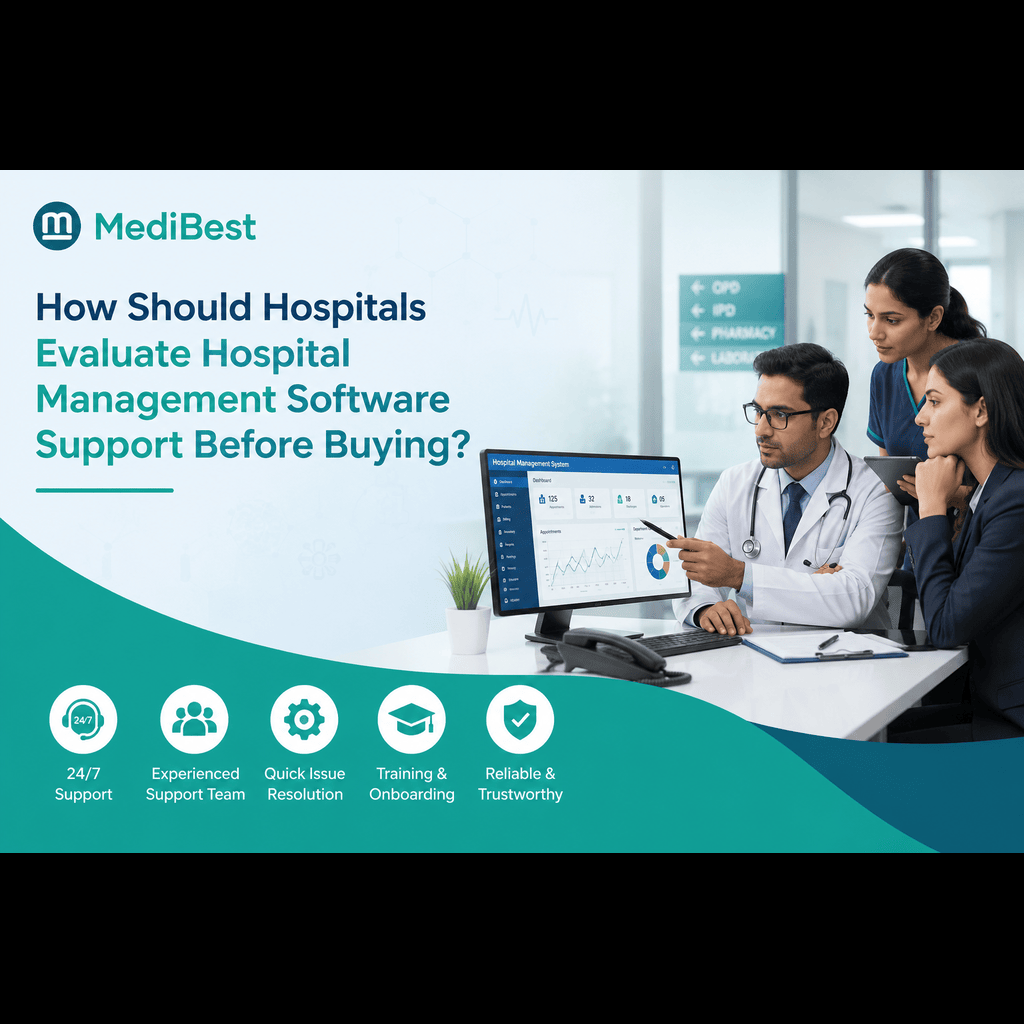
- Reliable local support, not just a ticketing system, especially in the first few months after go-live
If you want a deeper breakdown of what separates a strong platform from an average one, our earlier post on the key features of the best hospital management system software walks through each module in more detail.
Not sure which of these your current setup is actually missing? Walk through this checklist with us, feature by feature.
Don’t Skip ABDM and ABHA Readiness
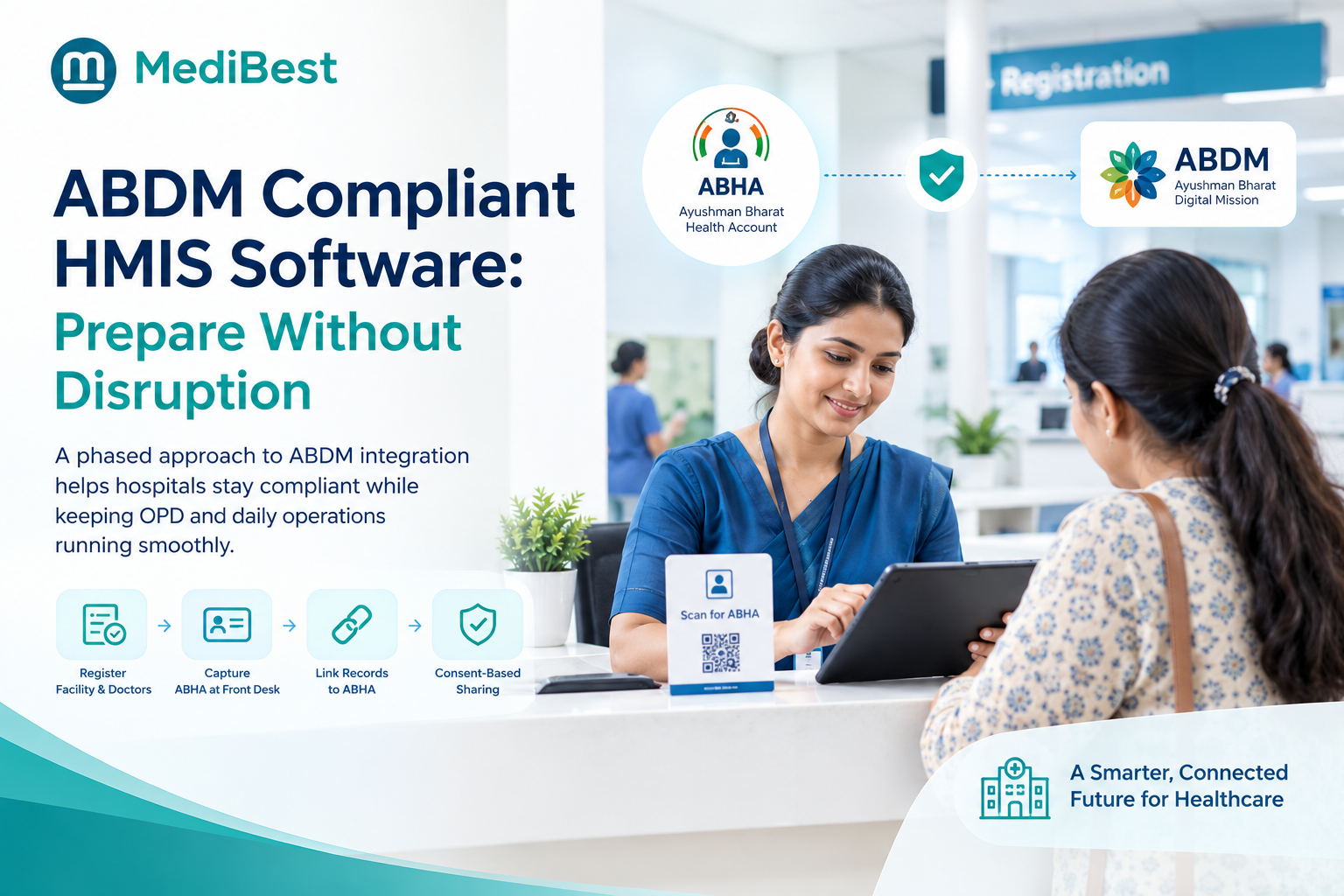
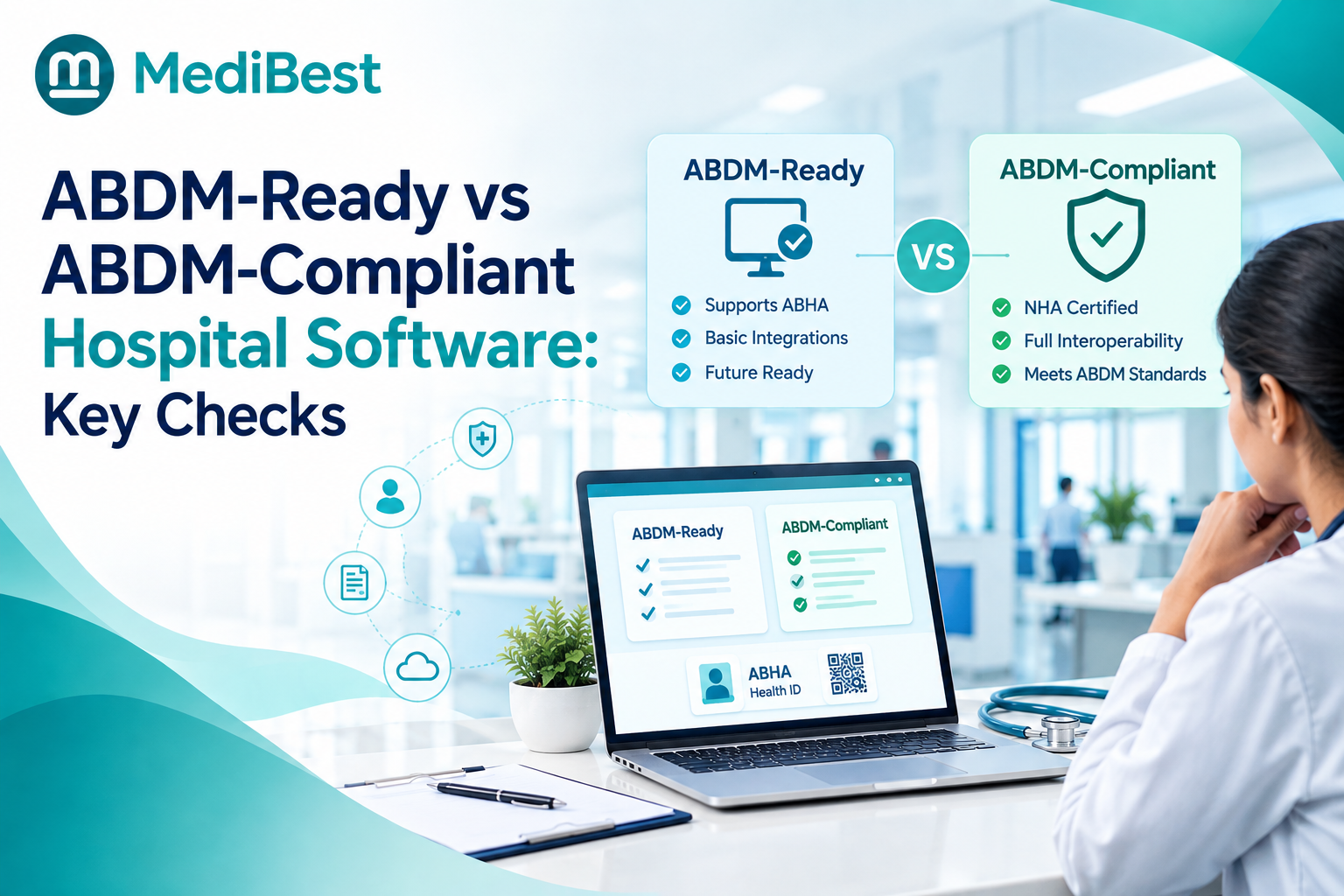
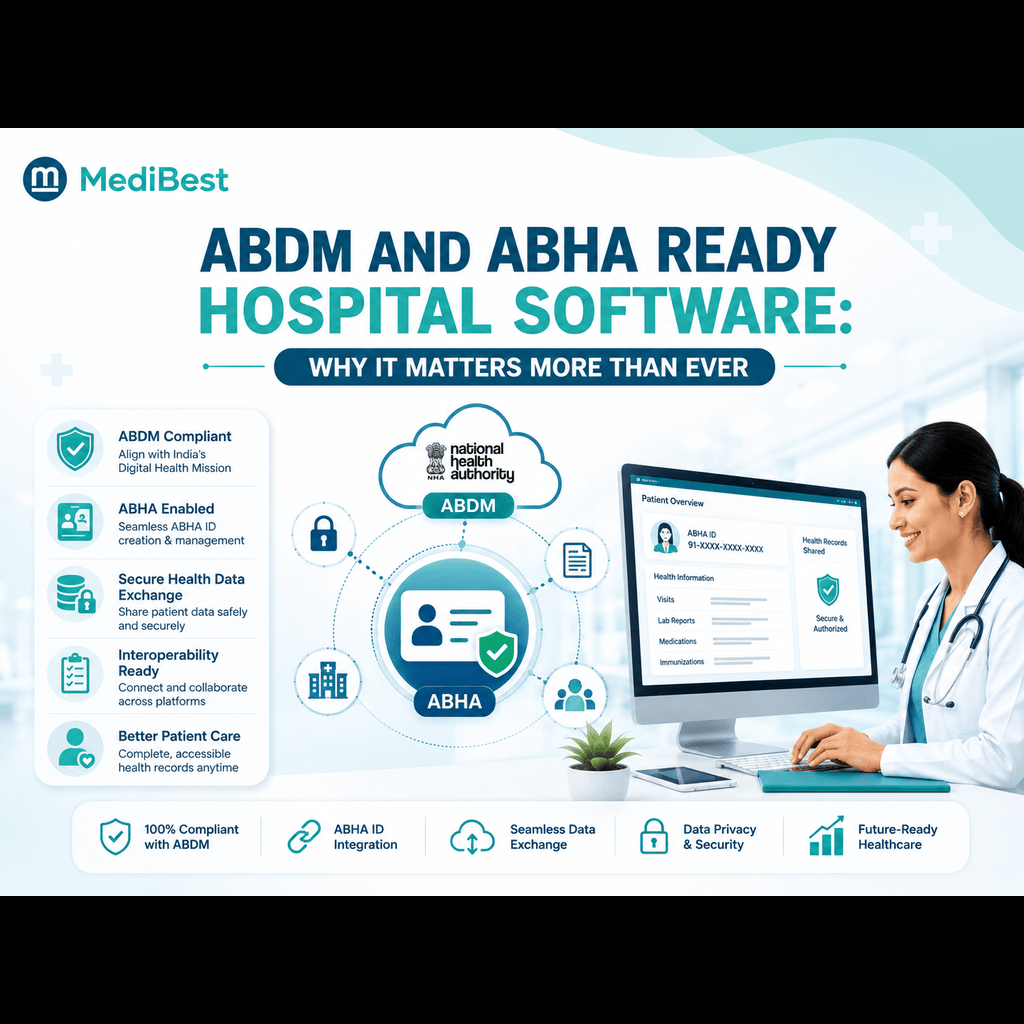
This is one area smaller hospitals often overlook, and it matters more each year. The Ayushman Bharat Digital Mission (ABDM) is pushing every healthcare provider toward a connected digital health record system, and patients are increasingly asking whether a hospital supports ABHA-linked records.
A future-ready hospital management software should let you:
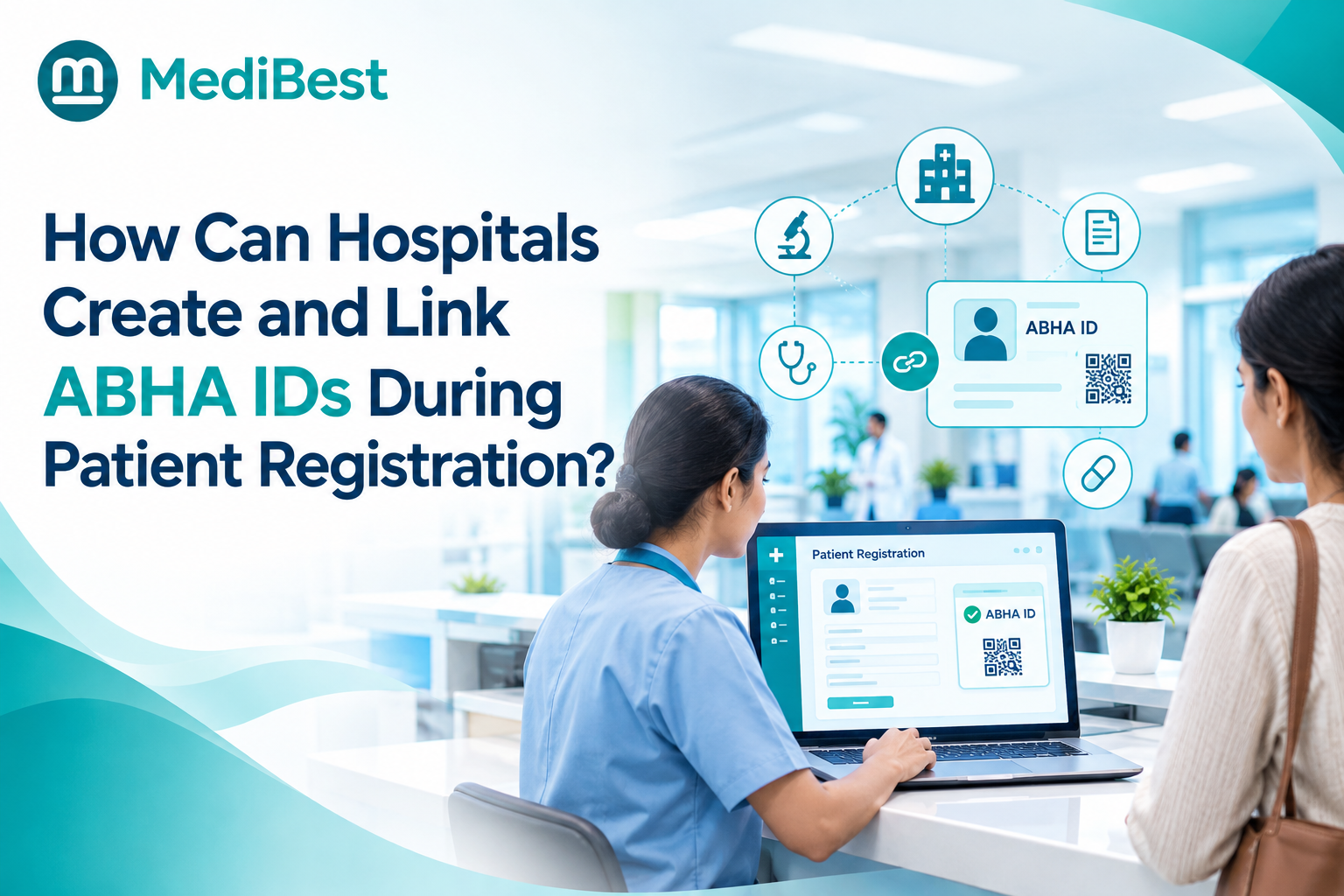
- Create and link patient records to their ABHA ID during registration
- Share discharge summaries and prescriptions through the ABDM network with patient consent
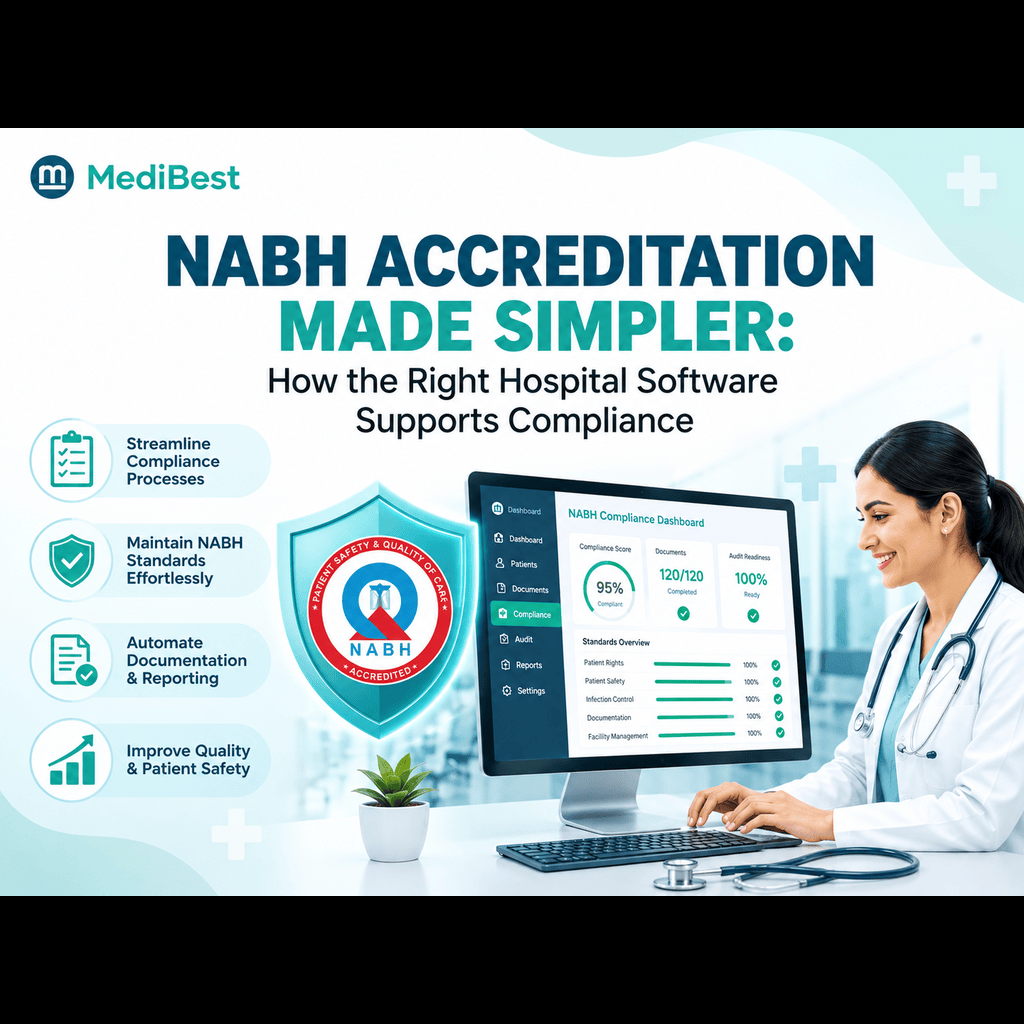
- Stay aligned with evolving government digital health guidelines without a separate compliance project later
Hospitals that build ABDM and ABHA support from the start avoid a rushed, expensive upgrade down the line. It is far easier to have this built into your core system than to bolt it on after the fact.
How to Shortlist the Right System for Your Hospital
Once you know your must-have features, narrow your options with a few practical questions:
- Does it match your bed count and patient volume, or is it built for a much larger facility?
- Can your staff run it after a short training session, or does it need constant vendor hand-holding?
- Is pricing transparent, with no hidden charges for modules you will need within the first year?
- Does the vendor understand hospital workflows in India, including local compliance and ABDM requirements?
- What does support actually look like in the first ninety days after go-live, when most issues surface?
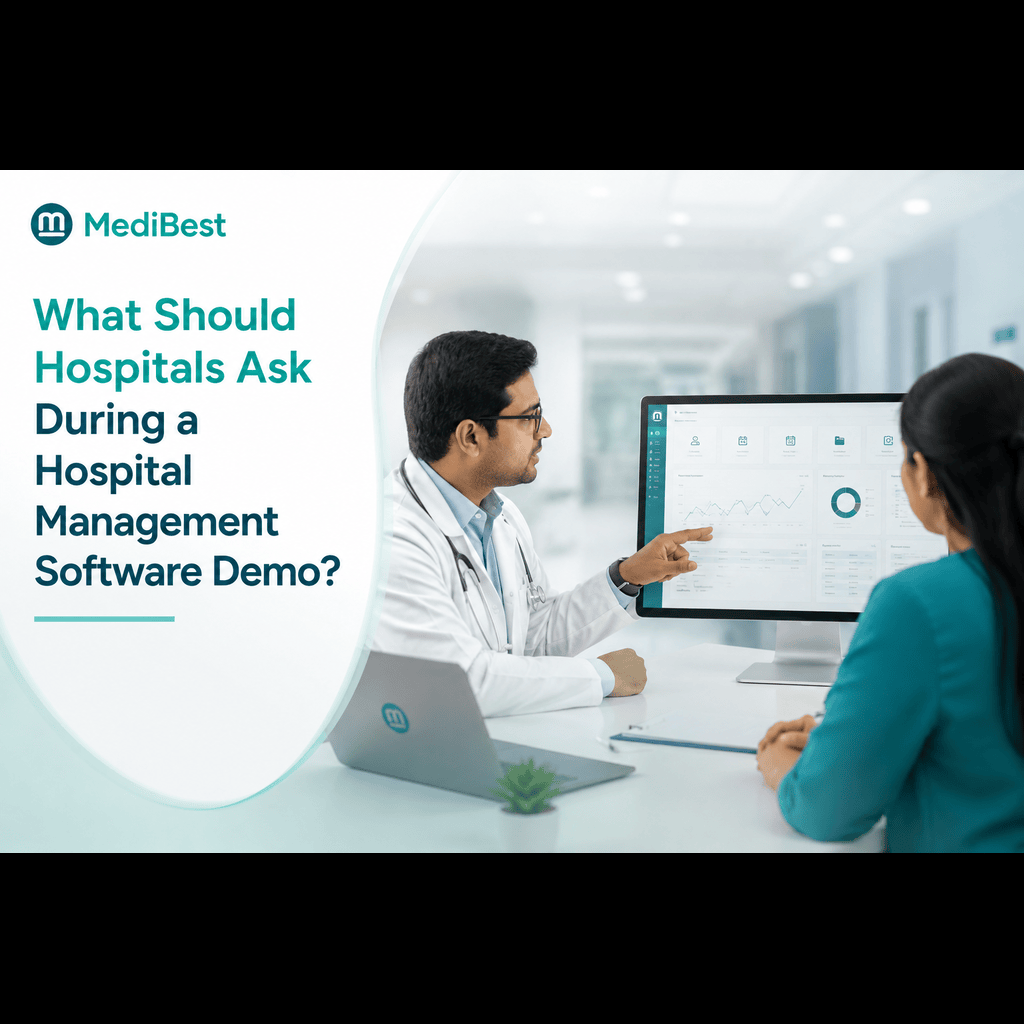
Ask each vendor for a demo using a real patient scenario from your hospital, registration through discharge and billing, rather than a generic walkthrough. This shows you exactly how the system behaves in your day to day work, not just on a slide.
Tired of sales demos that never show your actual workflow? Bring your own patient scenario. We’ll run it live.
Why Medibest Works Well for Smaller Hospitals
Medibest was built with this exact gap in mind: hospitals that need dependable, full-featured software without enterprise complexity or enterprise pricing. The platform brings OPD, IPD, pharmacy, billing, and lab management onto one screen, supports ABDM and ABHA integration, and is deployed with hands-on onboarding so your team is not left figuring things out alone.
For a hospital that is growing steadily and wants technology that grows with it instead of holding it back, that combination of simplicity, compliance readiness, and local support is usually what tips the decision.
Frequently Asked Questions
1. What is the best hospital management software for a small hospital?
The best option is one that covers OPD, IPD, billing, and pharmacy in a single platform, is priced for your bed count, and can be learned quickly by your existing staff without a dedicated IT team.
2. How much does hospital management software cost for a mid-size hospital?
Pricing varies by vendor and by the number of modules and users you need, but a mid-size hospital should look for transparent, bed-count based pricing rather than flat enterprise packages built for large chains.
3. Is cloud-based hospital management software safe for patient data?
Yes, when the vendor follows proper data encryption, role-based access control, and regular backups. Ask any vendor directly how patient data is stored and who can access it before signing on.
4. Do small hospitals really need ABDM and ABHA integration?
Increasingly, yes. More patients and insurance processes are moving toward ABHA-linked digital health records, and having this built into your system now avoids a costly upgrade later.
5. How long does it take to implement a new hospital management system?
For a small or mid-size hospital, a well-supported system can typically go live within a few weeks, provided data migration and staff training are planned properly with the vendor.
Ready to Upgrade Your Hospital’s Software?
If your current system is holding your hospital back with clunky billing, disconnected records, or no path to ABDM readiness, it may be time for a change. Talk to the Medibest team for a demo built around your hospital’s actual patient flow, not a generic sales pitch, and see what a right-sized hospital management system can do for your staff and your patients.