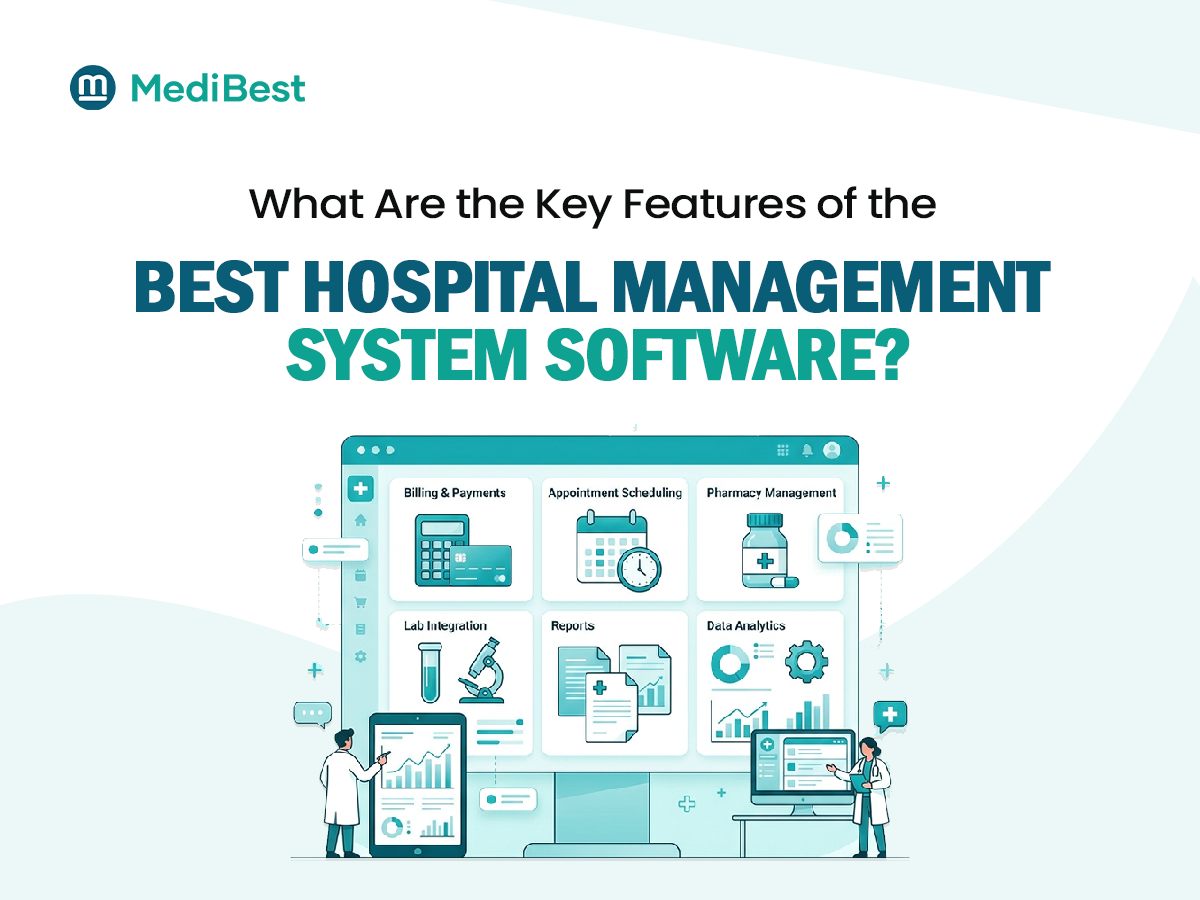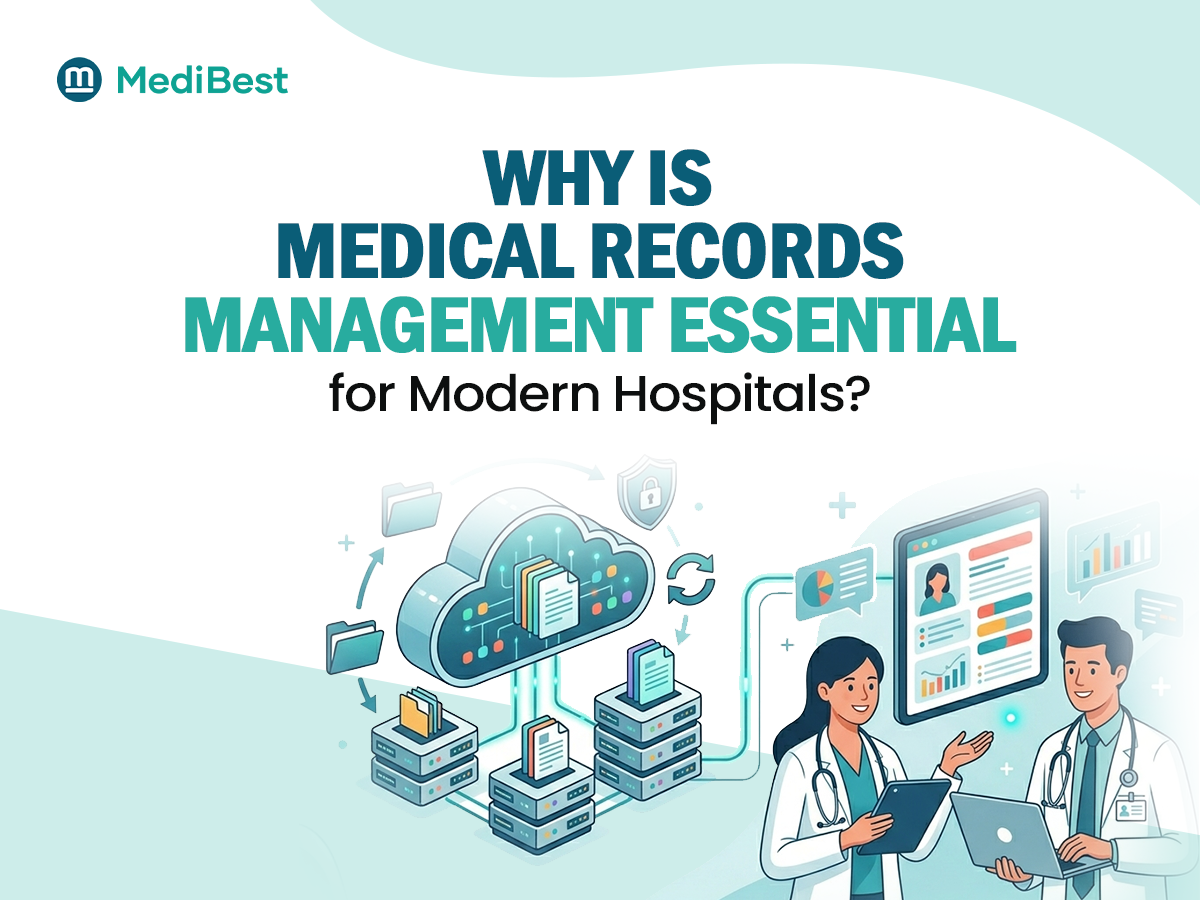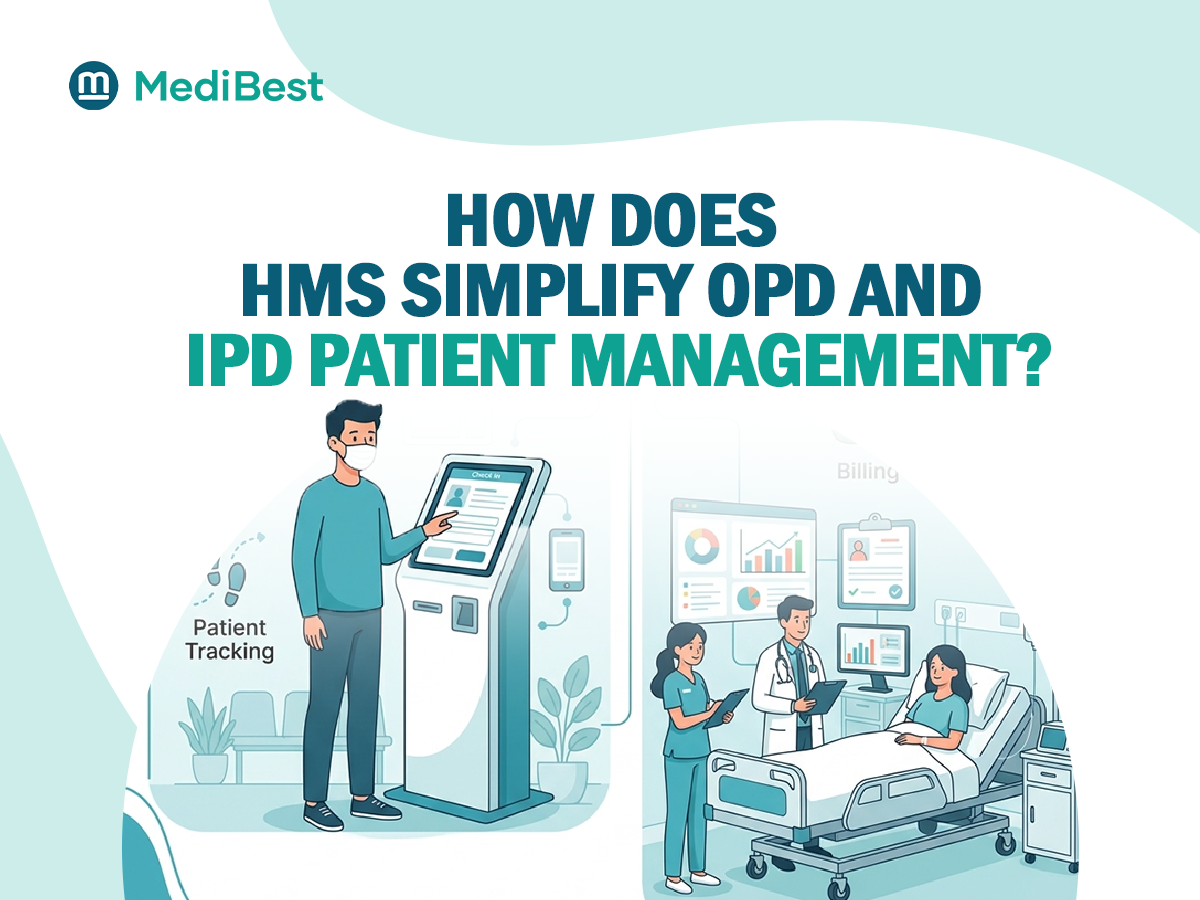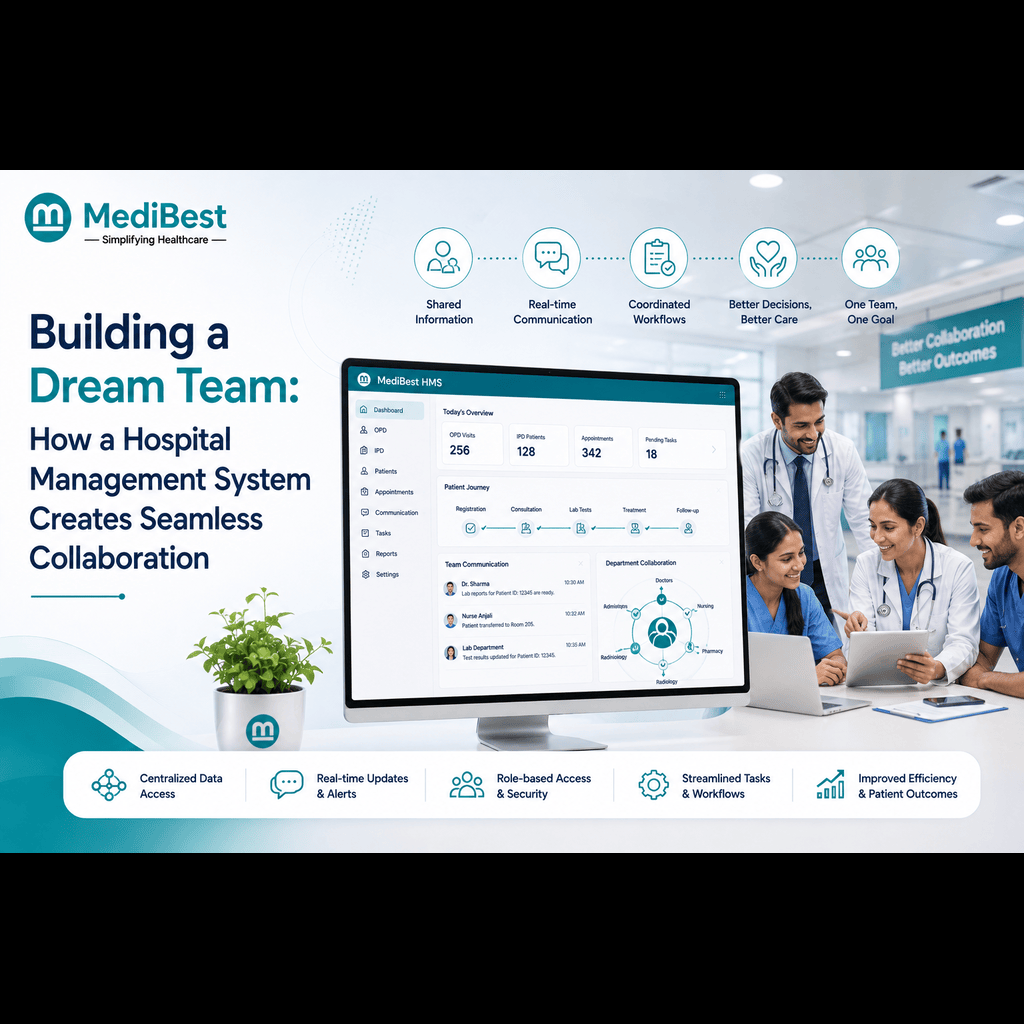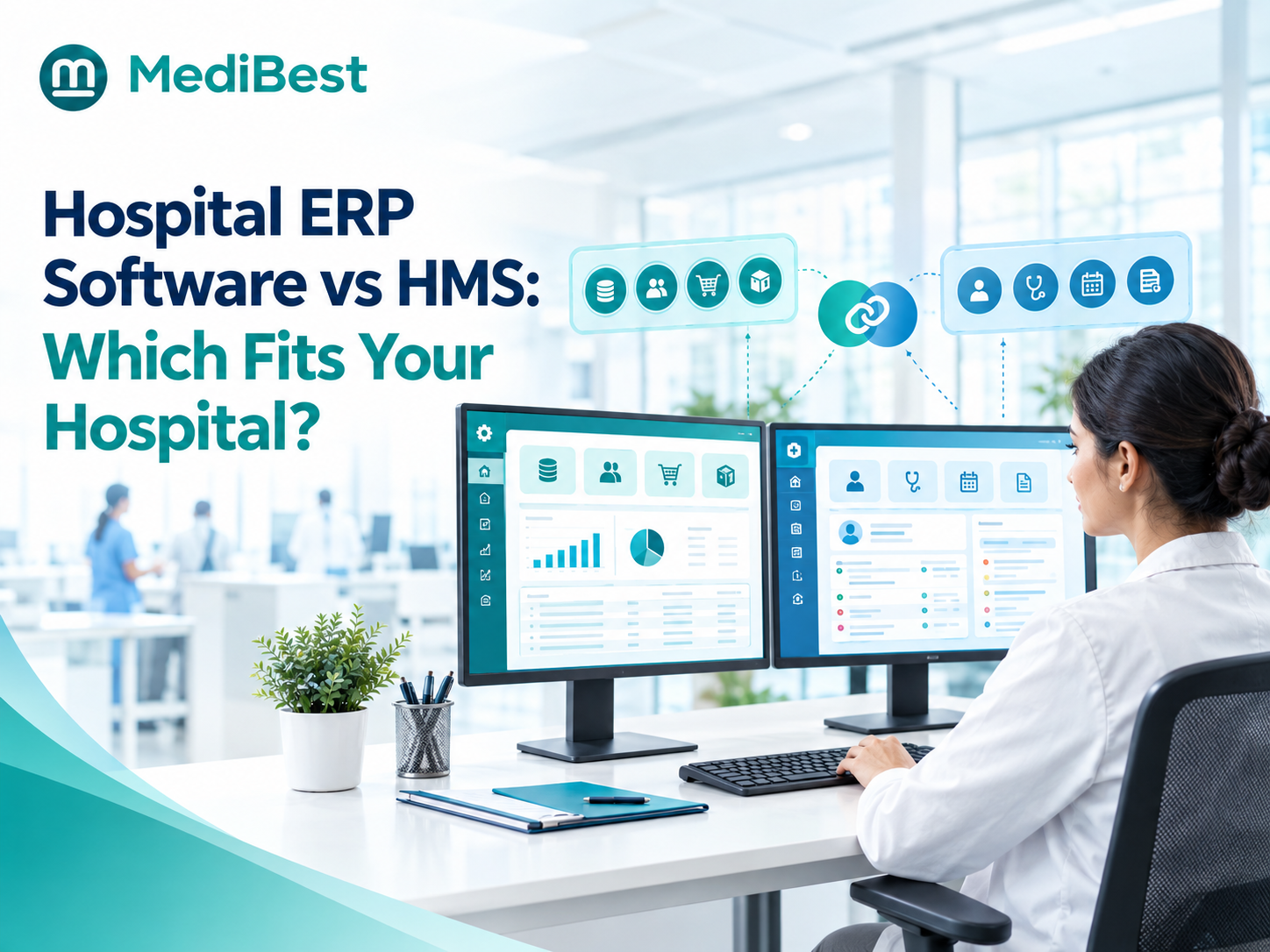
Hospital ERP software runs the business side of a hospital: finance, HR and payroll, purchasing and stock. Hospital management software (HMS) runs the care side: registration, OPD and IPD, medical records, billing, pharmacy and lab. Most hospitals do best with one connected system that covers both, because two separate systems mean retyping data, late reports and arguments over whose numbers are right.
If you are choosing between the two, here is what each does, where they overlap and how to decide.
| Hospital ERP | Hospital management software (HMS) | |
| Main focus | Money, people, purchases, assets | Patients, doctors, clinical workflow |
| Typical modules | Accounts, HR and payroll, procurement, stores | Registration, OPD and IPD, EMR, billing, pharmacy, lab |
| Who uses it daily | Finance, HR, store and admin teams | Front desk, doctors, nurses, pharmacists |
| Weak spot if used alone | Does not understand patient flow | Thin on payroll, ledgers and purchasing |
What Does Hospital ERP Software Cover?
ERP stands for enterprise resource planning. In a hospital, it manages everything that keeps the building running, not the treatment itself:
- Finance and accounts: Ledgers, payables, receivables and audits
- HR and payroll: Attendance, shifts, leave and salaries
- Procurement: Purchase requests, approvals and vendor payments
- Stores and inventory: Stock, batches and consumables across departments
- Assets and maintenance: Equipment records and service schedules
- Management reports: One view of cost, revenue and stock
A plain ERP does not know what an OPD visit or an IPD admission is. That is why hospital administration software often means this back-office layer, and why it still needs a clinical side beside it.
What Does Hospital Management Software Cover?
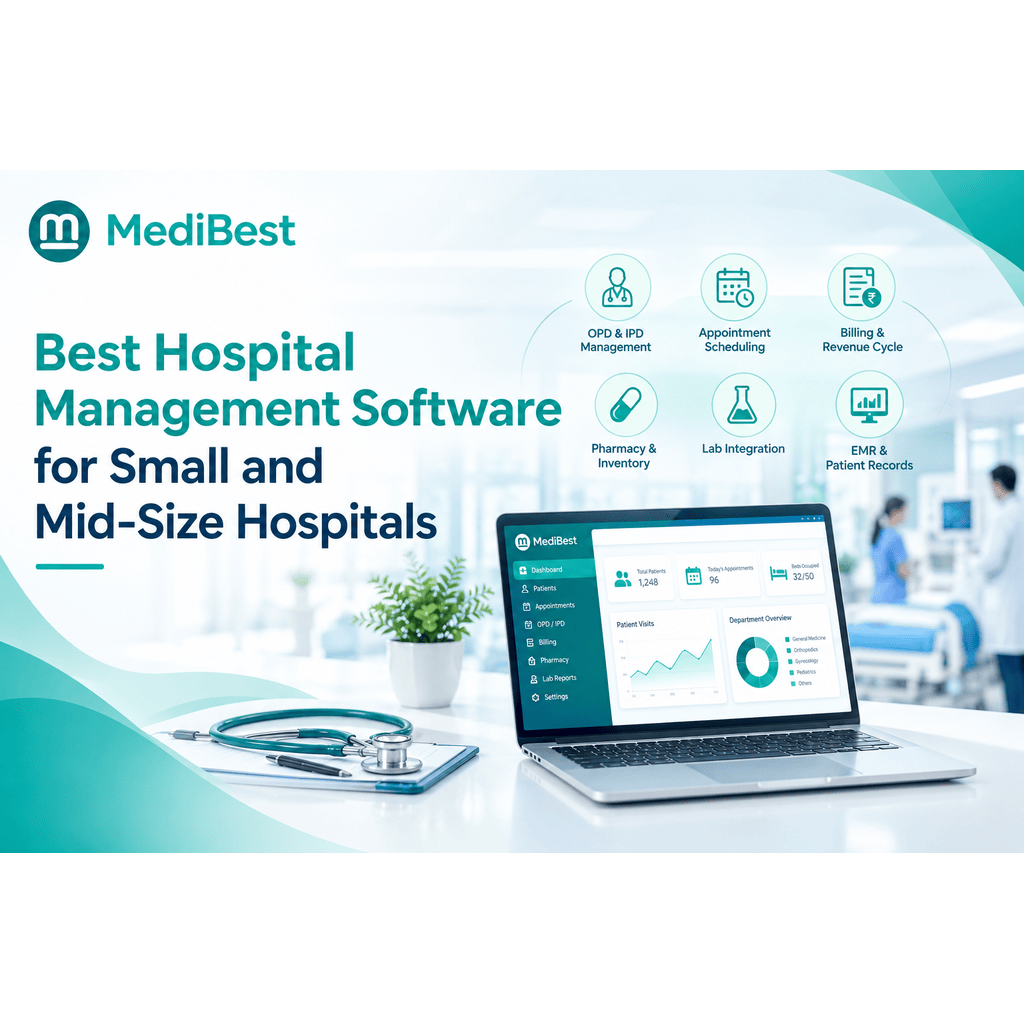
An HMS follows the patient from the first desk to discharge:
- Registration and appointments
- OPD and IPD flow, including beds and admissions
- Electronic medical records and prescriptions
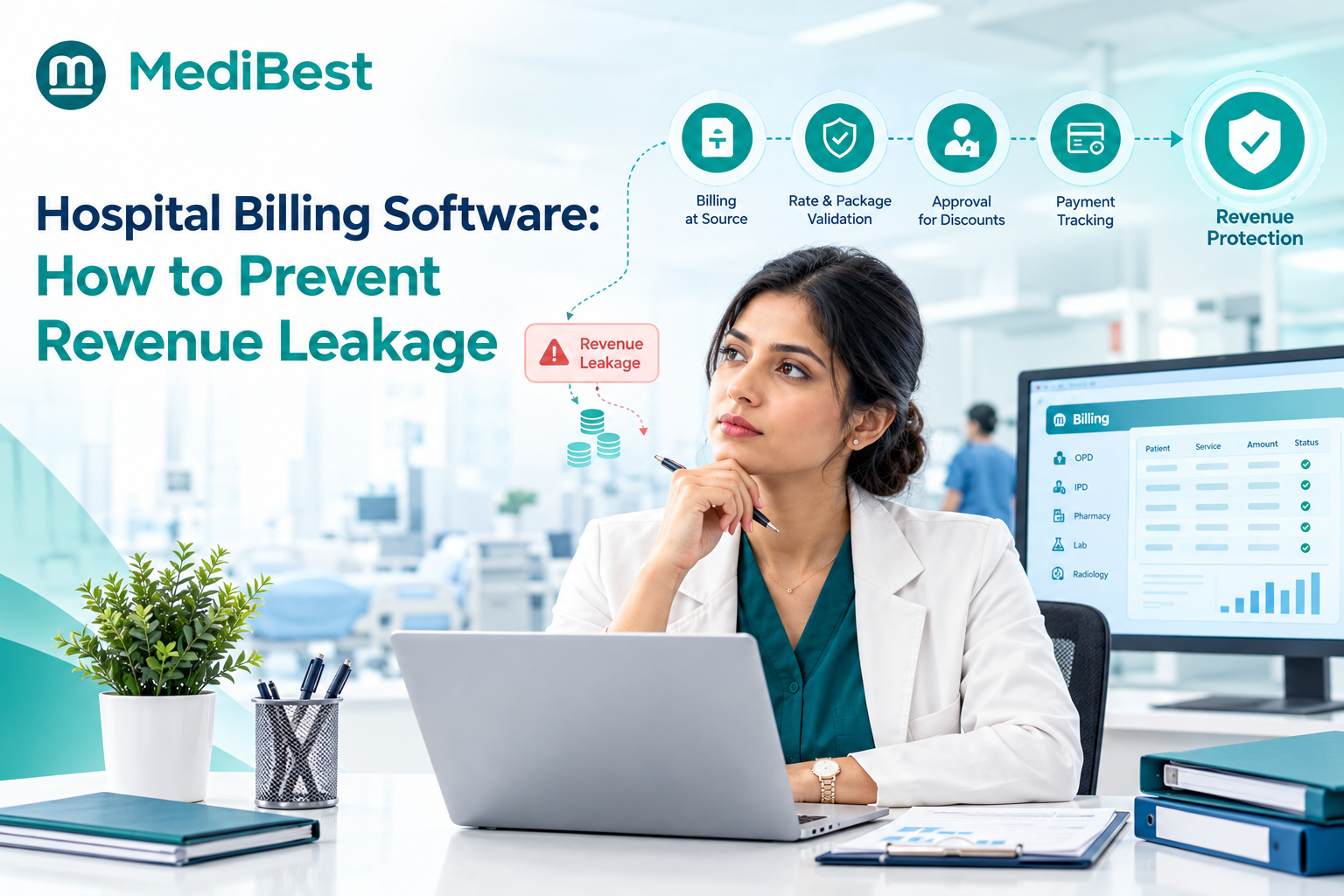
- Billing, packages and insurance claims
- Pharmacy, lab and radiology orders
- Discharge summaries
Think of it this way: ERP follows the money, people and material. An HMS follows the patient.
Where Do They Overlap, and Why Is It Confusing?
Several jobs sit in both worlds. Billing touches finance. Pharmacy stock touches procurement. Doctor schedules touch HR. So vendors label products in different ways:
- Some sell an HMS that includes accounts, HR and material management, and call it hospital ERP.
- Some sell a general ERP and add a few hospital screens on top.
- Some sell an HMS only, and expect you to buy accounts and HR elsewhere.
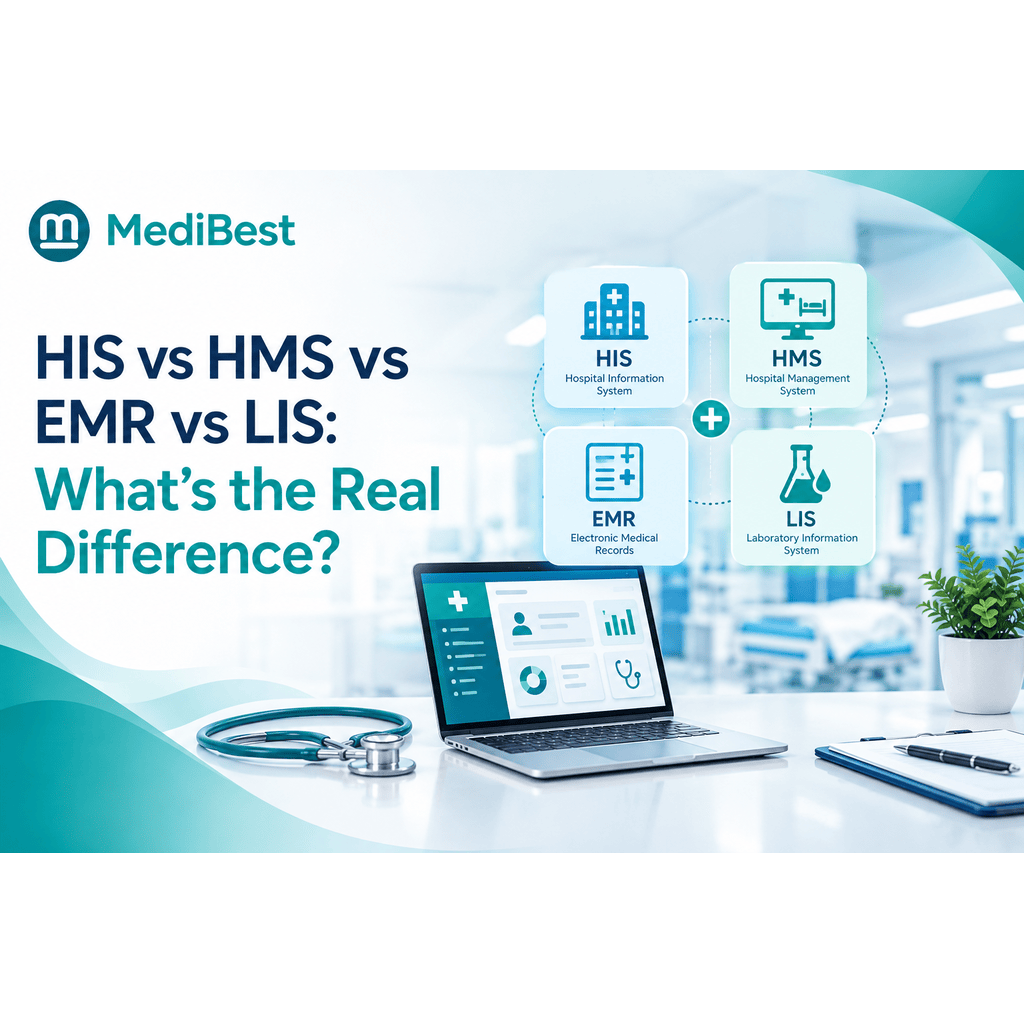
The name on the brochure tells you very little. The module list tells you everything. If you also keep running into HIS, EMR and LIS, our guide on how HIS, HMS, EMR and LIS differ clears up the rest of the alphabet.
Not sure which setup your hospital needs? Walk through your own wards, billing and stores with a specialist and see what a connected system looks like.
Which One Is Right for Your Hospital?
Use your biggest daily pain as the guide:
- Start with an HMS if queues, lost files, billing mistakes or slow discharge are your main problems, and your accounts and payroll already work well.
- Lean toward full hospital ERP if you run several branches, handle heavy purchasing, or need consolidated finance and HR across locations.
- Choose one connected platform if you want both, which suits most small and mid-size hospitals.
That last option is the approach Medibest HMS takes: one software for clinical work, accounts, HR and material management, so there is no second vendor to integrate.
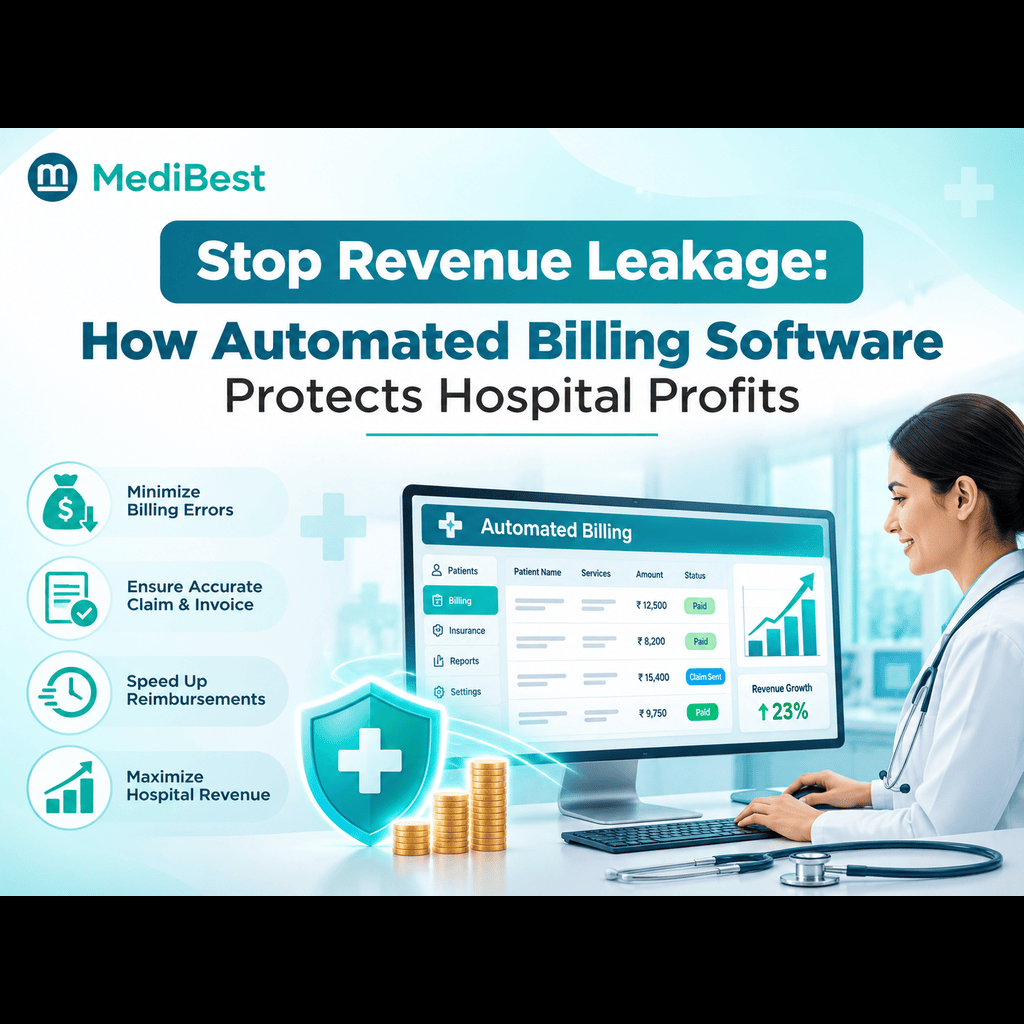
Whatever label a vendor uses, good healthcare management software should let one entry update everything it touches. A patient bill should be posted to accounts. A pharmacy sale should reduce stock and trigger a purchase request.
Two setups to avoid:
- A general-purpose ERP with no clinical workflow, which leaves doctors and nurses working on paper
- An HMS with no accounts or HR, which pushes your finance team back to spreadsheets
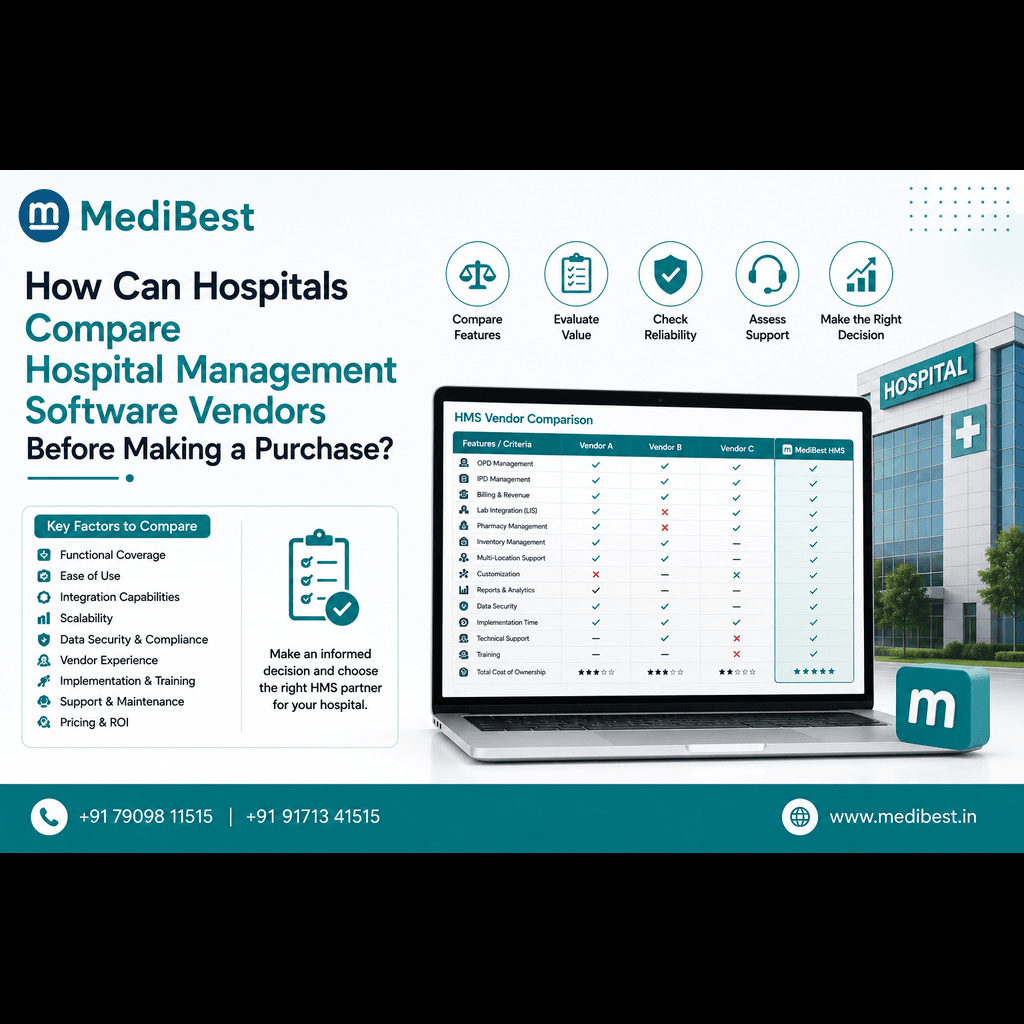
What Should You Ask Before You Choose?
Bring these five questions to every demo:
- Does a patient bill post to accounts automatically, or does someone re-enter it?
- Do pharmacy stock and purchase orders share one record?
- Do HR, shifts and payroll live in the same system?
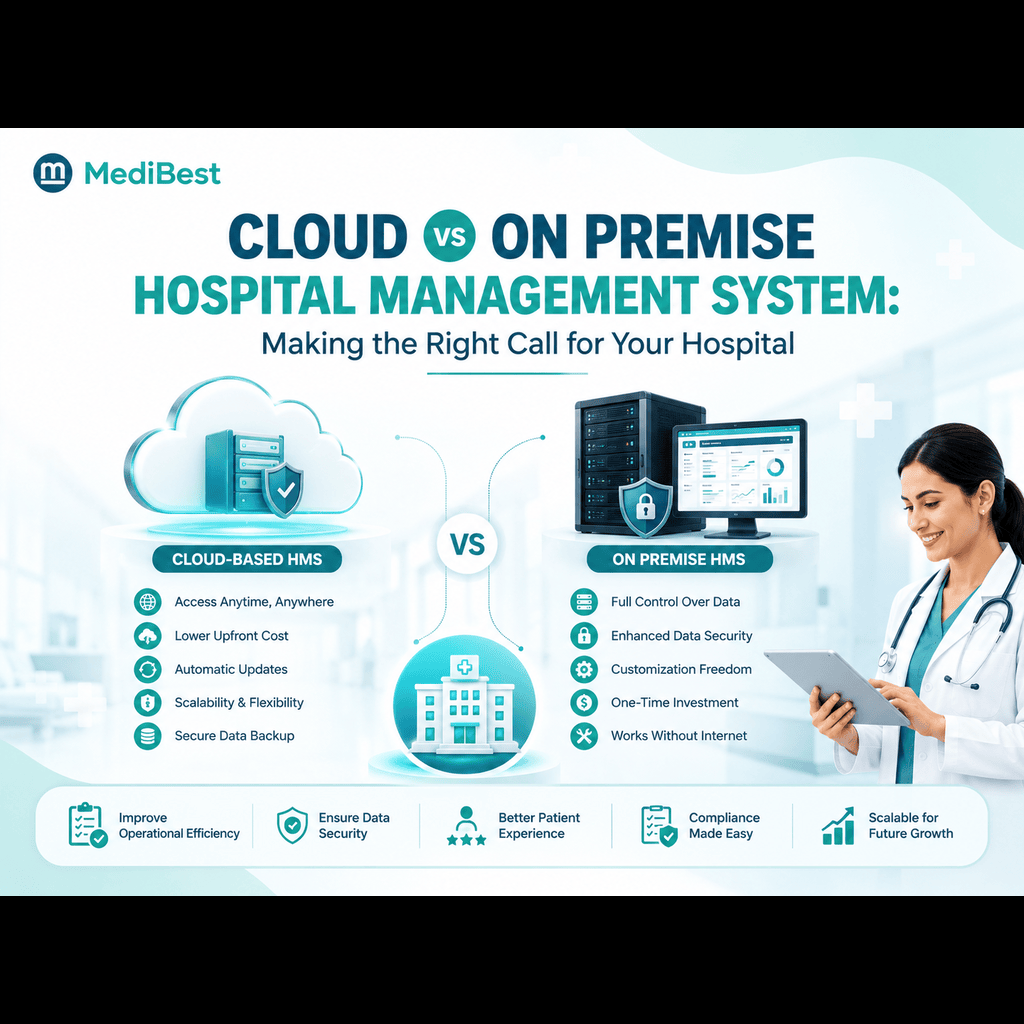
- Can it run on cloud or on premise, and can it grow when you add a branch?
- Who answers the phone at 2 AM, and how fast?
Ask any vendor of hospital system software to show these on one screen, in one demo. If the answer needs three tools and two integrations, you are looking at a patchwork, not a platform.
Hospital ERP vs HMS FAQs
1. What is the difference between hospital ERP and HMS?
Hospital ERP manages the business side: finance, HR, purchasing and stock. An HMS manages the care side: registration, records, billing, pharmacy and lab. Many hospitals need both working from one connected system.
2. Is hospital ERP the same as a hospital management system?
Not exactly, but vendors use the terms loosely. Some HMS products include ERP modules, and some ERP products include hospital modules. Check the module list instead of the name.
3. Do small hospitals need ERP?
Usually they need a hospital management system that already includes basic accounts, pharmacy stock and purchasing. A separate, heavy ERP tends to be more than a small hospital needs.
4. Can a general ERP work for a hospital?
It can handle finance and HR, but it will not cover OPD, IPD, records, lab orders or discharge on its own. Hospitals using one usually end up buying a clinical system as well.
5. Can I add accounts and HR to an HMS later?
Only if the platform is built to extend. Ask whether those modules run on the same database as your clinical data, so nothing needs to be re-entered or synced.
6. What should I check first when comparing systems?
Check whether patient billing, pharmacy stock and accounts update together. If they do, most of the other integration problems disappear.
Final Thoughts
The real choice is not ERP against HMS. It is one connected system against a pile of separate tools. Pick the setup that keeps patient care and hospital operations on the same page, and your staff will spend less time reconciling and more time caring.
Ready to see it working for your hospital? Talk to the Medibest team for a demo built around your wards, billing and stores.