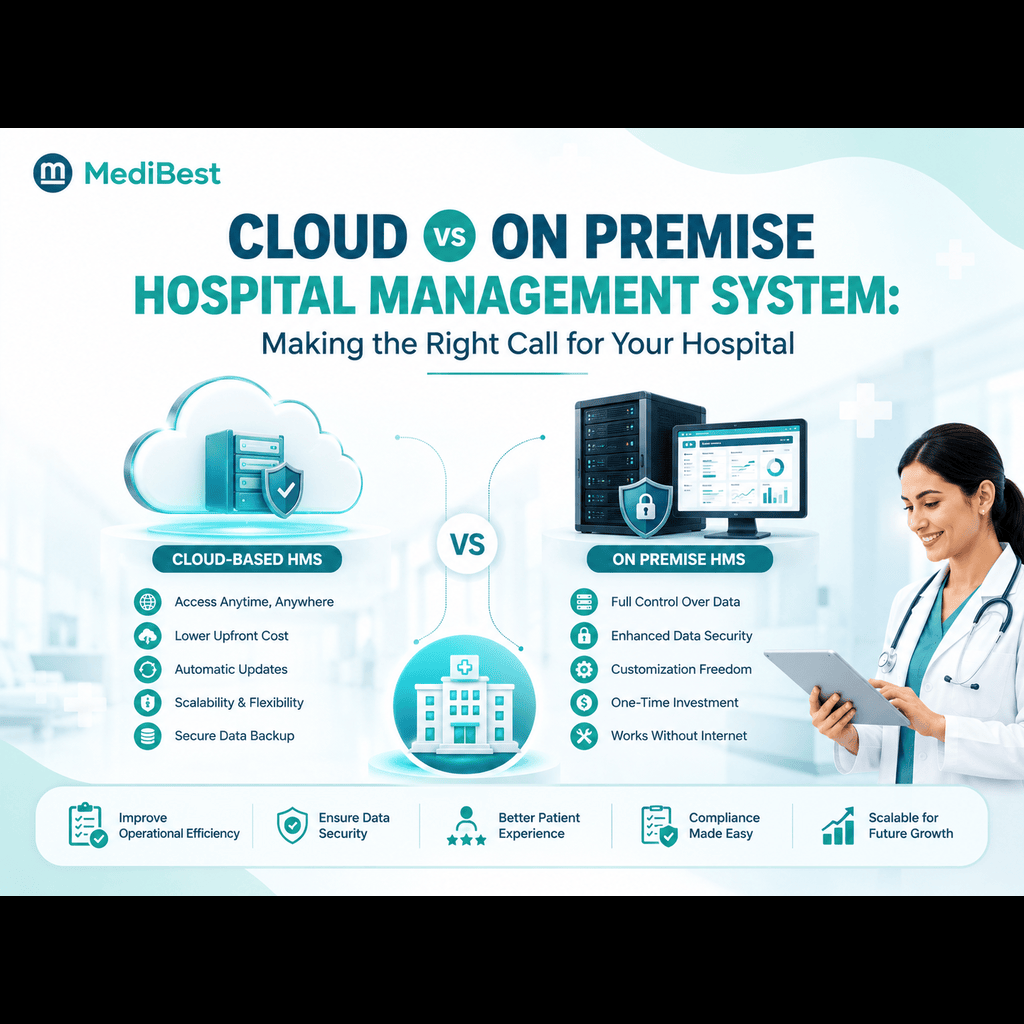
Every hospital administrator evaluating new software eventually reaches the same fork in the road. Should the system run on physical servers inside the hospital, or should it live on the cloud, accessible from anywhere with an internet connection. It is one of the first decisions to make, and it shapes nearly everything that follows, from cost to flexibility to how quickly the hospital can scale in the years ahead.
There is no single correct answer for every hospital. The right choice depends on the size of the facility, the number of locations it operates, the technical resources available in house, and how the hospital expects to grow. What matters is understanding what each option actually involves before committing to one.
What On Premise Really Means
An on premise system runs on servers physically located within the hospital. The hospital’s own IT team is responsible for maintaining that hardware, applying updates, managing backups, and handling security.
This model has traditionally appealed to larger hospitals with dedicated IT departments and specific data control requirements. Having everything housed within the facility can feel more familiar, and some administrators associate it with a greater sense of direct control.
That said, it comes with real trade offs:
- Higher upfront investment in servers and infrastructure
- Ongoing maintenance costs and dedicated technical staff
- Limited access outside the hospital’s physical network
- Slower to scale when adding new departments or locations
- Full responsibility for backups and disaster recovery sits with the hospital
Why More Hospitals Are Moving to the Cloud
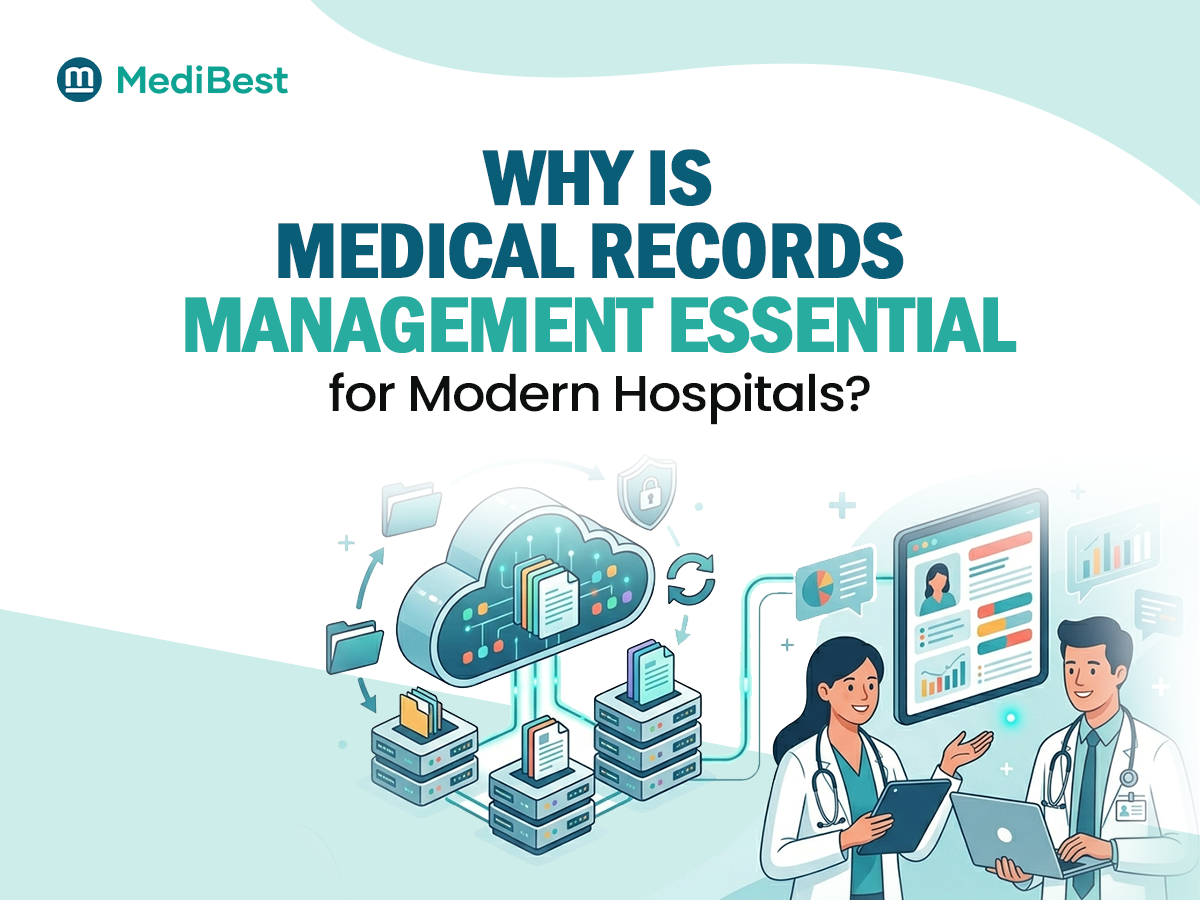
A cloud based hospital management system shifts the technical burden away from the hospital and onto the software provider’s infrastructure. Instead of maintaining physical servers, hospital data and operations run on secure, remotely managed servers, accessible through the internet.
For growing hospitals, or those managing multiple locations, this shift solves several problems at once. Administrators can check reports and monitor operations from anywhere, not just from within the hospital building. New departments or branches can be added without buying additional hardware. Updates and security patches happen centrally, without requiring hospital staff to manage the process manually.
Key advantages worth considering include:
- Lower upfront cost, since there is no need for extensive on site infrastructure
- Remote access for administrators managing multiple facilities
- Faster implementation compared to setting up physical servers
- Automatic updates and security patches handled by the provider
- Easier scalability as patient volumes or hospital locations grow
Understanding the SaaS Model
Much of what makes cloud hospital software practical comes down to how it is delivered. A saas hospital management system works on a subscription basis, meaning hospitals pay for access to the software rather than owning and maintaining the underlying infrastructure themselves.
This model tends to reduce financial risk significantly. Instead of a large upfront capital expense, hospitals pay predictable recurring costs, which makes budgeting simpler and avoids the need for major infrastructure investment before seeing any operational benefit. It also means the software provider carries responsibility for keeping the system current, secure, and running smoothly, rather than that burden falling on the hospital’s internal IT staff.
Addressing the Security Question
Data security is usually the first concern raised whenever cloud systems come up in hospital administration discussions, and it is a fair concern given how sensitive patient data is.
The reality is that reputable cloud based hospital management software providers often maintain stronger security practices than many individual hospitals could manage independently. This typically includes encryption during data storage and transmission, strict access controls based on staff roles, regular security audits, and dedicated backup systems that protect against data loss.
Smaller and mid-sized hospitals in particular often find that cloud providers offer a level of security infrastructure that would be expensive and difficult to replicate with an in-house on premise setup.
Making the Decision for Your Hospital
There is no universal winner between the two models. What matters is matching the choice to your hospital’s actual situation.
Cloud tends to make more sense when a hospital is growing, managing multiple locations, working with a limited in-house IT team, or wants to avoid large upfront infrastructure costs. On premise may still suit very large, single location hospitals with strong existing IT infrastructure and specific internal policies around data hosting.
Medibest supports both deployment models, which means the conversation with hospitals usually starts with understanding their actual operational needs rather than pushing one option by default. For a broader look at how deployment fits into the wider picture of choosing hospital software, our earlier piece covering the ultimate guide to hospital management system software walks through the other factors worth evaluating alongside this one.
Frequently Asked Questions
1. Is cloud based hospital software safe for storing patient data?
Yes, when implemented by a reputable provider. Cloud systems typically include encryption, role based access controls, and regular security audits, often exceeding what smaller hospitals can maintain independently with on premise infrastructure.
2. Which is more cost effective, cloud or on premise?
Cloud systems generally involve lower upfront costs since there is no need to purchase and maintain physical servers. On premise systems require higher initial investment but may suit hospitals with existing infrastructure already in place.
3. Can a hospital switch from on premise to cloud later?
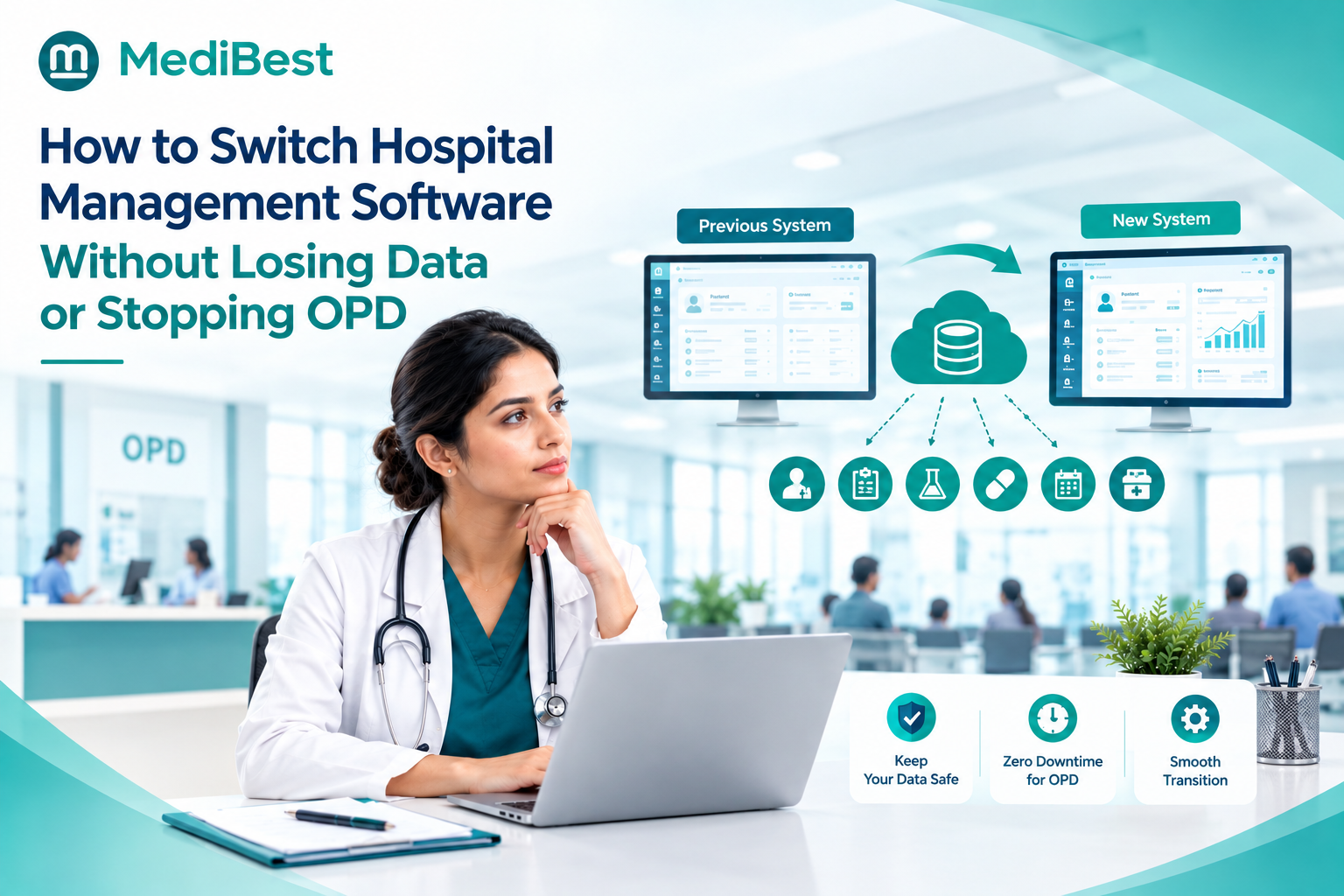
Yes, migration is possible, though it requires careful planning around data transfer and staff training. Many hospitals choose to start with cloud from the outset specifically to avoid this transition later.
4. What does saas mean in the context of hospital software?
SaaS, or software as a service, means the hospital pays a subscription to access the software, while the provider handles hosting, maintenance, and updates, removing the need for the hospital to manage its own servers.
5. Is cloud software suitable for small hospitals and clinics?
Yes, and it is often a particularly good fit, since smaller facilities typically lack the dedicated IT resources needed to maintain on premise infrastructure securely and efficiently.
Ready to Choose the Right Deployment for Your Hospital
Whether your hospital is leaning toward cloud, on premise, or still weighing both, the right decision comes down to your specific operations, growth plans, and internal resources. Talk to Medibest to walk through your hospital’s requirements and find the deployment model that genuinely fits, not just the one that sounds newer.