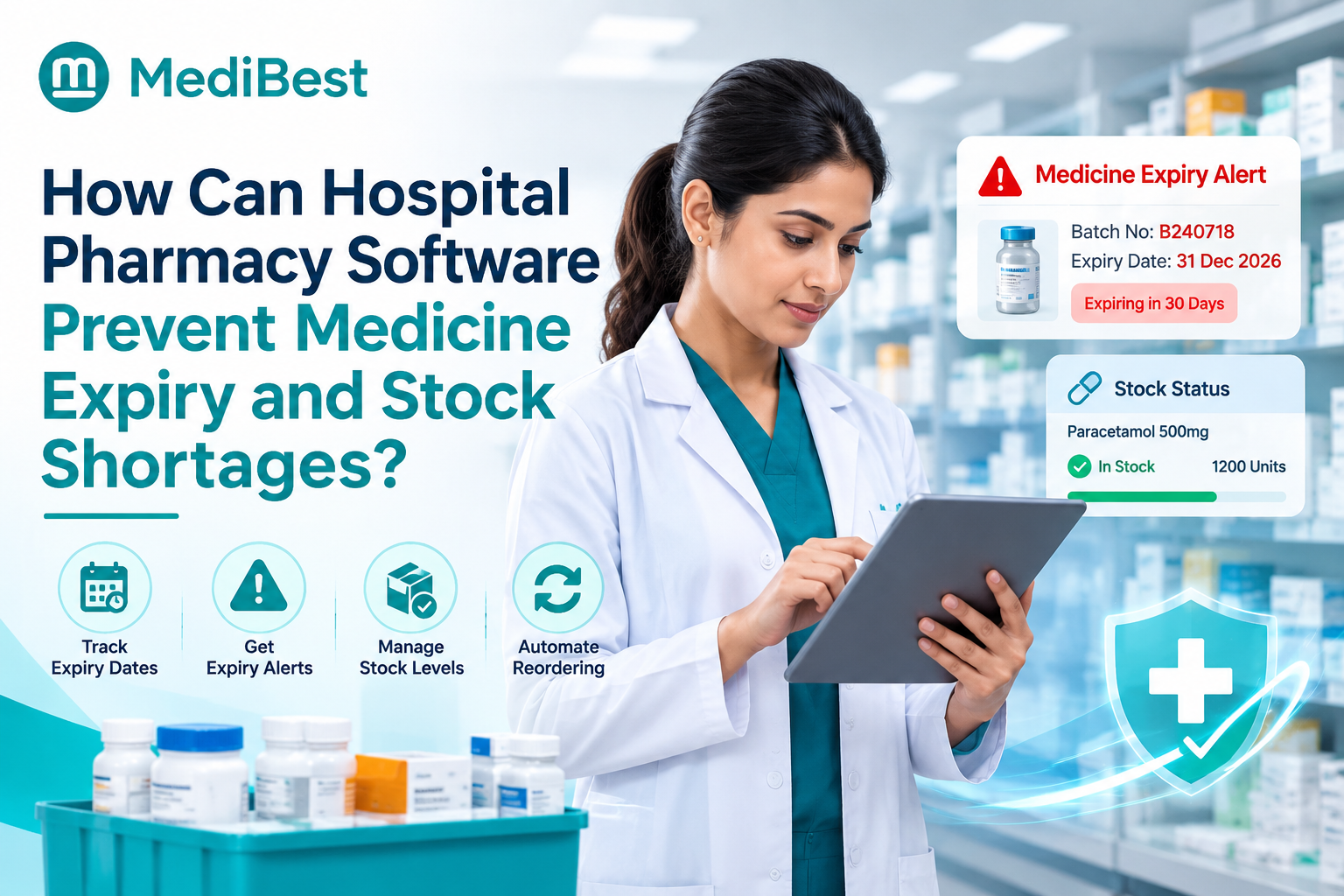
Hospital pharmacy software prevents medicine expiry and stock shortages by tracking every batch and expiry date, issuing the earliest-expiring stock first, and raising reorder alerts before a shelf runs empty. It also links the pharmacy to wards, OT and billing, so demand is visible before it turns into a shortage. The result is fewer write-offs, fewer emergency purchases and fewer delayed doses.
Here is a pattern many hospitals know. The stockroom has a bin of expired injections waiting to be written off, while a ward is out of a common antibiotic and a nurse is phoning around for an emergency purchase. Both problems hit the same hospital in the same month, and both cost real money and patient time.
Stay till the end for a five-minute stock check you can run today.
Why do hospitals have expired medicines and empty shelves at the same time?
Two opposite problems usually share one root cause: nobody has a live view of what is where, how fast it is used and when it expires. These are the common triggers:
- Stock is counted by hand, so records lag behind the shelves
- Expiry dates live on paper or in someone’s memory, not by batch
- Reorders follow gut feeling, not actual usage
- Ward stores, OT and emergency hold stock the main pharmacy cannot see
- Purchases happen without checking what already sits in another store
- Near-expiry stock is not moved or returned in time
What should hospital pharmacy software do?
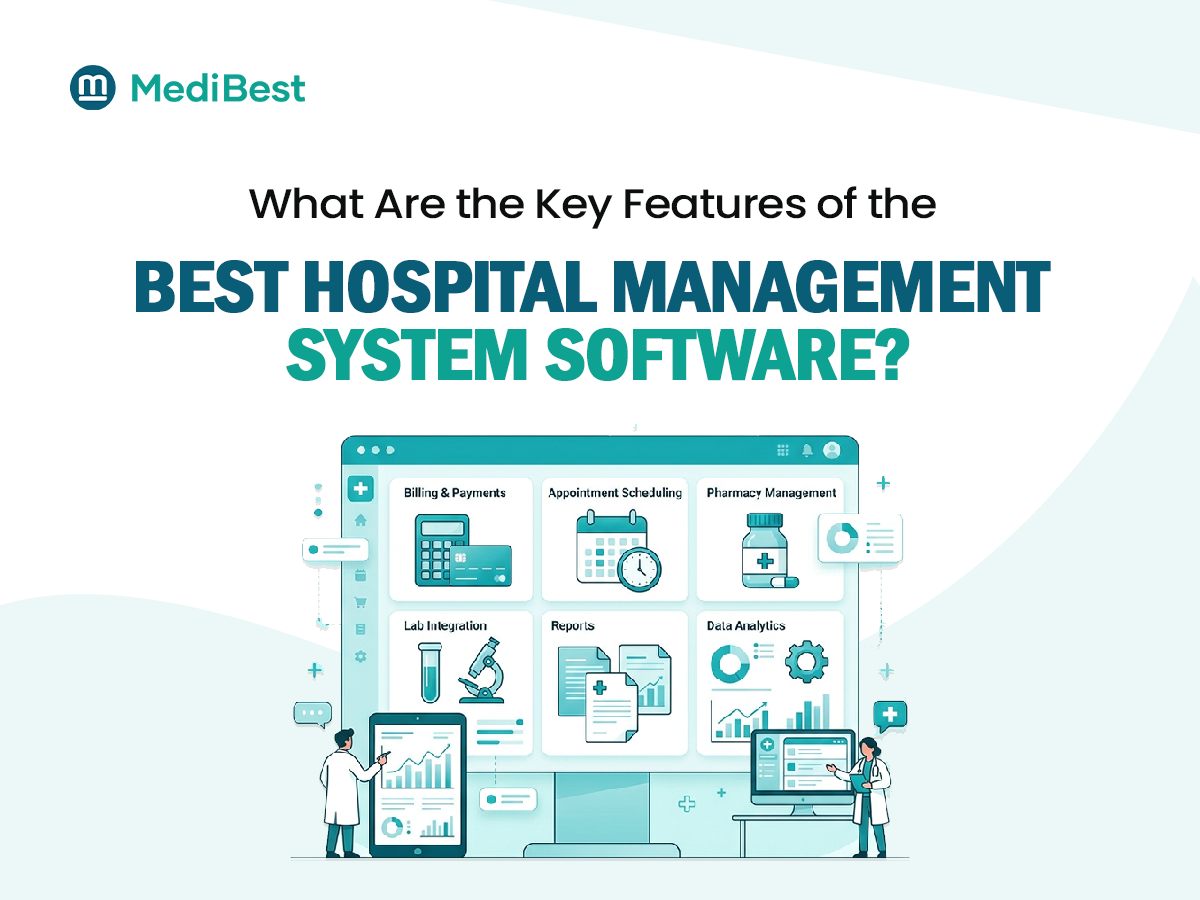
Not every hospital software package treats the pharmacy as a core module. Look for these six abilities:
Batch and expiry tracking from the first day
Every item is recorded at receipt with its batch number, expiry date, supplier and rate. You can then search by batch, see exactly what is on the shelf and trace a medicine if a recall happens.
Red flag: expiry is checked by walking the shelves.
Earliest-expiry-first issuing
The system suggests the batch that expires soonest, so older stock leaves first instead of sitting behind newer packs. This method is often called first-expiry, first-out.
Red flag: staff pick whichever pack is easiest to reach.
Near-expiry alerts
You get lists of medicines expiring in the next ninety, sixty and thirty days. That gives time to use them first, move them to a busier ward or return them to the supplier.
Red flag: you only learn about expiry on audit day.
Reorder levels based on real use
Set a minimum level for each item, with extra care for life-saving medicines. The software compares usage against stock and flags what to reorder, so purchasing follows data, not guesswork.
Red flag: orders are placed only after someone complains.
One live view across every store
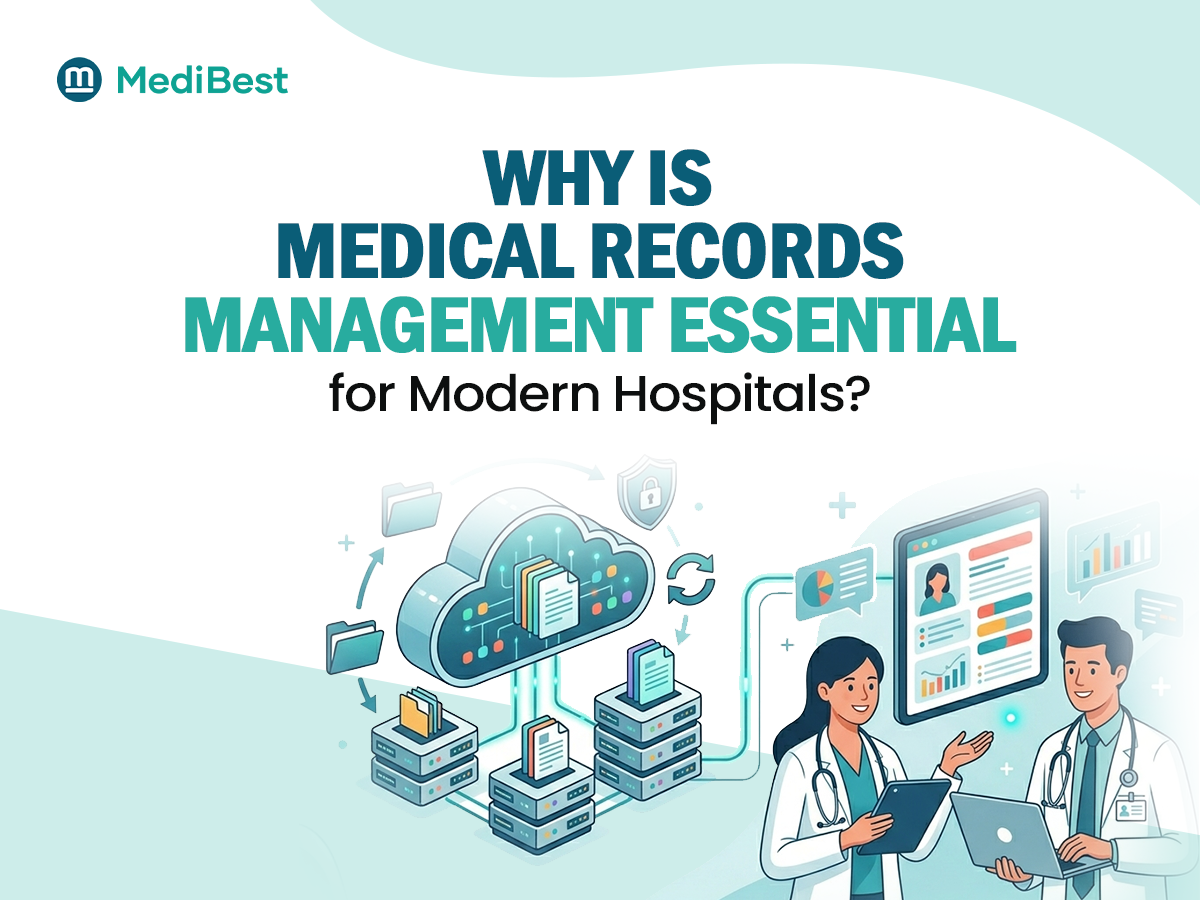
Main pharmacy, ward stores, OT and emergency all appear in one system, with indents and transfers recorded. You see total stock, not just what the main counter holds.
Red flag: wards keep private stock the pharmacy never sees.
A link to prescriptions and billing
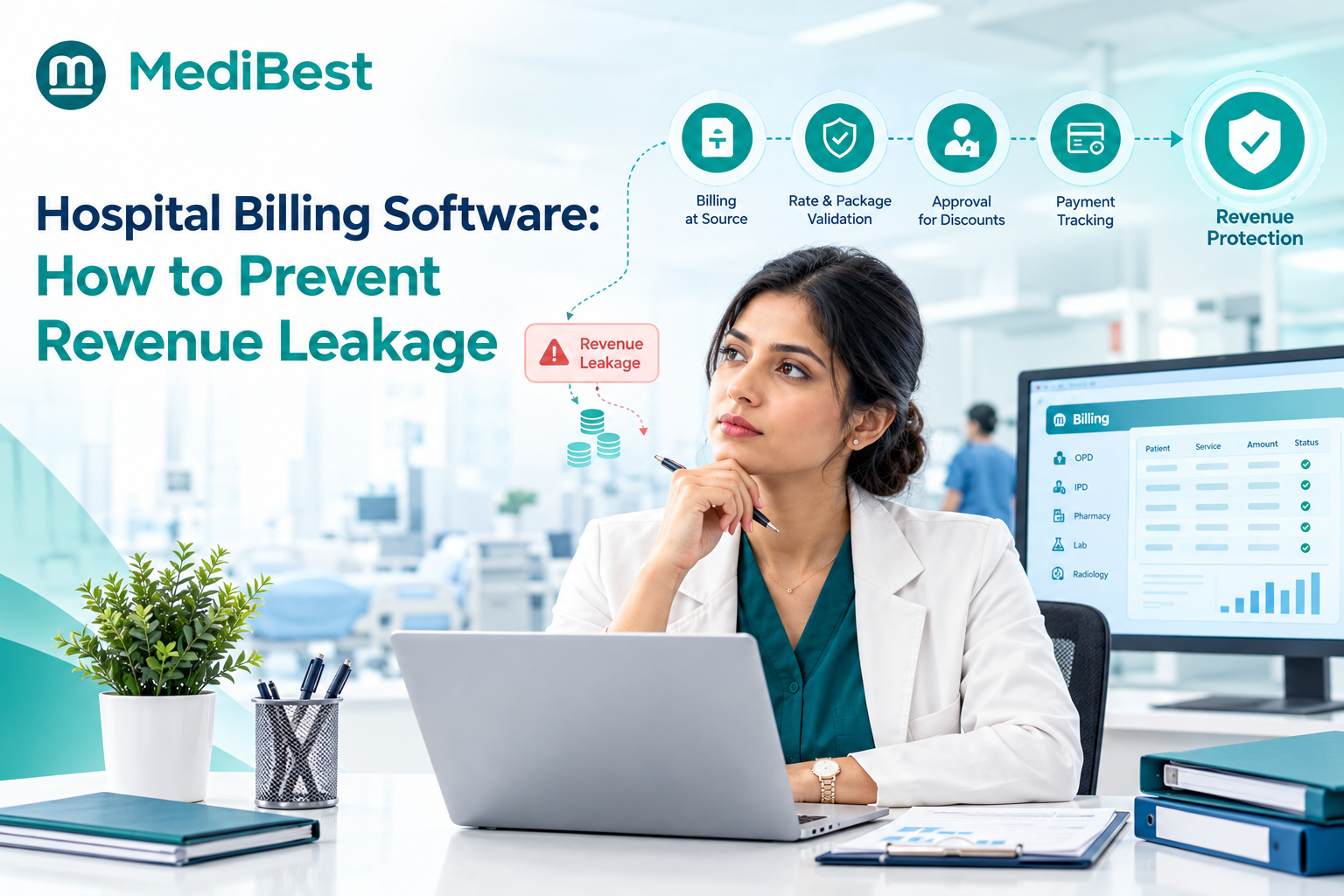
Each medicine issued is tied to a patient and flows to the bill. That stops unbilled issues and gives you true consumption data. Our guide on preventing hospital revenue leakage explains why this quiet gap matters.
Red flag: issued medicines are billed later from handwritten slips.
Spotted a few red flags that sound familiar?
How does automation change the pharmacy day?
Hospital automation software takes the manual checks out of the routine. A typical day looks like this:
- Morning: the system lists medicines nearing expiry, so staff act before the shelf date arrives
- Midday: a ward indent arrives, and the system issues the earliest-expiring batch
- Evening: items below minimum stock appear as reorder suggestions
- Weekly: the pharmacist-in-charge reviews reports on slow-moving, critical and expired stock
None of this needs extra staff. It replaces memory and paper with alerts.
What changes after you move from manual to software?
| Task | Manual pharmacy | With pharmacy software |
| Expiry checks | Shelf walks, easy to miss | Automatic alerts by batch |
| Reordering | Based on gut feeling | Based on usage and minimum levels |
| Stock across wards | Unknown until counted | One live view |
| Issues to patients | Slips and late billing | Recorded and billed together |
| Reporting | Built by hand at month end | Ready on demand |
How can Medibest help your pharmacy run smoothly?
Pharmacy problems shrink when stock, billing and accounts share one system. Our hospital management system software is a web-based, enterprise-grade platform where a single application covers hospital departments, accounts and material management, so you avoid separate tools that never quite agree. Here is what that design gives a hospital:
- One connected system, so pharmacy stock, patient bills and accounts line up
- High configurability, so reorder rules and workflows follow your hospital’s policies without a rebuild
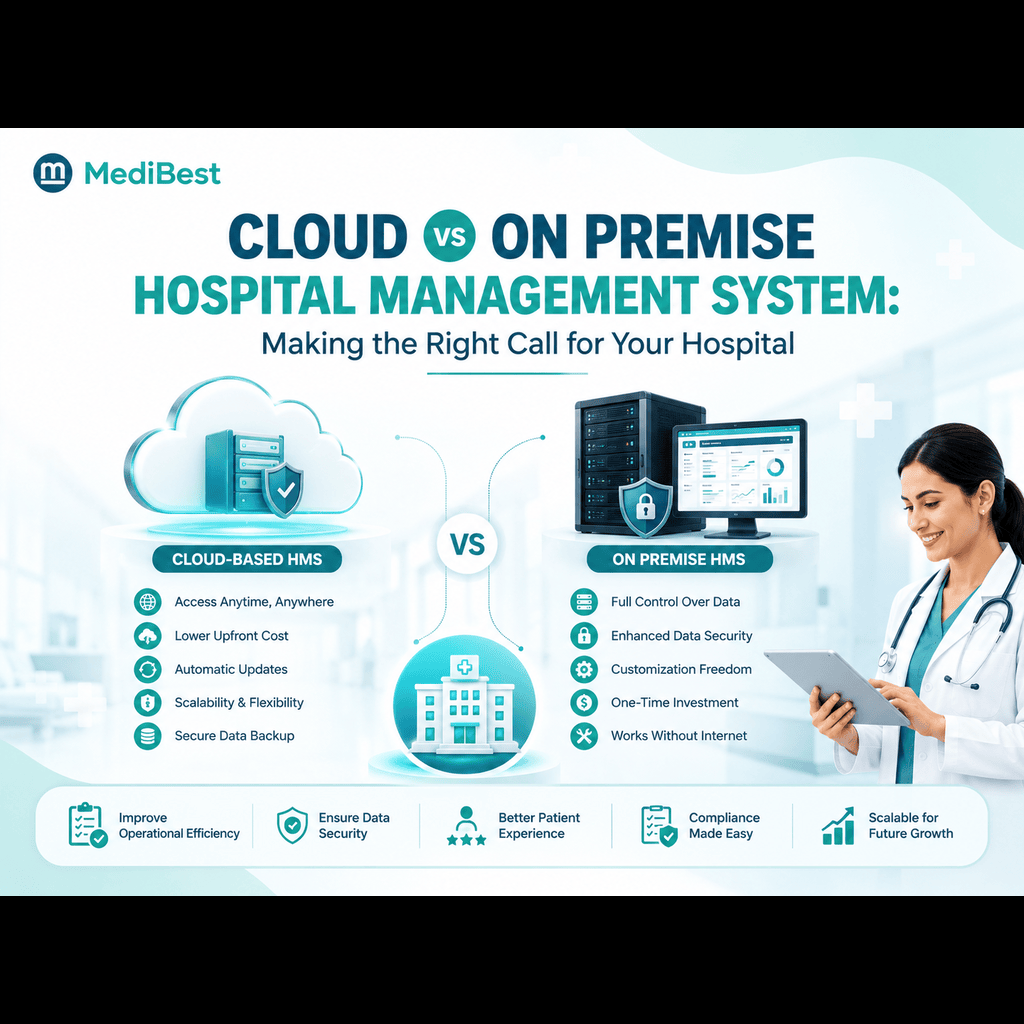
- On-premise or cloud deployment, with access from multiple locations, which helps groups that run several pharmacies
- Tech support built for hospitals that never close
We believe this makes Medibest a strong choice for Indian hospitals that want tighter control of medicine stock. Do not take our word for it. Ask our team to show batch tracking, expiry alerts and reorder levels live, using your own item list.
Can you run a five-minute stock check today?
Ask these five questions:
- Can I list every medicine expiring in the next three months right now?
- Do I know the stock in each ward store, not just the main pharmacy?
- Which five medicines would hurt most if they ran out, and what is their minimum level?
- Do I know the value of last month’s expired stock?
- When a medicine is issued to an IPD patient, does it reach the bill automatically?
Every “I’m not sure” points to a gap that software can close.
Frequently Asked Questions
1. How does hospital pharmacy software prevent medicine expiry?
It records the expiry date of every batch, alerts staff before it arrives, and suggests the earliest-expiring batch at the time of issue. That lets hospitals use, move or return stock in time.
2. What is FEFO in a hospital pharmacy?
FEFO stands for first-expiry, first-out. The batch that expires soonest is issued first, not the one that arrived first.
3. How can hospitals avoid running out of essential medicines?
Set minimum levels for every item, with extra care for life-saving ones. Use usage trends to reorder before stock hits the minimum, and keep a live view of stock in every ward store.
4. What is the difference between pharmacy billing software and hospital pharmacy software?
Pharmacy billing software focuses on sales and invoices. Hospital pharmacy software also handles ward indents, sub-stores, IPD issues, patient billing and links to doctors’ prescriptions.
5. Can pharmacy software connect with OPD, IPD and billing?
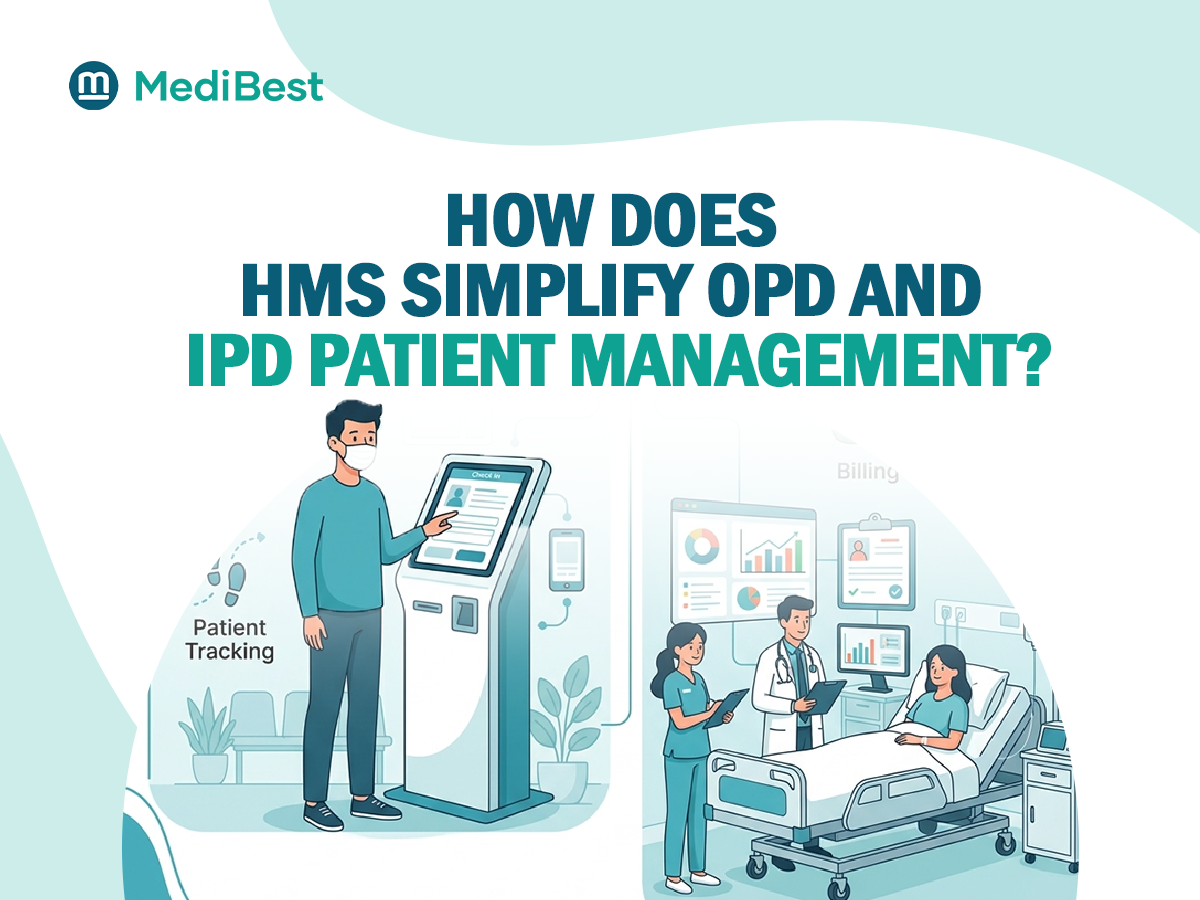
Yes, when it is part of an integrated hospital system. Issues then flow to the patient record and bill without retyping, which cuts both errors and missed charges.
6. How often should hospitals check near-expiry stock?
Daily alerts with a weekly review by the pharmacist-in-charge is a common and practical routine.
Conclusion
Expiry write-offs and empty shelves are two sides of one problem: no live view of stock. Batch tracking, earliest-expiry-first issuing, near-expiry alerts, usage-based reordering and a link to billing fix it at the source. Run the five-minute check, note your gaps, and choose software that treats the pharmacy as part of the whole hospital.
Ready to stop writing off medicines and chasing shortages?