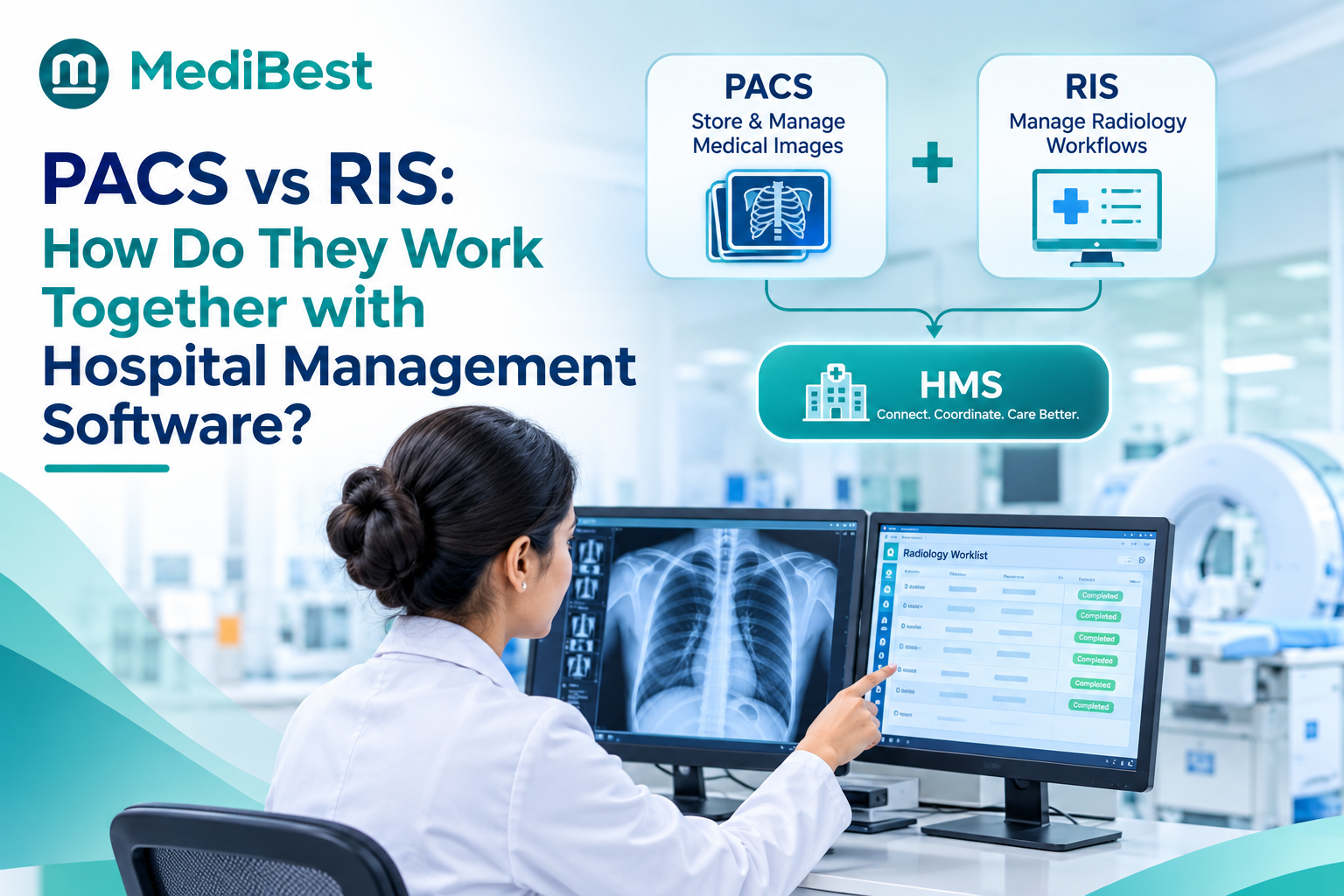
PACS stores and displays medical images, while RIS runs the radiology workflow: orders, scheduling, reporting and billing. HIS software connects the two, passing patient details, orders and final reports between them so staff never type the same data twice. When all three talk to each other, a doctor orders a scan once, and the images and the signed report land back in the patient’s record on their own.
Picture a busy radiology counter. A patient’s CT is done, the images are in one system, the report is in another, and the patient’s name is spelled two different ways. The doctor waits, the patient waits, and billing misses the scan.
This guide shows how PACS, RIS and your hospital system should work together. Stay till the end for a checklist you can use in your next vendor meeting.
What is the difference between PACS and RIS?
PACS (Picture Archiving and Communication System) stores, retrieves and displays scan images from X-ray, CT, MRI and ultrasound machines. RIS (Radiology Information System) tracks everything around the scan: the order, the appointment, the technologist, the report and the charges.
| PACS | RIS | |
| Main job | Stores and shows images | Manages the radiology workflow |
| Handles | Scan images and viewing tools | Orders, appointments, reports, billing data |
| Main users | Radiologists and doctors viewing images | Reception, technologists, radiologists, billing |
| Question it answers | “Where are the images?” | “Who is this patient, what was ordered, and where is the report?” |
Think of PACS as the film library and RIS as the front desk and file clerk. Neither can do the other’s job.
How do PACS, RIS and the hospital system work together?
Good hms medical software acts as the hub. Here is the journey of one scan:
- Order: The doctor orders the scan from the patient’s record in the hospital system.
- Scheduling: The order reaches the RIS, which books a slot and sends the patient details to the scanner (this is called a modality worklist), so the technologist does not retype them.
- Scan: The machine sends the images straight to PACS.
- Reporting: The radiologist views the images in PACS and writes the report in RIS.
- Return: The final report flows back into the patient’s record, where the doctor can read it.
- Billing: The charge for the scan posts to the patient’s bill automatically.
Two common standards carry this traffic. DICOM moves the images, and HL7 moves messages such as orders and reports. You do not need to master them. You only need to ask whether your vendor supports both.
Where does the hospital system fit in?
The hospital system is the single source of truth for who the patient is. It holds the patient ID, visit details, billing and history, and shares them with RIS and PACS. Policy documents often call this central system a health management information system, or HMIS. In a hospital, it is the same idea: one core record that every department reads from and writes to.
Want to see one scan travel from order to bill on a single screen?
What goes wrong when the systems are not connected?
The problems are familiar to most radiology teams:
- Staff retype patient details, and small typos create mismatched records
- Patients with similar names can end up with the wrong images or reports
- Reports sit in one system while the doctor searches in another
- Scans go unbilled because the charge never reaches the bill
- Patient data gets copied across tools, which makes privacy duties under the DPDP Act harder to meet
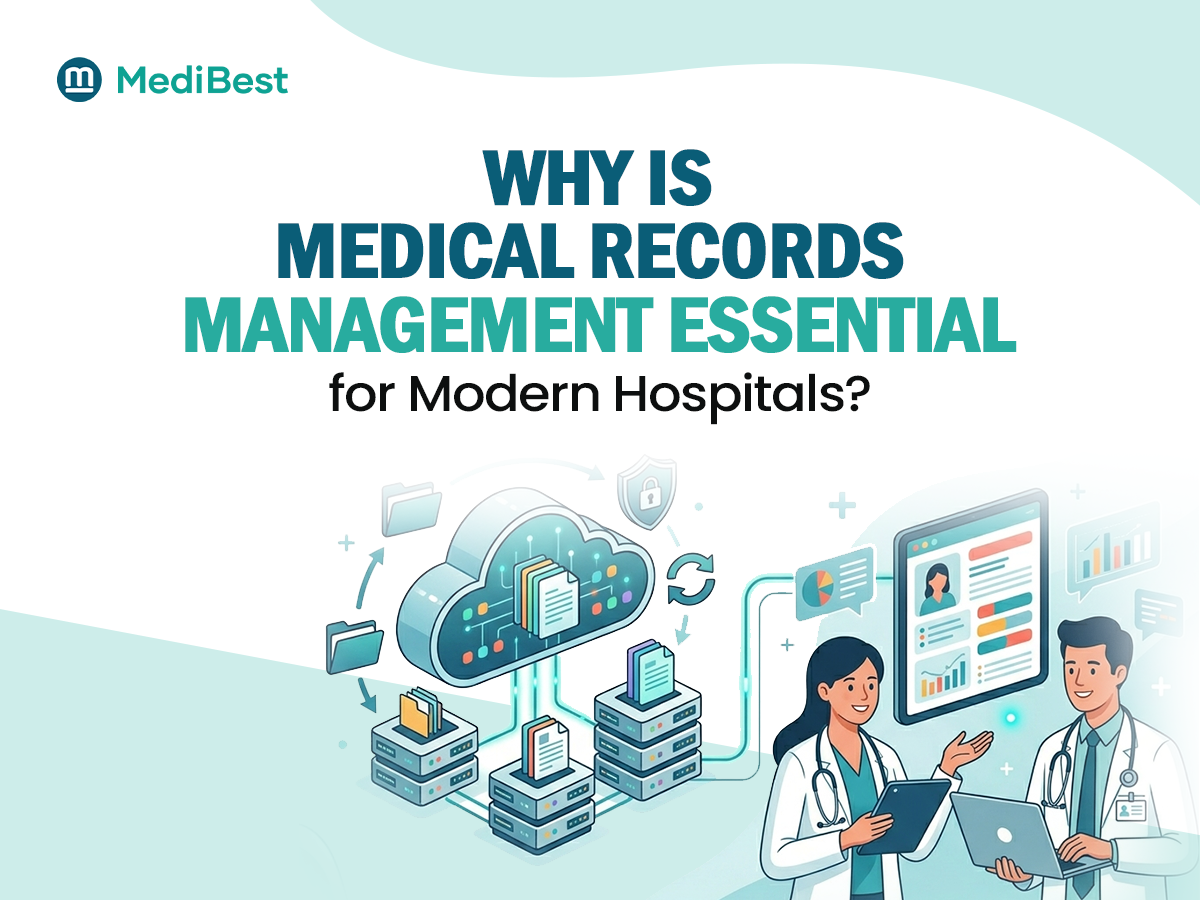
Most of these have one root cause: each system keeps its own copy of patient data. A strong hospital database management system keeps one record per patient and lets every module use it.
How does Medibest HMIS help?
Medibest HMIS is built on that single-record idea. Our web-based, enterprise-grade hospital management system covers every department in one application, so patient details, orders and bills live in one place. Its architecture is designed to be extended, so new technology and business functions connect to the core application instead of sitting outside it. That principle makes imaging connections cleaner. Here is what it gives a hospital:
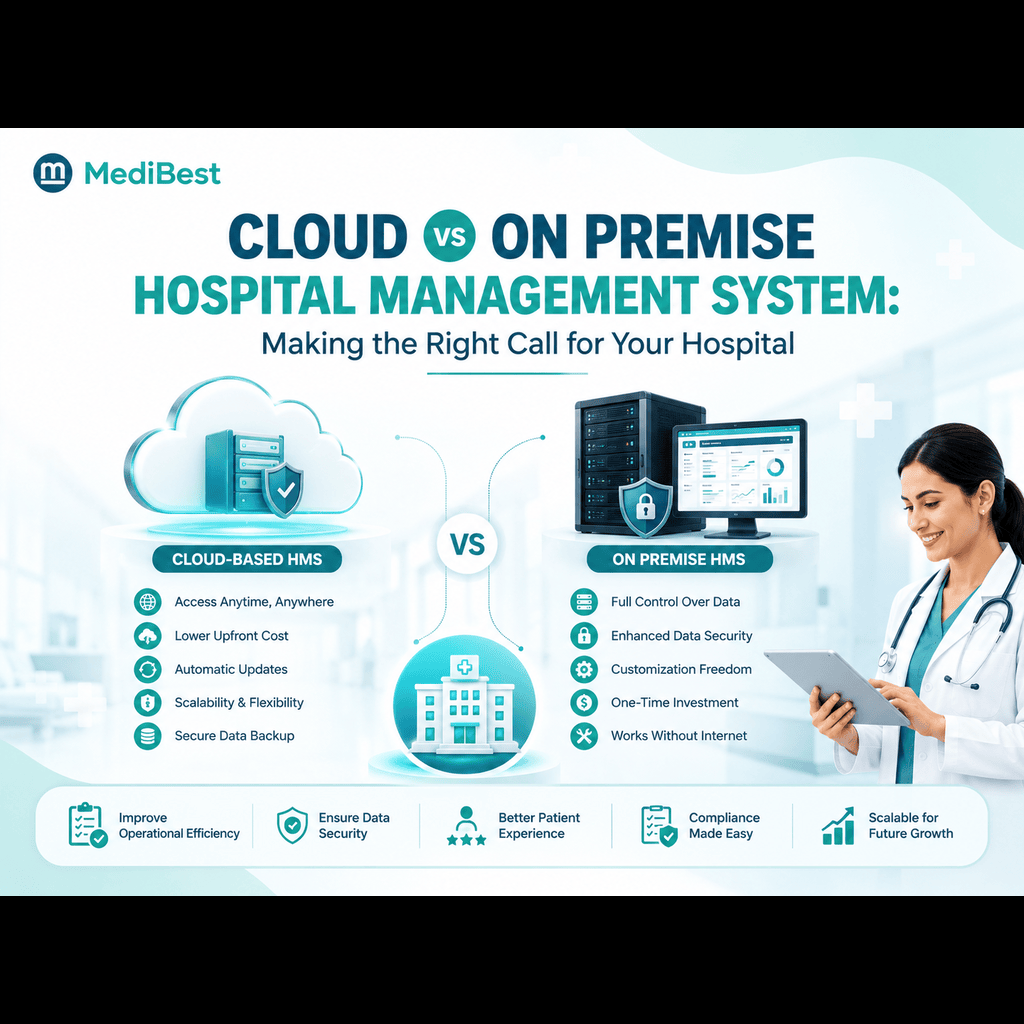
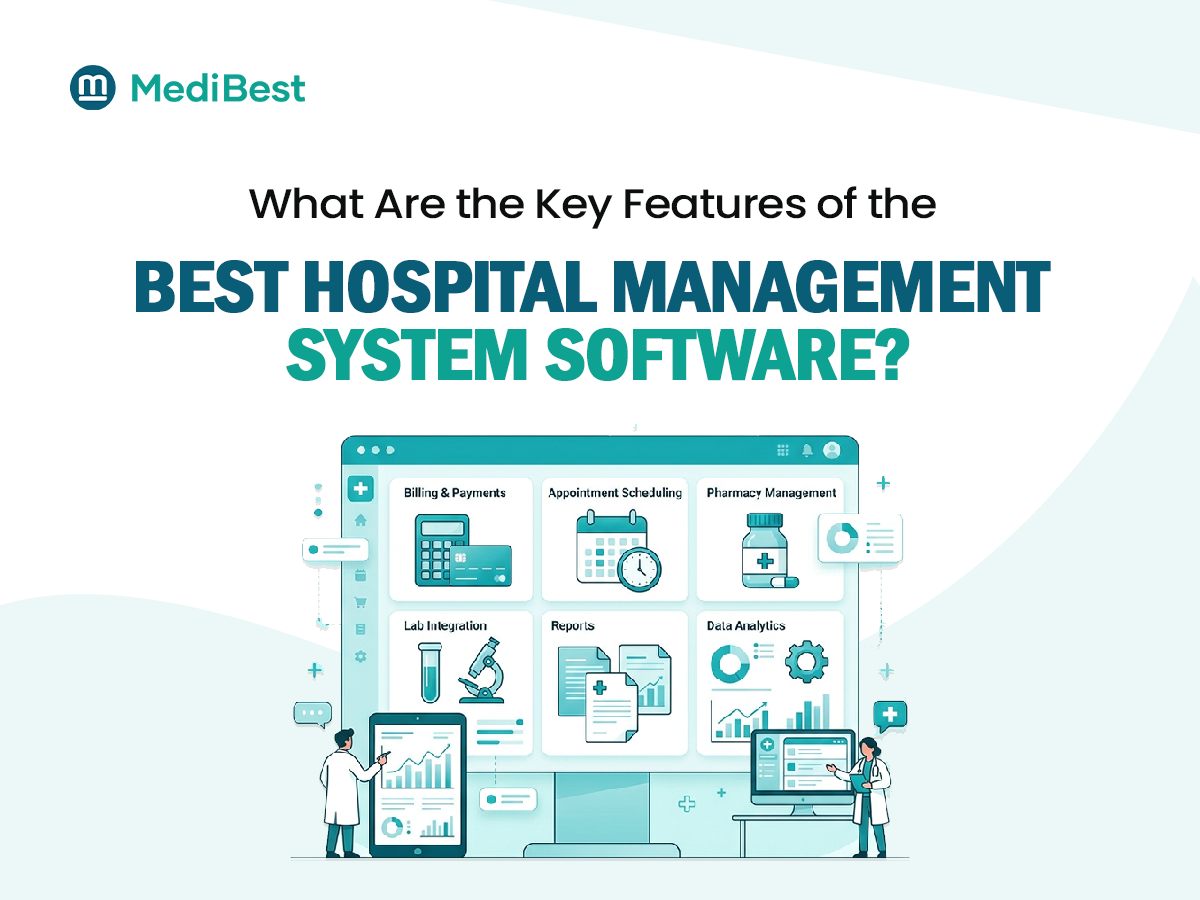
- One patient record across OPD, IPD, lab, pharmacy, billing and accounts
- An extendable core, so imaging systems connect to it, not around it
- High configurability, so workflows and charges adapt without a rebuild
- On-premise or cloud deployment, with access from multiple locations, which suits hospitals with branch imaging centres
- Tech support built for hospitals that never close
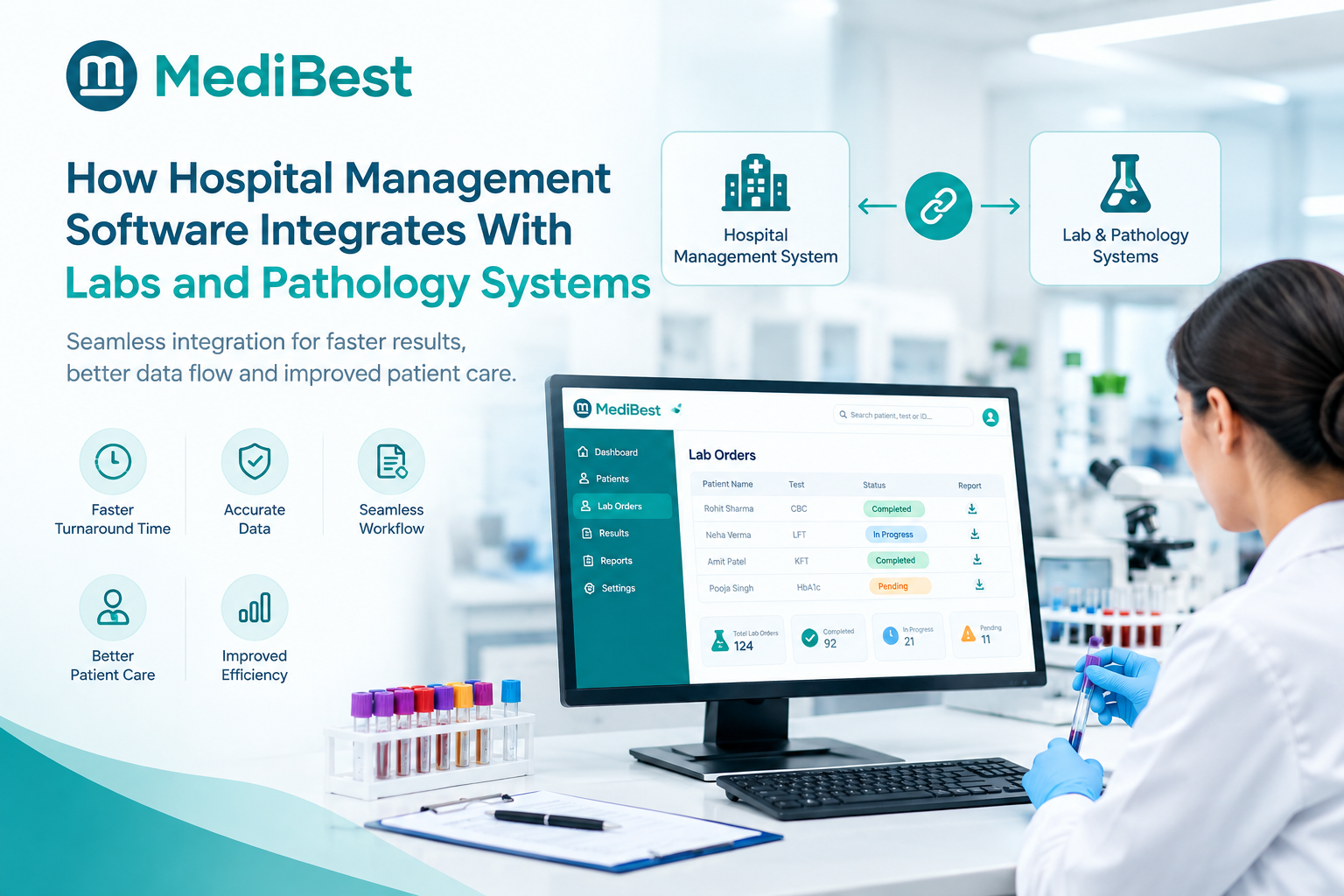
We believe this makes Medibest a strong choice for Indian hospitals that want imaging, lab and billing to work as one. Do not take our word for it. Ask for a live walkthrough and trace one scan from order to bill. The same approach works for labs, which we cover in our guide on how hospital management software integrates with labs.
What should you check before connecting PACS and RIS?
Use this checklist in your next vendor meeting:
- One patient ID across all three systems
- Orders reach the RIS without retyping
- Scanners receive patient details automatically
- Images and reports link to the same visit
- Final reports return to the patient record
- Charges reach the bill without manual entry
- Access is role-based and every view is logged
- One named owner handles support when an interface breaks
Ask the vendor to prove each point live with a real test order, not a slide.
Frequently Asked Questions
1. What is the difference between PACS and RIS?
PACS stores and displays medical images. RIS manages the radiology workflow around them: orders, scheduling, reports and billing data. Hospitals usually need both, connected through the hospital system.
2. Do hospitals need both PACS and RIS?
Most hospitals with regular imaging benefit from both. PACS alone can store and show images but cannot manage orders, appointments or reports. Some vendors sell the two as one package, which can simplify setup.
3. Can PACS and RIS connect with existing hospital software?
Usually yes, if the hospital software supports standard messaging such as HL7 and DICOM or offers an open interface. Ask for a live test with a real order before you sign.
4. What are DICOM and HL7 in simple words?
DICOM is the standard format for medical images and the way scanners send them to PACS. HL7 is the standard way systems exchange messages such as patient details, orders and reports.
5. Is RIS part of hospital management software?
Sometimes. Some hospital systems include a RIS module, while others connect to a separate one. Either approach works if data flows both ways without retyping.
6. What happens if PACS and RIS are not integrated?
Staff enter the same data several times, which raises the risk of wrong matches, lost reports, delayed results and unbilled scans.
Conclusion
PACS and RIS do different jobs, and neither works well alone. The real question is whether they share one patient record through your hospital system. Check the six steps of the scan journey, test the checklist with a live order, and choose software that connects imaging to the rest of the hospital instead of leaving it on an island.
Ready to see imaging, lab and billing work as one system?