Hospitals should compare hospital management software vendors on data security, implementation support, scalability, and total cost of ownership, not just feature lists and demo presentations. Most vendors show similar features on a sales call. What actually separates a good vendor from a risky one shows up after the contract is signed, during implementation, staff training, and the first year of actual use. A structured comparison before you buy saves months of frustration later.
Choosing hospital software isn’t like picking accounting tools or a CRM. A wrong decision here affects patient safety, staff workflow, billing accuracy, and compliance reporting all at once. Yet many hospitals still choose vendors based on price alone or a single impressive demo, without asking the questions that actually predict long-term success. Here’s a practical framework for comparing hospital management system software vendors properly.
1. Start With What the Software Actually Needs to Do for Your Hospital
Before comparing vendors, get internal clarity on requirements. A 50-bed hospital and a 300-bed multi-specialty facility need very different things from their software.
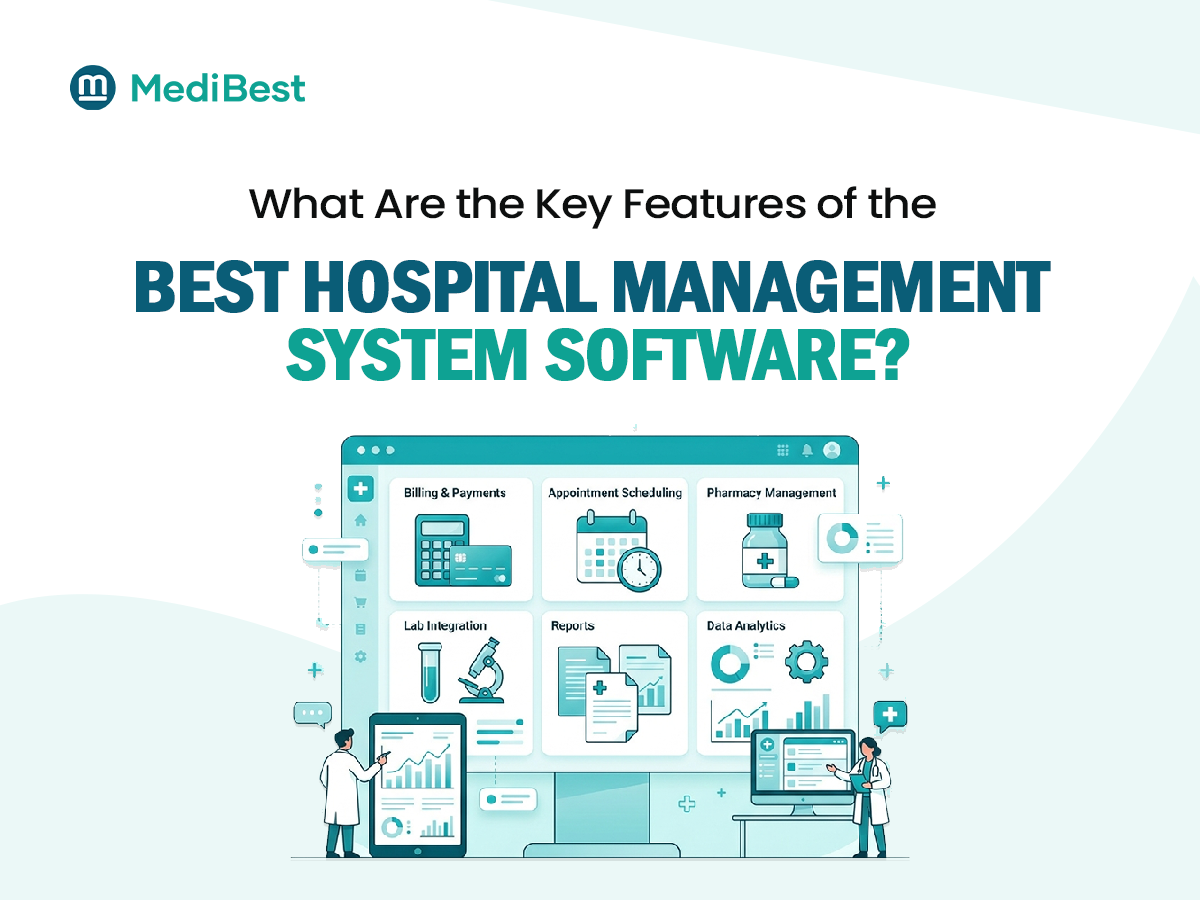
- List must-have modules: OPD, IPD, billing, pharmacy, lab, radiology
- Identify departments that need integration (not every hospital needs a full ERP)
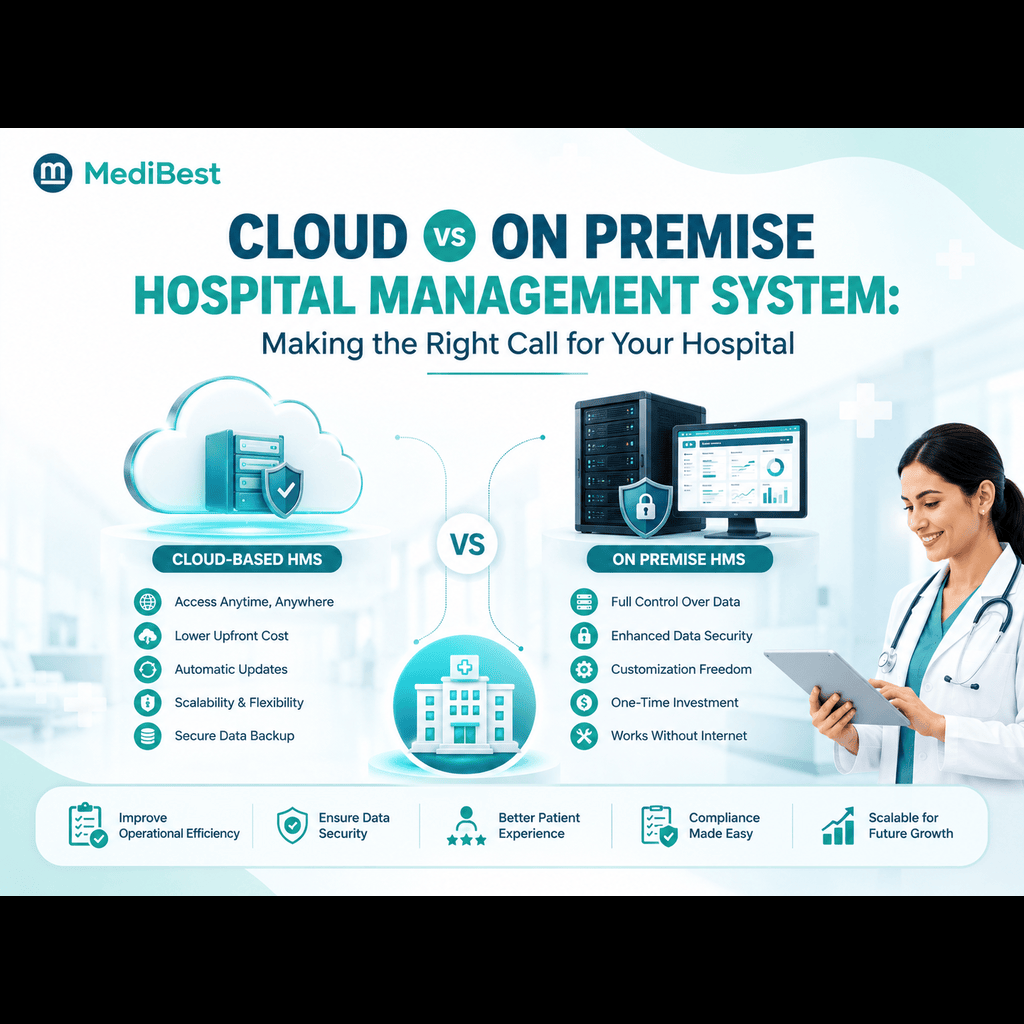
- Decide whether you need cloud-based or on-premise deployment
Vendors who ask about your specific requirements before pitching features are usually more reliable than ones who lead straight into a generic demo.
2. Check Their Track Record With Similar Hospitals
A vendor that has only worked with small clinics may struggle with a multi-department hospital’s complexity, and the reverse is also true. Ask for:
- References from hospitals of similar size and specialty mix
- Case studies with measurable outcomes, not just testimonials
- How long their existing clients have been using the platform
A vendor with genuine experience in healthcare management software will have specific examples ready, not vague claims about “serving hundreds of hospitals.”
3. Evaluate Data Security and Compliance Standards
This is non-negotiable. Patient data is sensitive, and a breach or compliance failure can cause serious legal and reputational damage. Confirm the vendor’s system supports:
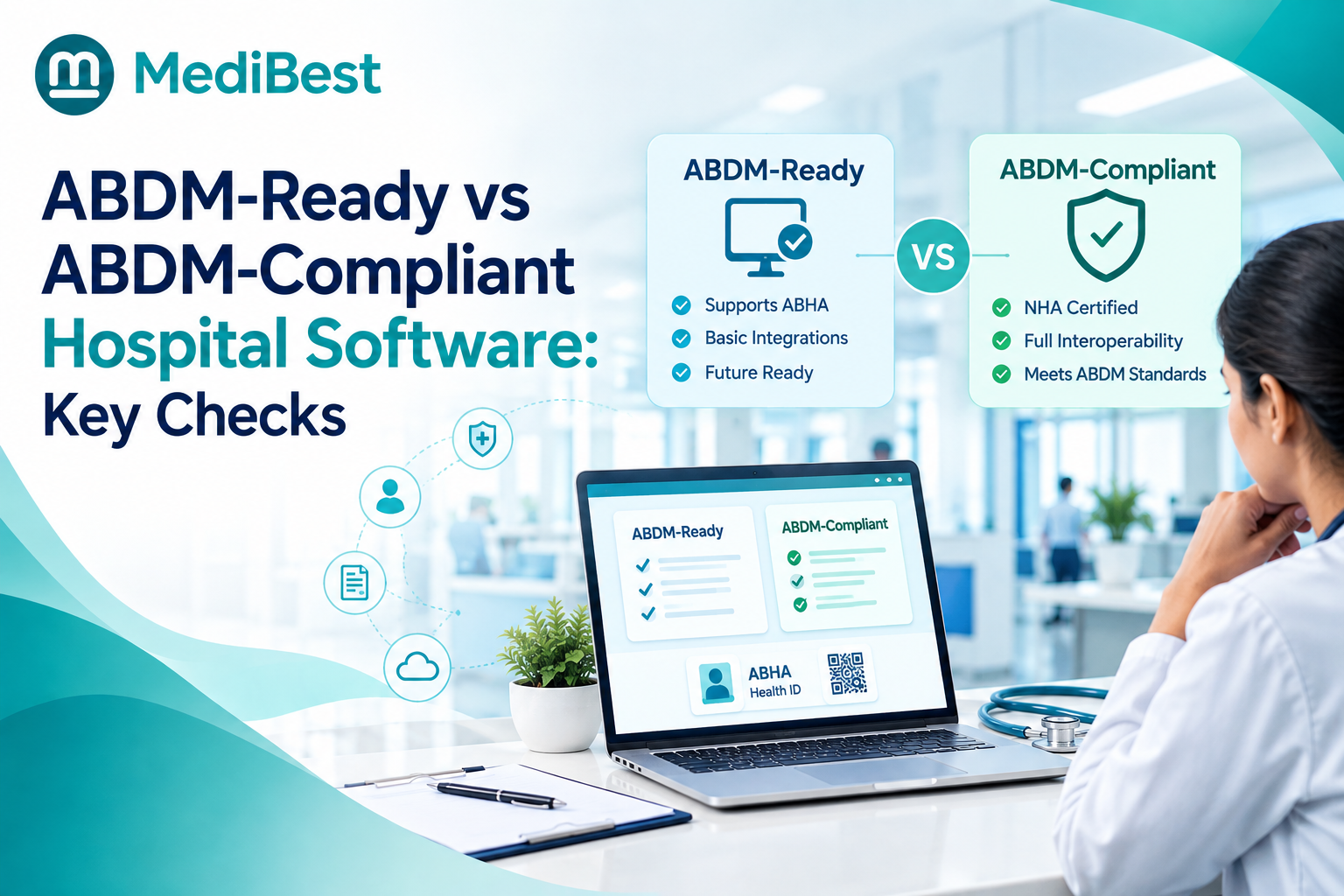
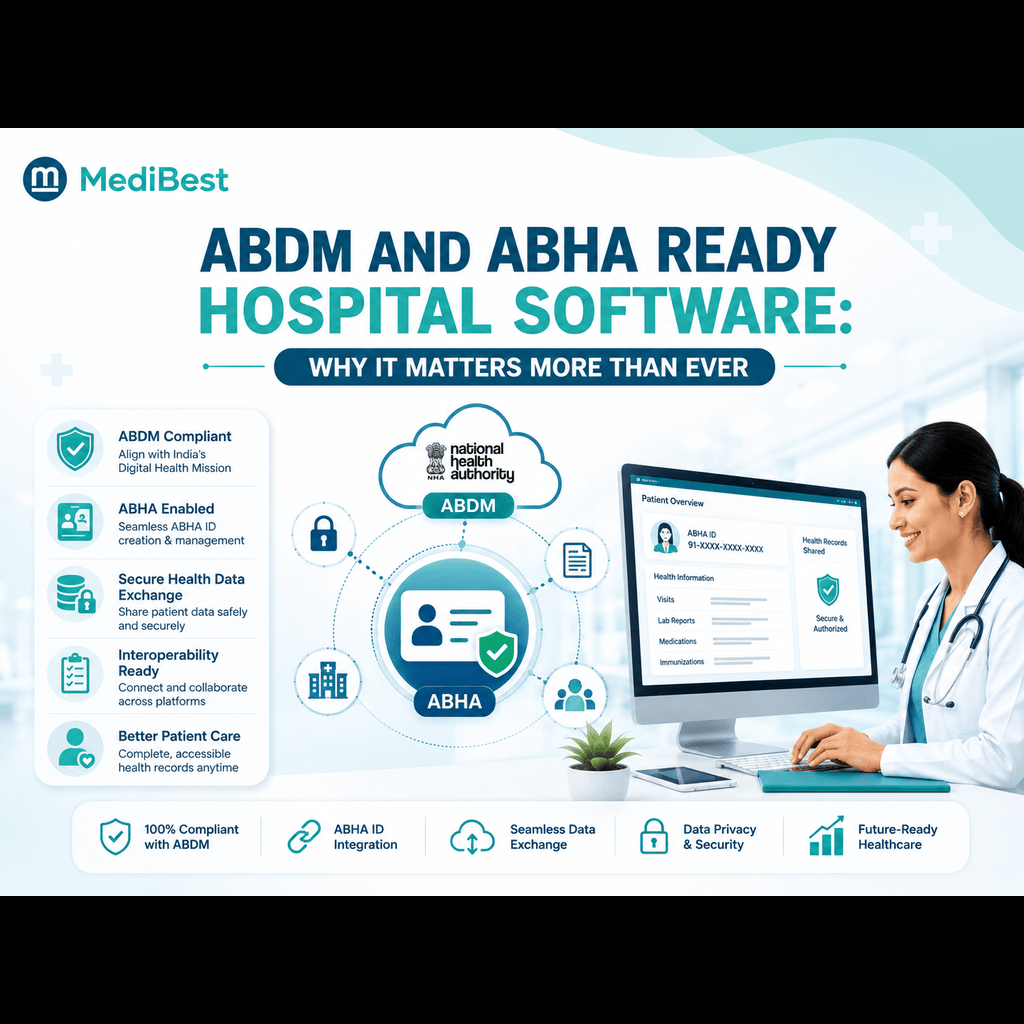
- ABDM and ABHA-linked interoperability for Indian healthcare compliance
- Role-based access control and audit trails
- Data backup and disaster recovery protocols
- Encryption standards for data at rest and in transit
If a vendor cannot clearly explain their security architecture in plain terms, that’s worth treating as a warning sign rather than a technicality to sort out later.
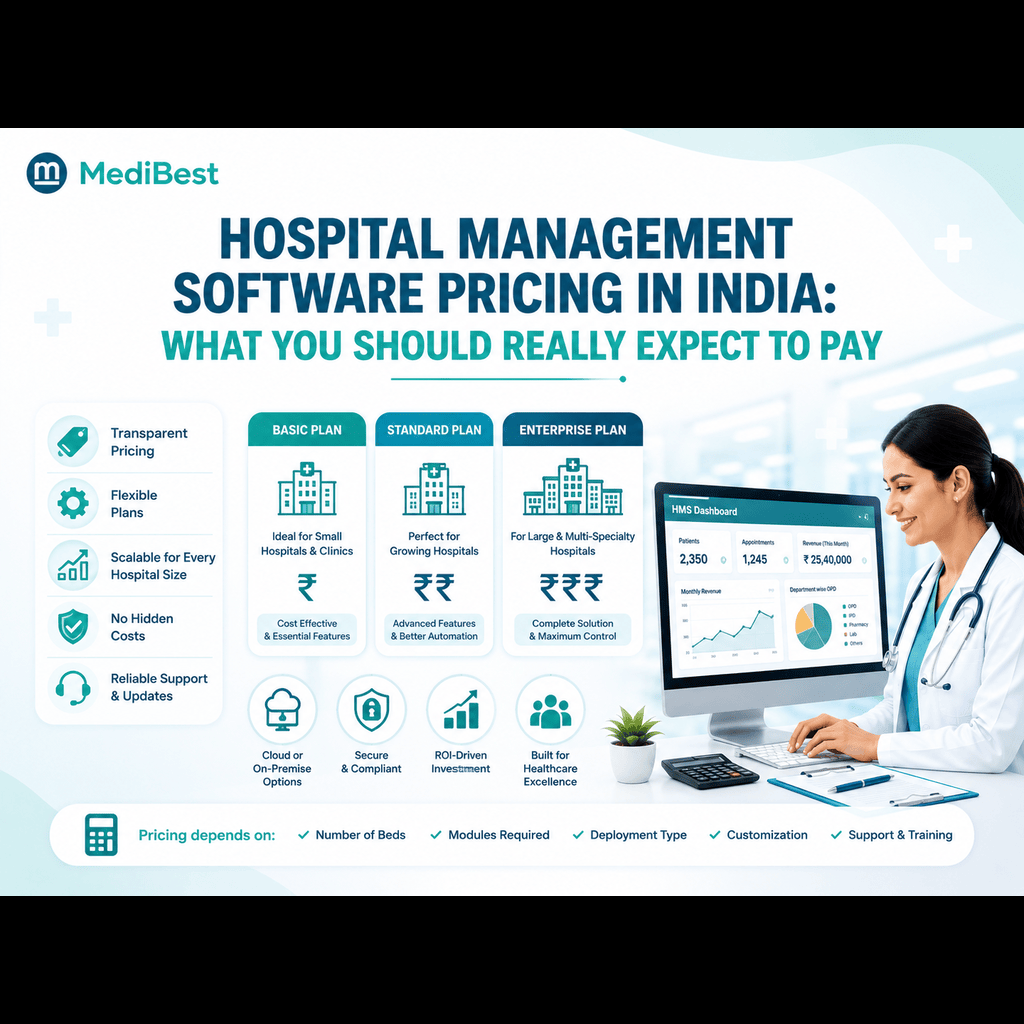
4. Understand the Real Cost, Not Just the Quoted Price
Vendor pricing often looks straightforward until implementation begins. Ask specifically about:
- Setup and data migration fees
- Per-user or per-bed licensing costs as you scale
- Charges for additional modules added later
- Annual maintenance and support fees
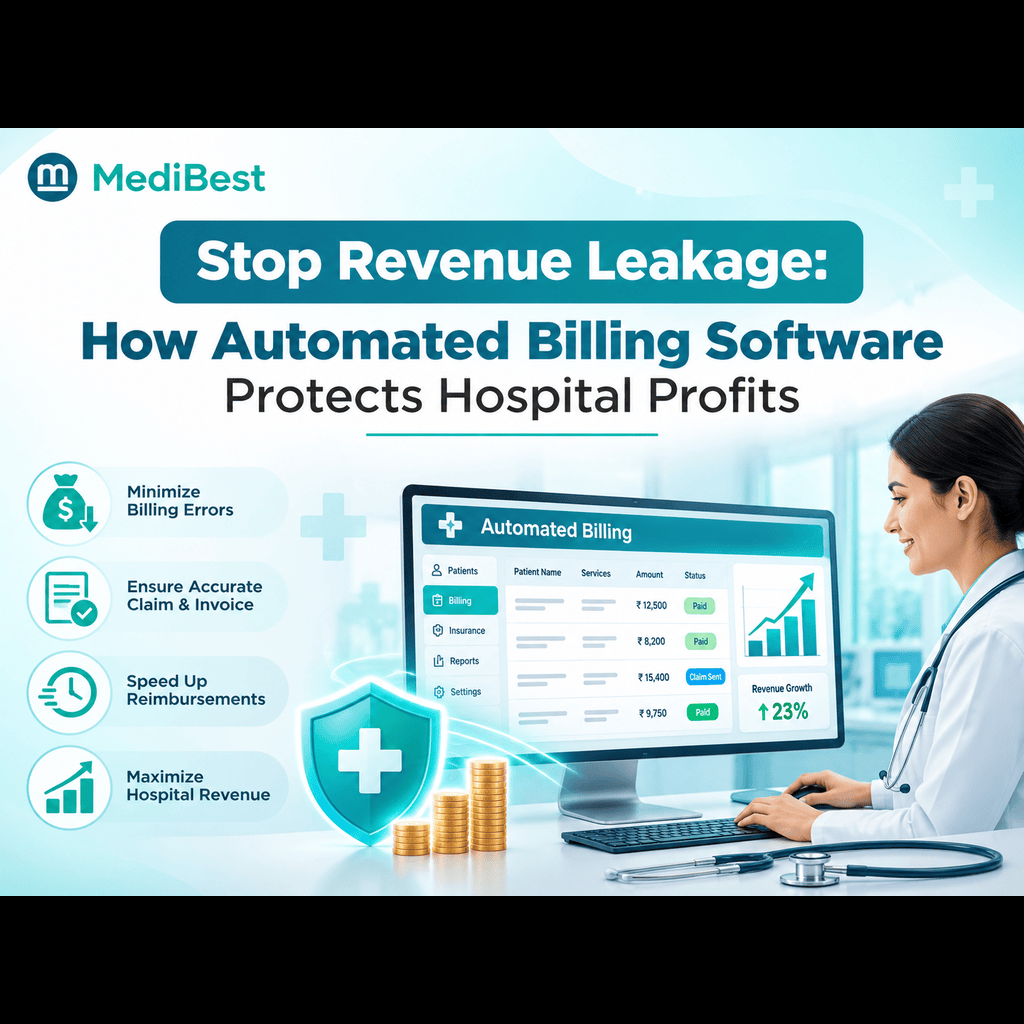
Comparing best hospital system software services purely on the quoted monthly price is one of the most common mistakes hospitals make. The real cost only becomes clear once implementation, training, and add-on charges are factored in.
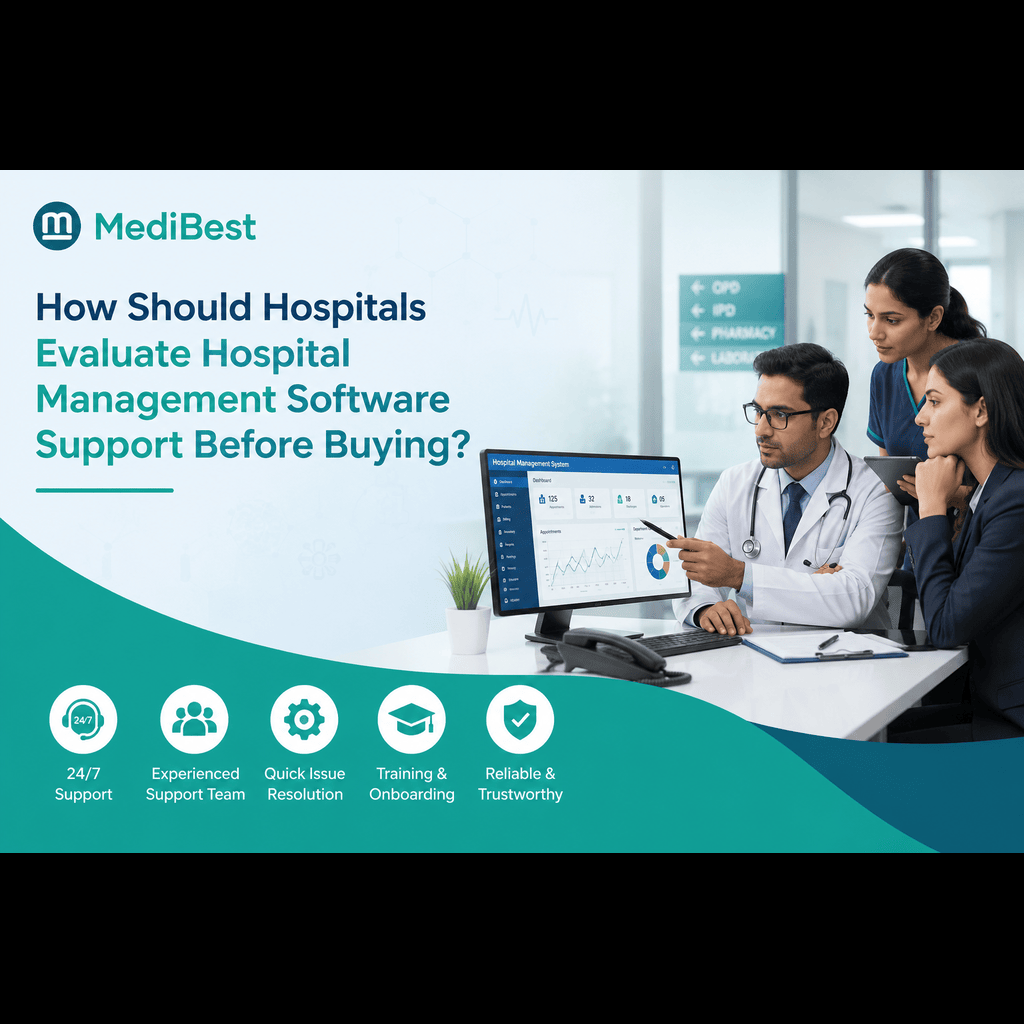
5. Assess Implementation Timeline and Support Structure
A feature-rich system is only useful if your staff can actually run it without daily friction. During vendor comparison, ask:
- How long does a typical implementation take for a hospital your size?
- Is training included, and is it on-site or remote?
- What’s the average support response time for critical issues?
- Is there a dedicated point of contact, or do you raise generic tickets?
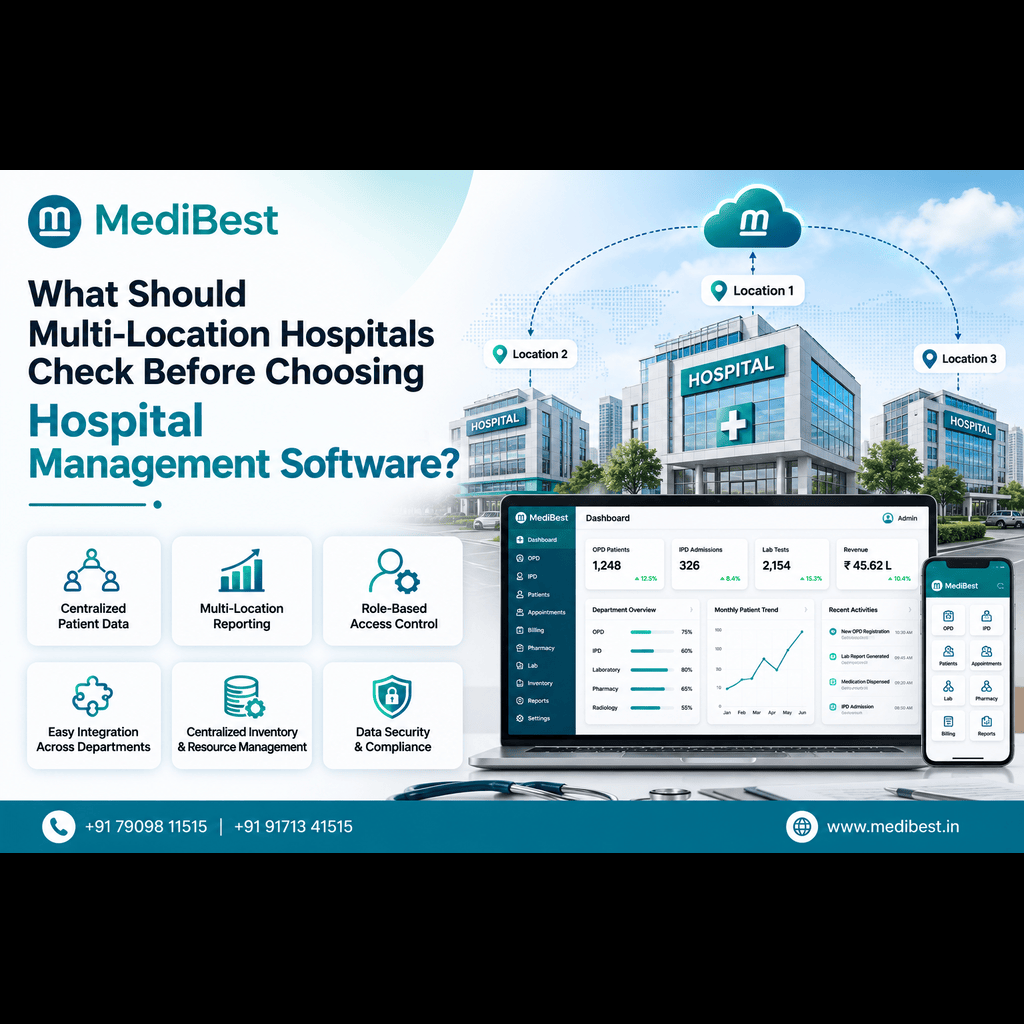
Hospitals that skip this step often end up with software that works technically but sits half-used because staff never got proper training. If you’re specifically comparing this factor across vendors, our earlier piece on what multi-location hospitals should check before choosing HMS covers implementation and rollout considerations in more depth.
6. Test the System’s Scalability
Even if your hospital isn’t planning immediate expansion, ask how the software handles growth. A system that works fine for one facility but requires a complete rebuild to add a second branch will eventually become a costly bottleneck. Good hospital management software solutions in Indore-based providers, for instance, should be able to explain clearly how their platform scales from a single facility to a multi-branch network without a full re-implementation.
7. Ask for a Trial or Sandbox Access, Not Just a Demo
A scripted sales demo shows the software at its best. It doesn’t show how the system behaves when your actual staff, with their actual workflows, start using it daily. Before finalizing:
- Request sandbox or trial access if possible
- Have actual end users (nurses, billing staff, front desk) test the interface, not just IT or management
- Note how many clicks common tasks take, since this affects daily efficiency at scale
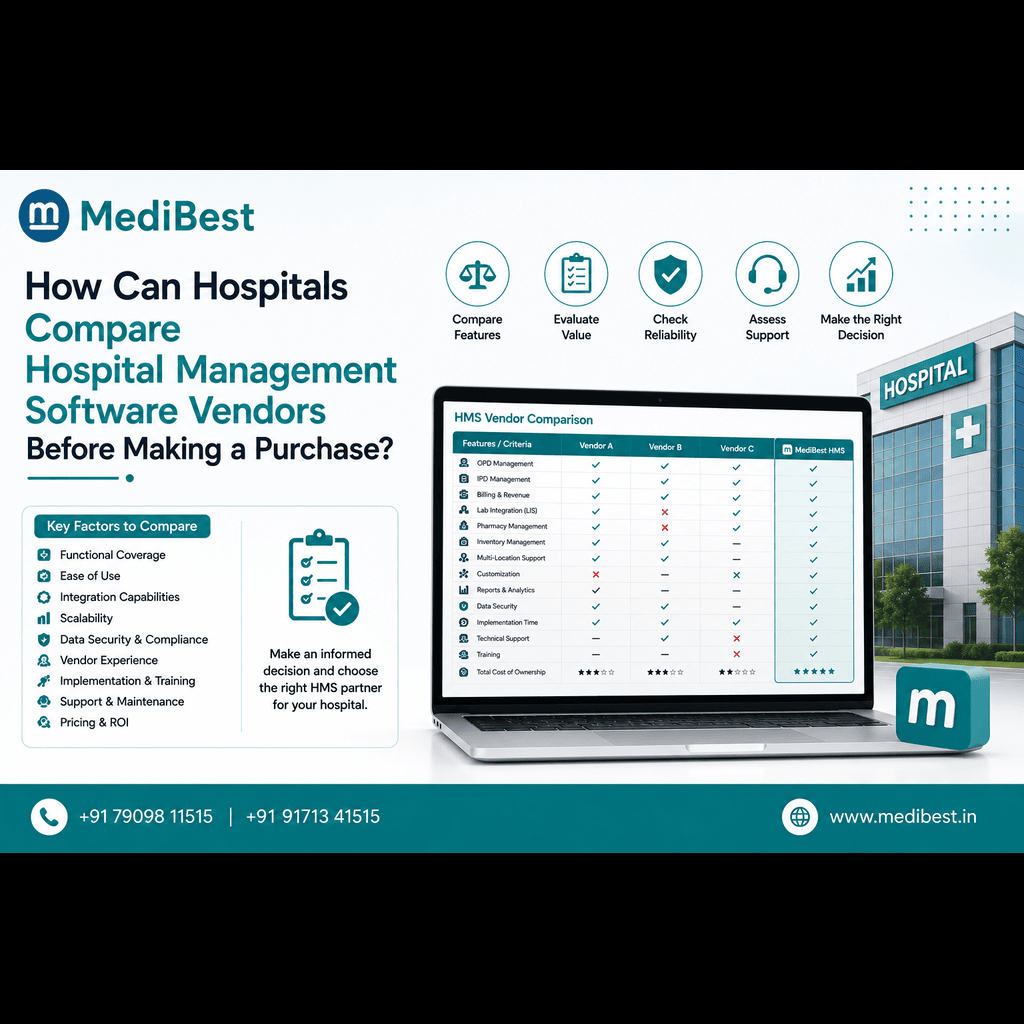
Vendor Comparison Checklist
| Comparison Factor | What to Ask | Why It Matters |
| Requirements fit | Does it match our department needs? | Avoids paying for unused modules |
| Track record | Similar hospitals as clients? | Predicts implementation reliability |
| Security | ABDM/ABHA compliant, encrypted? | Protects patient data legally |
| True cost | All fees beyond the quote? | Prevents budget overruns |
| Support | Response time, dedicated contact? | Reduces daily operational friction |
| Scalability | Can it grow without a rebuild? | Saves future migration costs |
| Trial access | Sandbox for real staff testing? | Confirms usability beyond the demo |
Industry data from Business Research Insights shows steady growth in hospital software adoption as facilities move away from manual systems toward integrated digital platforms, which makes vendor selection more important than it was even a few years ago, since switching platforms later is costly and disruptive.
Frequently Asked Questions
What questions should hospitals ask before signing an HMS contract?
Ask about total cost beyond the quoted price, implementation timeline, data security certifications, support response times, and whether the system integrates with existing tools like billing or diagnostic equipment.
How long does hospital management software implementation usually take?
It depends on hospital size and complexity, but a mid-sized hospital typically takes a few weeks to a couple of months for full rollout, including staff training and data migration.
Is cloud-based HMS more reliable than on-premise for comparison purposes?
Cloud-based systems generally offer easier updates, remote access, and lower upfront infrastructure costs, while on-premise systems offer more direct control over data storage. The right choice depends on your hospital’s IT capacity and compliance needs.
What’s the biggest red flag when comparing HMS vendors?
Vendors who avoid clear answers about security architecture, ongoing support costs, or implementation timelines. Vague answers on these points usually indicate problems that surface later.
Does Medibest offer a demo before hospitals commit to a purchase?
Yes. Medibest provides a guided walkthrough of the hospital management software so hospital teams can evaluate the interface and workflow fit before making a purchase decision.
Making the Final Decision
Comparing vendors properly takes time upfront, but it prevents costly mistakes down the line. If your hospital is currently evaluating HMS medical software options, Medibest’s team can walk you through a live demo tailored to your department structure and answer specific questions about implementation and support.
Contact Medibest Techserv LLP, For a personalized demo and vendor comparison walkthrough, get in touch with our team today.