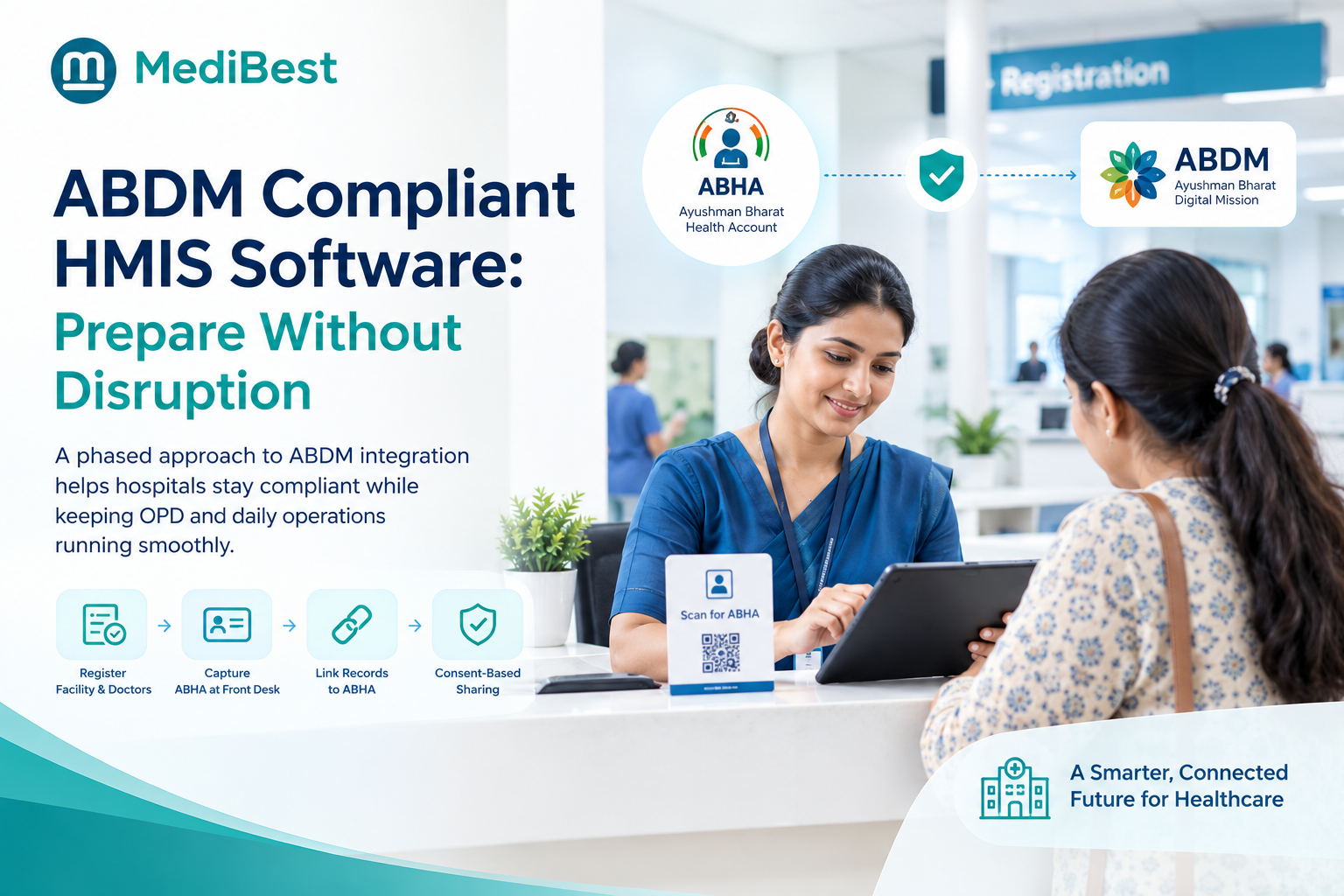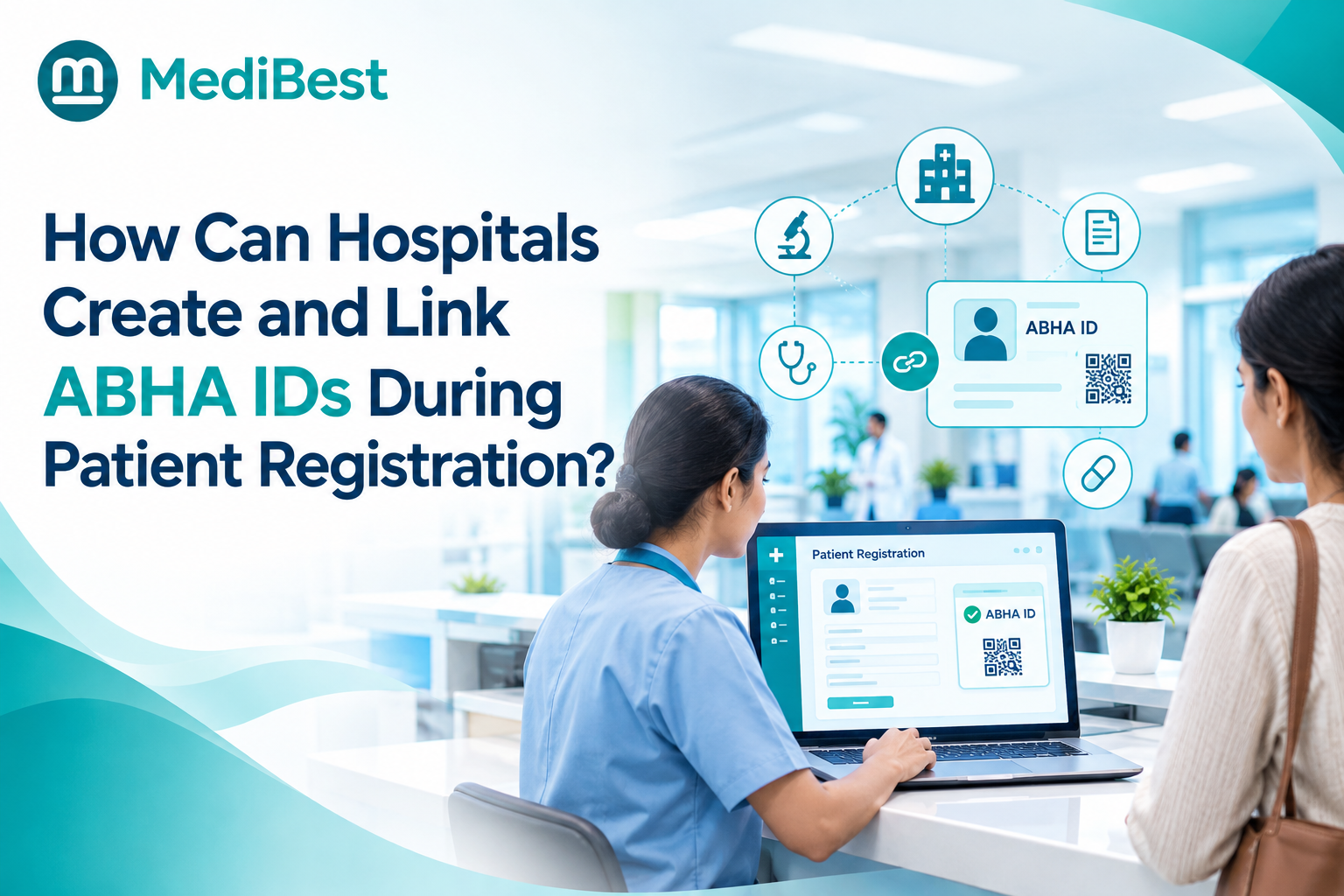
Hospitals can do both at the same registration counter. Front desk staff can generate a brand new ABHA ID for a first-time patient using Aadhaar or a mobile number, and just as easily pull up and link an existing ABHA number for a returning patient who already created one elsewhere. Neither process takes more than a couple of minutes once it is built into the normal registration screen.
If your team is still treating these as two separate, confusing tasks, or worse, skipping the linking step entirely because nobody explained the difference, this guide walks through exactly how both work.
Creating vs Linking: Why Hospitals Need to Handle Both
A lot of front desk confusion around ABHA comes from treating every patient the same way. In reality, there are two distinct situations, and mixing them up slows the counter down.
- Creating a new ABHA ID applies to a patient who has never had one before. The hospital generates it fresh, right there at registration.
- Linking an existing ABHA ID applies to a patient who already created one through a previous hospital visit, a health camp, or the ABHA mobile app. The hospital does not create anything new here, it simply attaches that existing number to today’s visit.
Getting this distinction right matters because creating a duplicate ABHA for someone who already has one splits their medical history across two identities instead of keeping it in one place, which defeats the entire point of the system.
Here is what a properly handled ABHA ID does for a patient, whether it was created today or linked from an earlier visit:
- Stores prescriptions, discharge summaries, and lab reports under one identity
- Lets a patient share past records with a new doctor without carrying paper files
- Works across any hospital or clinic that participates in the digital health network
- Stays fully in the patient’s control, since nothing is shared without their consent
Step-by-Step: Creating a New ABHA ID at Registration
Most hospital management software built for the Indian market now has ABHA creation built directly into the patient registration screen, so staff are not switching between two systems. Here is the usual flow for a patient who does not have one yet.
- Confirm the patient has no existing ABHA: Ask directly, since some patients created one during a health camp or another hospital visit without realising it.
- Choose the creation method; A new ABHA can usually be created using Aadhaar, or using just a mobile number if the patient prefers not to use Aadhaar.
- Verify with an OTP: The number linked to Aadhaar or the mobile number entered receives a one-time password, which the patient reads out to the staff or enters themselves on a tablet at the counter.
- Confirm basic details; Name, date of birth, and gender are auto-filled from Aadhaar in most cases, cutting down manual typing errors.
- Generate the ABHA address: The system creates a unique address, something like patientname@abdm, which acts like a username for the health record system.
- Attach it to the current visit: The new ABHA number gets linked to the patient’s registration for that day, so this and every future visit builds toward one connected record.
The whole process typically takes one to two minutes once staff are used to it, roughly the same time it takes to fill out a standard registration form by hand.
Still typing patient details into three separate forms at registration? See how one screen handles registration, billing, and ABHA creation together.
Step-by-Step: Linking an Existing ABHA ID at Registration
For a returning patient, or one who already has an ABHA from elsewhere, the process looks different and is usually faster.
- Ask the patient for their ABHA number or ABHA address. Many patients carry it on the ABHA app on their phone or remember their ABHA address, such as name@abdm.
- Search for it in the registration system. Staff enter the number or address, and the system pulls up the linked profile if it already exists in the network.
- Verify the patient’s identity. A quick OTP to the registered mobile number confirms the person at the counter is who the ABHA record belongs to.
- Attach the existing ABHA to today’s visit. No new number is generated. The current visit simply gets added to the patient’s existing history.
- Review pulled-through details. Basic demographic details usually come through automatically, saving staff from re-entering information the patient already provided elsewhere.
Because nothing new is being created, linking is often quicker than the first-time creation flow, provided the patient has their ABHA details on hand.
What Your Front Desk Actually Needs
Nothing complicated is required to get either process running smoothly. In practice, your staff need:
- A working internet connection at the registration counter
- Aadhaar or a mobile number the patient can access for OTP verification
- Software that supports both creating and linking ABHA IDs without leaving the registration screen
- A short training session so staff know which flow to use and can explain the difference if a patient asks
Hospitals that skip the training step often end up with staff defaulting to “create new” for every patient, which is exactly the mistake that leads to duplicate ABHA records.
Where This Fits Into Your Existing Software
This is the part that trips up a lot of hospitals still running older systems. If your healthcare management system was not built with this in mind, both creating and linking ABHA become separate browser tabs, a separate login, and a separate step your staff have to remember every single time. That adds friction exactly where you cannot afford it, at a busy morning OPD counter with a line of patients waiting.
A connected setup looks different. Registration, billing, and both ABHA workflows happen on one screen, and the ABHA number becomes part of the patient’s permanent record inside the system rather than something typed into a government portal and forgotten. If you want a closer look at what a fully connected setup should include beyond just registration, our guide on how HIS, HMS, EMR, and LIS actually differ breaks down where each piece fits and why they need to talk to each other.
Medibest builds both ABHA creation and linking into the same registration flow your front desk already uses, so staff are not learning two extra systems just to handle one government requirement.
Common Issues Staff Run Into (and How to Handle Them)
A few problems come up often enough that it helps to know them in advance:
- OTP does not arrive: This usually means the mobile number linked to Aadhaar is outdated. The patient can create a new ABHA using a different mobile number instead of Aadhaar in that case.
- Patient is not sure if they already have an ABHA: Ask them to check the ABHA app on their phone before defaulting to creating a new one, since a duplicate causes more work later.
- Linking fails because details do not match: Small mismatches in spelling or date of birth between the existing ABHA record and hospital records can block the link. Staff should manually confirm details rather than force a match.
- Patient does not want to use Aadhaar: This is completely fine. Mobile-number-only creation is a valid, government-approved path and does not require Aadhaar at all.
None of these are technical failures on the hospital’s end. They are patient-side hiccups that a trained front desk handles in under a minute once they have seen it a few times.
Worried your staff will get stuck mid-registration on a real patient? Walk through the actual screens with our team before you commit to anything.
Why This Matters Beyond Just Compliance
It is easy to treat ABHA handling as one more government box to tick, but it genuinely changes the patient experience over time. A patient who has visited three different hospitals over the years usually cannot produce a complete medical history on demand, and that gap has led to repeated tests, missed allergies, and slower diagnoses more than once. Correctly linking an existing ABHA, rather than creating a fresh one every visit, is what actually closes that gap.
For the hospital, it also means less paperwork sitting in physical files that someone has to dig through when a patient returns after two years and cannot remember their old case number.
Frequently Asked Questions
1. What is the difference between creating and linking an ABHA ID?
Creating a brand new ABHA number for a patient who has never had one. Linking attaches an ABHA number the patient already has to their current hospital visit, without creating a duplicate.
2. Is it mandatory for patients to create or link an ABHA ID?
No, it is currently optional for patients. A patient can choose not to have one and still receive treatment normally, though many hospitals now offer it at registration as a convenience.
3. Can a patient create an ABHA ID without Aadhaar?
Yes. ABHA can be created using just a mobile number if a patient does not want to use Aadhaar, though the Aadhaar route tends to auto-fill more details and take slightly less time.
4. What happens if a hospital creates a new ABHA for a patient who already has one?
It results in two separate ABHA identities for the same person, splitting their medical history across both instead of keeping it in one place. This is why confirming with the patient first matters.
5. Does linking an existing ABHA ID slow down the registration process?
No, it is usually faster than creating a new one, since no new identity is being generated. The main step is verifying the patient’s identity through an OTP.
Make Creating and Linking ABHA IDs Part of a Smoother Front Desk
If your current registration process treats these as two separate, confusing tasks bolted onto an already busy counter, it is worth seeing what a connected setup looks like in practice.
One screen. One login. Creating and linking ABHA IDs done together.