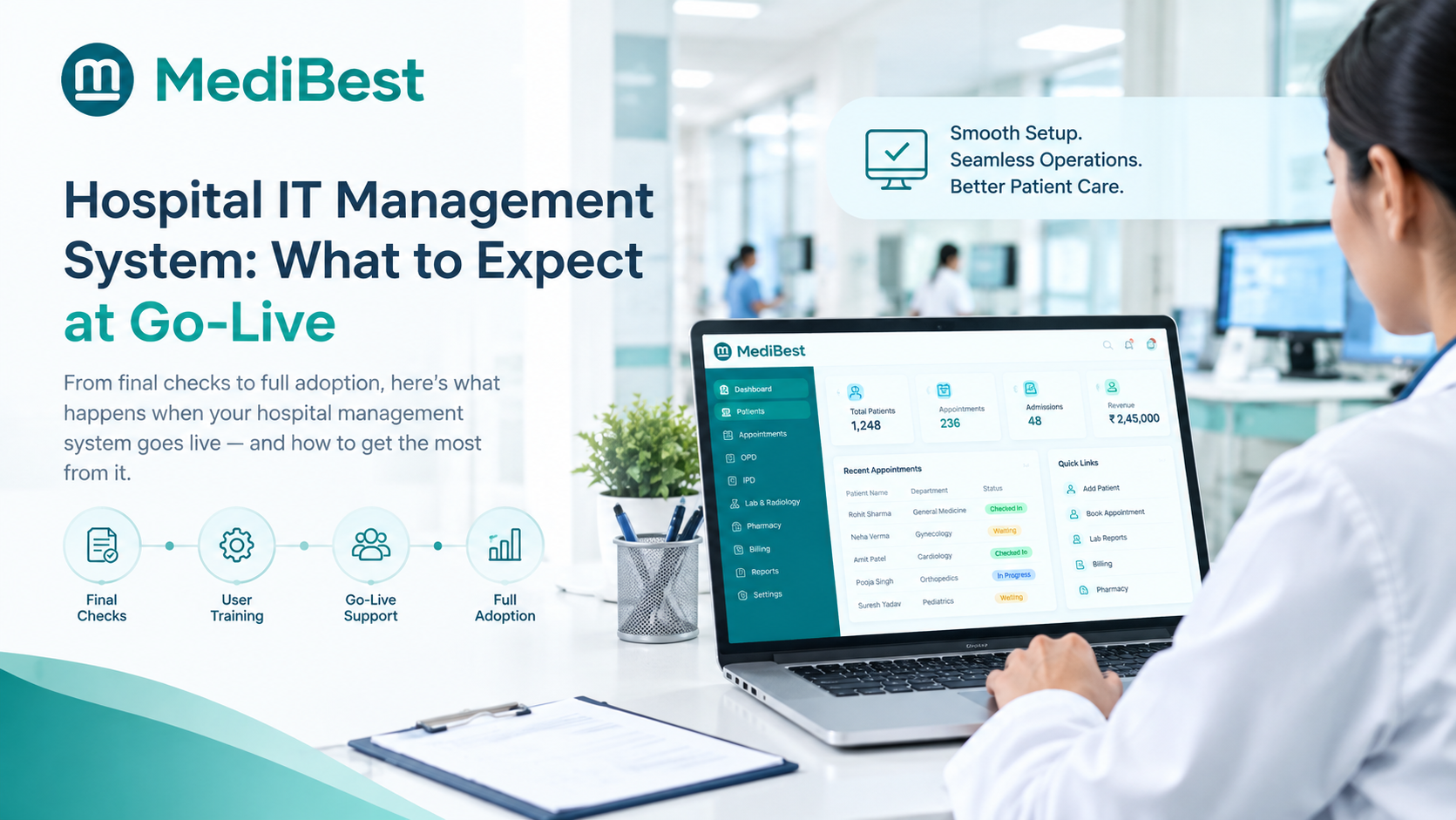
Implementation of a hospital it management system typically runs four to eight weeks from contract signing to go-live, moving through data migration, configuration, staff training, and testing before your hospital switches over. The exact timeline depends on your hospital’s size and how much existing data needs to move across, but the phases themselves stay largely the same regardless of scale. Knowing what happens in each phase is what actually separates a smooth transition from a chaotic one.
If you just signed with a vendor and nobody has walked you through what the next few weeks actually look like, this breaks down each stage so nothing catches your team off guard.
Why This Phase Gets Skipped in Most Vendor Conversations
Sales conversations tend to focus heavily on features and pricing, and implementation gets mentioned as an afterthought, usually summed up as “our team will handle it.” That leaves hospitals walking into go-live with no real sense of what is expected from their own staff during the process.
A few things hospitals commonly get wrong about this stage:
- Assuming the vendor’s team does everything with no input needed from hospital staff
- Underestimating how much internal time data migration and validation actually take
- Scheduling go-live during a busy period instead of a quieter stretch
- Not setting aside dedicated training hours, expecting staff to learn on the fly
None of these mistakes are fatal, but they add unnecessary stress to a process that is usually straightforward when planned properly.
Phase 1: Discovery and Planning
This is the first two to five days after signing, where the vendor’s implementation team learns your hospital’s actual workflow rather than assuming a generic setup.
- Mapping current OPD, IPD, billing, and pharmacy processes
- Identifying which existing data needs to be migrated and which can start fresh
- Setting a realistic go-live date based on your hospital’s calendar, not the vendor’s
- Assigning a point of contact on both sides so questions do not get lost in email threads
Skipping this step is one of the fastest ways to end up with software configured for a hospital that does not resemble yours.
Phase 2: Data Migration
Moving existing patient records, billing history, and inventory data is usually the most time-consuming part of the entire process, and it is worth budgeting real time for it.
- Existing data gets exported from your current system, spreadsheets, or paper registers, depending on what you are migrating from.
- The vendor cleans and formats the data to match the new system’s structure, catching duplicate or incomplete records along the way.
- A test migration runs first, loading a sample of records into a staging environment before anything touches live data.
- Your team reviews the test batch to confirm patient details, billing history, and stock counts look correct.
- The full migration runs once the test batch is approved, usually scheduled during off-peak hours.
Hospitals with mostly paper-based records typically skip most of this phase and start closer to fresh, which shortens the timeline considerably.
Wondering how messy your current records actually are before you migrate? Let us run a quick data audit before your migration date is even set.
Phase 3: Configuration and Module Setup
Once data is ready, the system itself gets configured to match how your hospital actually operates, not a generic template.
- Setting up user roles so front desk, nurses, and doctors each see only what they need
- Configuring billing rules, department structures, and bed or ward layouts
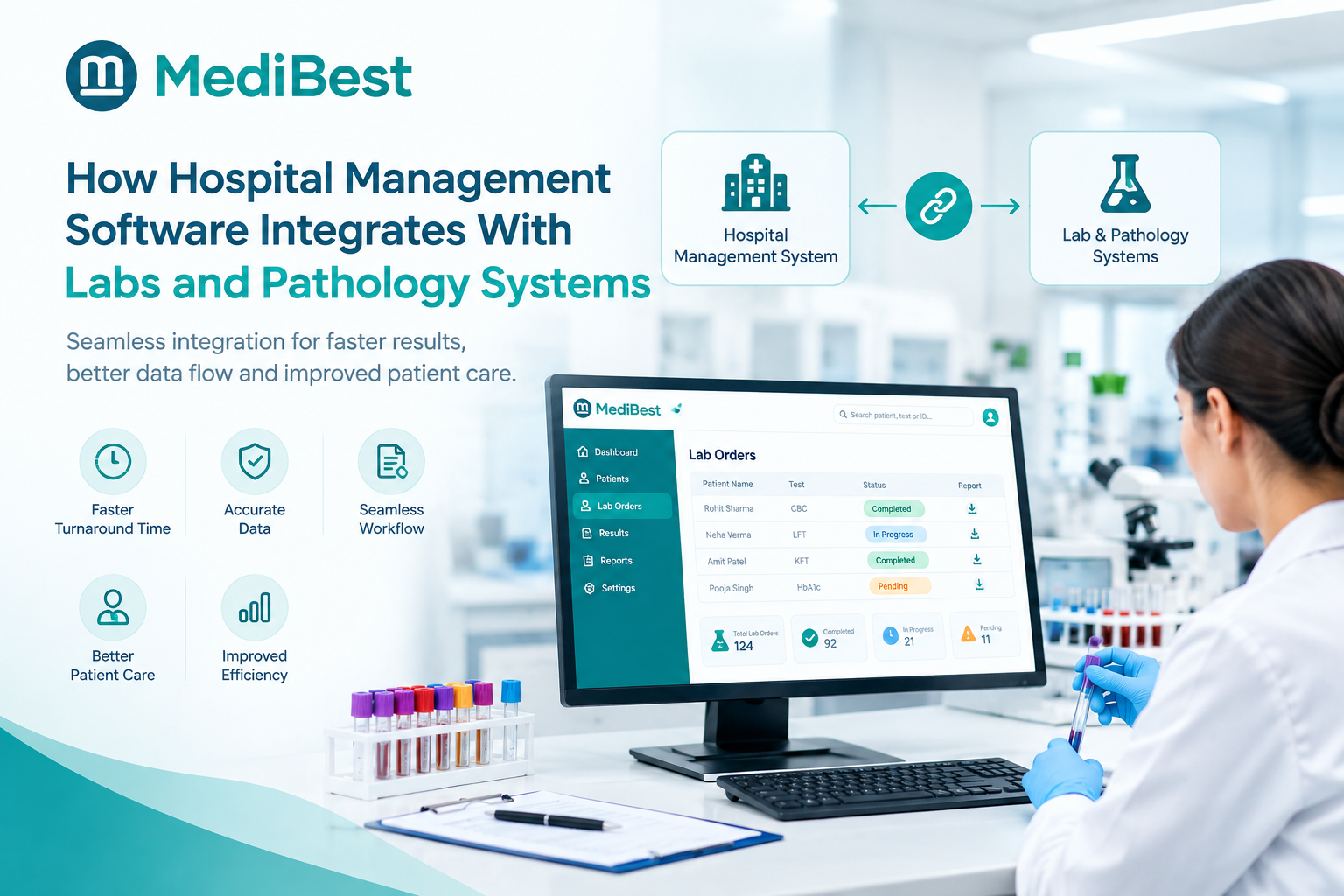
- Connecting lab and pharmacy modules so information flows automatically instead of needing manual entry
- Customising report formats to match what your administrators already expect to see
A well-run hospital management system software implementation treats this as collaborative, with your staff reviewing configuration choices rather than receiving a finished product with no input.
Phase 4: Staff Training
This is the phase most likely to get compressed under time pressure, and it is usually the one that determines whether go-live actually goes smoothly.
- Front desk staff need hands-on practice with registration, appointment booking, and billing
- Nurses and doctors need walkthroughs of clinical documentation and order entry
- Administrators need training on reports and dashboards they will use regularly
- A short refresher session close to the actual go-live date helps information stick better than training done weeks in advance
Hospitals that treat training as a checkbox rather than a real investment tend to see staff quietly fall back on old habits during the first busy week.
Not confident your staff will be ready on day one? See how hands-on training actually works before you commit to a date.
Phase 5: Testing and User Acceptance
Before anything goes fully live, the system needs to be tested against real scenarios, not just checked for whether buttons work.
- Running full patient journeys, registration through discharge and billing, in a test environment
- Confirming lab and pharmacy integrations actually push data correctly
- Checking that reports pull accurate numbers before administrators rely on them
- Getting sign-off from department heads, not just the IT contact, before scheduling go-live
Skipping proper testing is how hospitals end up discovering configuration issues on their busiest OPD day instead of during a quiet afternoon beforehand.
Phase 6: Go-Live and the First 30 Days
Go-live itself is usually less dramatic than hospitals expect, provided the earlier phases were handled properly. What matters more is the support window right after.
- Day one typically runs with extra vendor support on-site or on standby for immediate questions
- The first week usually surfaces small workflow gaps that only show up under real patient volume
- The first 30 days should include regular check-ins with the vendor, not silence until something breaks
- A dedicated support contact during this window matters more than a generic ticketing system
A hospital’s experience during this window often shapes how the staff feels about the entire switch, so it is worth confirming upfront what support actually looks like here.
What to Ask Your Vendor Before Signing
A few direct questions tend to reveal how smooth your implementation will actually be:
- What does a typical timeline look like for a hospital our size?
- How much of our own staff time will discovery and testing actually require?
- What happens if go-live needs to be delayed due to something on our end?
- Who is our dedicated point of contact during the first 30 days after go-live?
If your hospital is still weighing vendors and has not signed yet, our earlier guide on comparing hospital management software vendors before making a purchase is worth reading first, since the right vendor choice upfront makes this entire implementation phase far smoother.
Medibest treats implementation as a structured, staff-inclusive process rather than something handed off entirely to an internal technical team, which is usually what keeps timelines realistic and staff confidence high going into go-live.
Frequently Asked Questions
1. How long does hospital management software implementation actually take?
Most implementations run four to eight weeks from signing to go-live, depending on hospital size, how much data needs migrating, and how quickly staff training can be scheduled.
2. What causes implementation delays most often?
Incomplete or messy existing data, unclear internal points of contact, and rushed staff training are the most common causes of delays, more so than technical issues with the software itself.
3. Do we need dedicated IT staff during implementation?
Not necessarily a dedicated IT team, but having one clear internal point of contact who can answer questions and coordinate staff availability makes the process significantly smoother.
4. What happens if we find issues after go-live?
A well-supported implementation includes a defined support window, typically 30 to 60 days, where the vendor actively checks in and resolves workflow gaps rather than waiting for a support ticket.
5. Can implementation happen without disrupting daily hospital operations?
Yes, when phases like data migration and testing are scheduled during off-peak hours and go-live is timed for a quieter period rather than your busiest week.
Plan Your Implementation Before You Sign, Not After
Knowing what each phase actually involves means fewer surprises for your staff and a go-live date that holds instead of slipping.
See a real implementation timeline built around your hospital’s size.