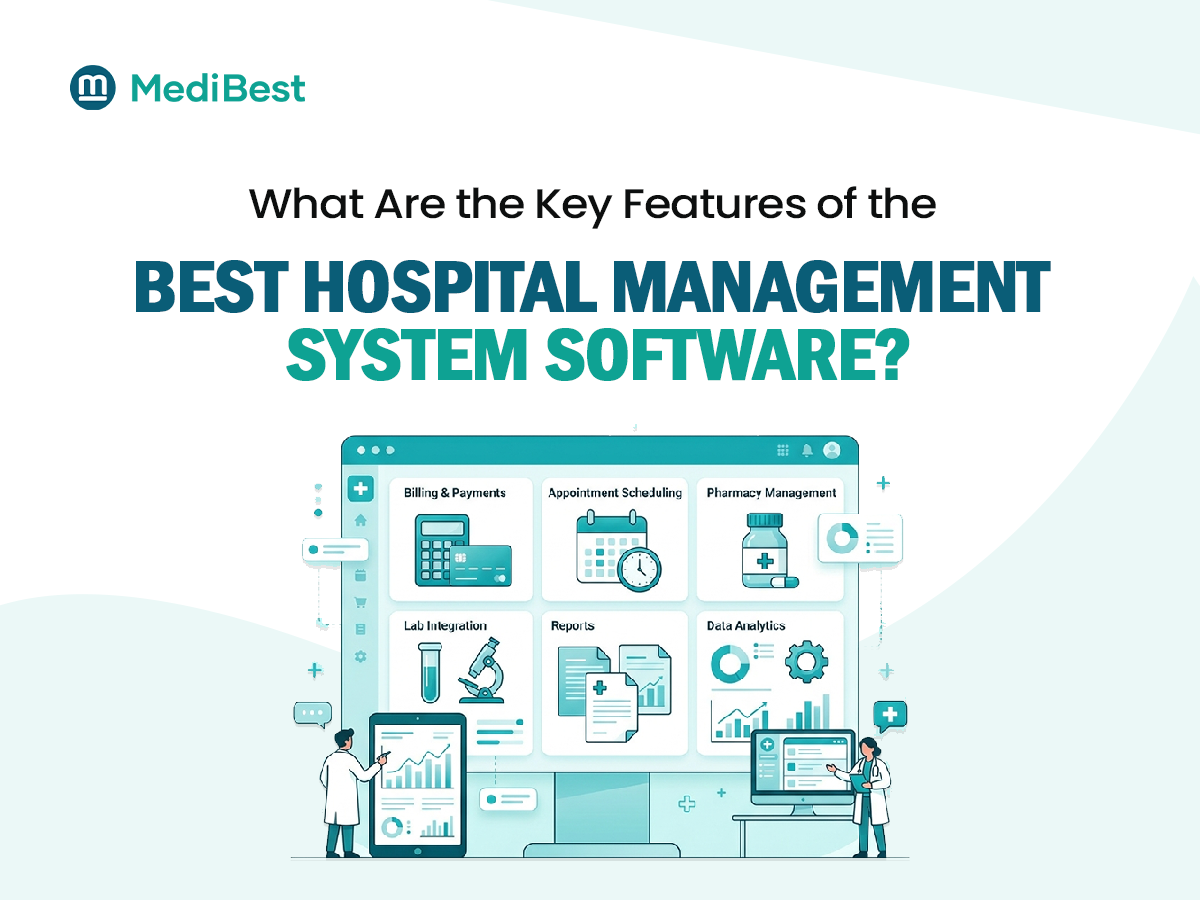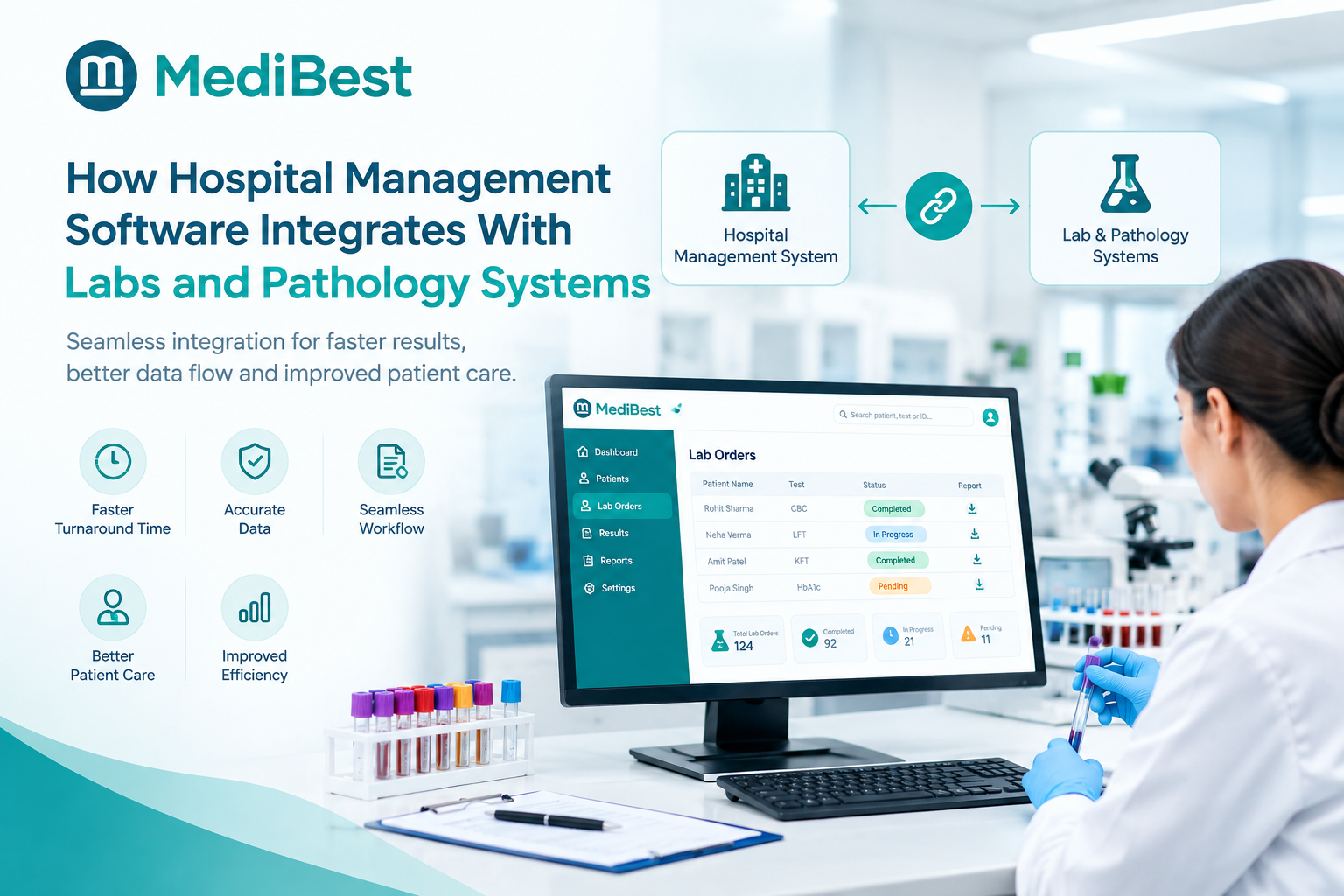
Hospital management software connects with a lab or pathology system through a direct data link, usually built on HL7 or FHIR standards, that lets test orders flow out to the lab and results flow back into a patient’s record automatically. Once this connection is set up, a doctor placing a test order and a lab technician entering a result never have to touch the same piece of paper or retype the same information twice. The result appears in the patient’s chart the moment it is validated in the lab.
If your hospital is still printing lab requisition slips and walking reports from one department to another, this is exactly the gap that a connected system is built to close.
Why This Connection Actually Matters
A hospital and its lab often run on two completely separate systems that were never designed to talk to each other. Staff end up bridging that gap manually, which is where most of the real problems start.
Here is what usually goes wrong without a proper connection:
- A test order gets handwritten or typed twice, once at the doctor’s desk and again at the lab counter
- Sample labels get mismatched when barcodes are not generated automatically from the original order
- Results sit in the lab system until someone manually copies them into the patient’s file
- Doctors wait longer than necessary for reports that were technically ready hours earlier
None of these are staff mistakes exactly. They are the natural result of running two disconnected systems and expecting people to be the bridge between them.
How the Integration Actually Works
The technical side is simpler than it sounds once you break it into steps. A well-built healthcare management system software typically handles this flow behind the scenes.
- A doctor places a lab order directly inside the hospital system during a consultation, specifying the tests needed.
- The order is transmitted electronically to the lab or pathology system, usually through an HL7 or FHIR interface, without anyone re-typing it.
- A barcode is generated automatically and printed on the sample label, linking that specific sample back to the original order.
- The lab processes the sample, and results are entered or pulled directly from connected analysers.
- Validated results are pushed back into the hospital system automatically, landing in the patient’s record without manual copying.
- The doctor is notified that results are ready, often within the same system they placed the order in.
Every step after the initial order happens without a staff member manually bridging two separate tools, which is the entire point of building the connection this way.
Still walking printouts between the lab and the doctor’s desk? See how automatic result delivery actually works in a live system.
What Actually Changes for Your Staff
The benefits are not abstract. They show up in specific, everyday moments at your hospital.
- Faster turnaround time since results are available the moment they are validated, not whenever someone gets around to entering them manually
- Fewer transcription errors, because a result typed once by the lab does not need to be retyped by anyone else
- Better sample tracking, since barcodes tie every sample back to a single order from the start
- Less duplicate testing, because doctors can see prior results instantly instead of ordering a repeat test out of uncertainty
- Cleaner audit trails, since every order and result is logged inside one connected system rather than scattered across two
For a busy OPD or a hospital running its own diagnostic lab, these are not small conveniences. They add up to real time saved across a full day of patient visits.
What to Look for in Hospital Administration Software
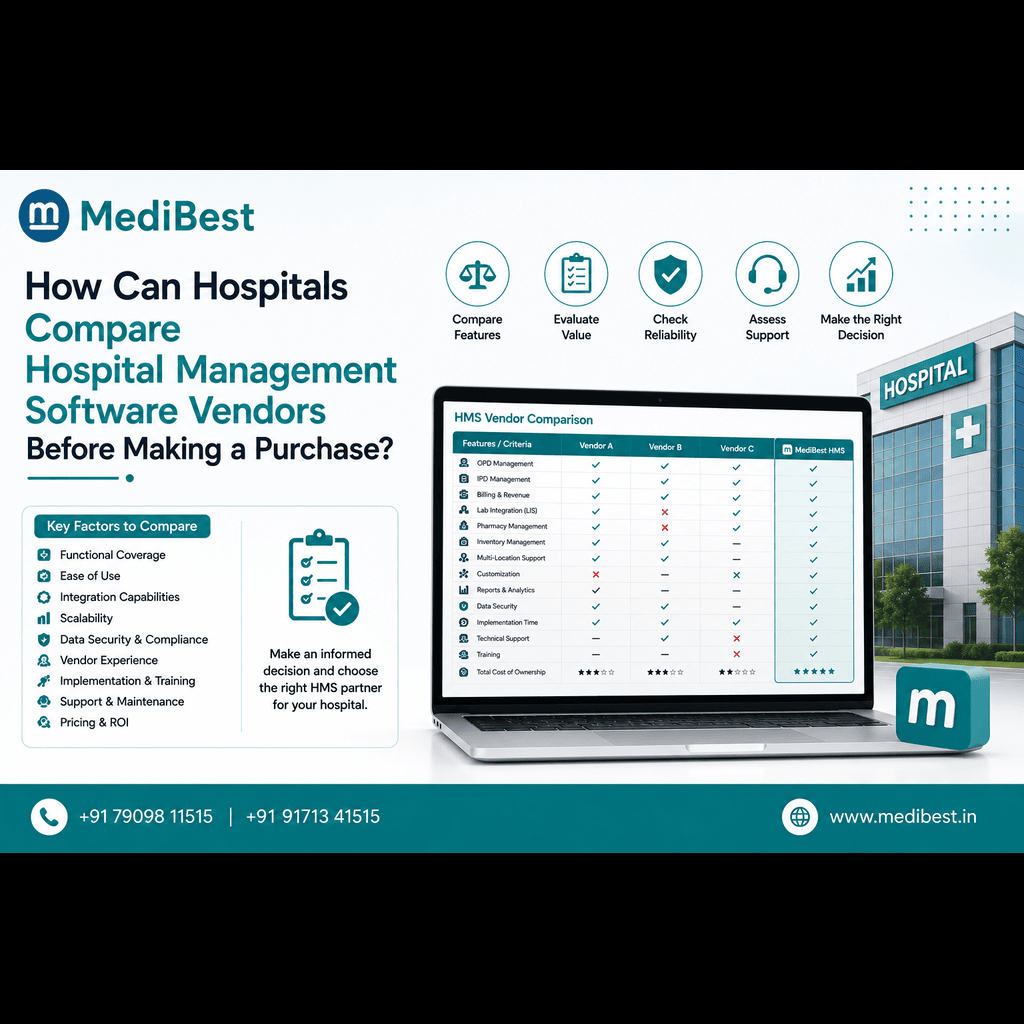
Not every platform handles lab integration the same way, and this is worth checking closely before you commit to a vendor. A capable hospital administration software should support:
- Direct HL7 or FHIR based connections, not manual file exports that someone has to upload
- Compatibility with common lab analysers already in use at your facility
- Automatic barcode generation tied to the original order, not a separate manual step
- Real-time result push into the patient’s chart rather than a delayed batch update
- Clear error handling when a sample or order does not match, instead of results getting silently dropped
Asking a vendor to demonstrate this specific flow, order placement through result delivery, on a real scenario tells you far more than a feature list ever will.
Not sure if your lab and hospital systems are actually talking to each other? Walk through your current setup with our team and find the gaps.
Common Integration Challenges
A few practical issues come up often enough that they are worth knowing in advance.
- Older lab analysers without digital output. Some legacy machines only print paper results, which limits how much automation is possible until the equipment is upgraded.
- Mismatched data formats between systems. Not every vendor’s HL7 implementation is identical, so testing the actual connection matters more than trusting a checkbox on a brochure.
- Middleware dependency. Some setups need a small piece of connecting software between the lab analyser and the main system, which adds one more thing to maintain but is usually a one-time setup cost.
- Staff resistance during the transition. Teams used to paper handoffs sometimes need a short adjustment period before they trust that results are really arriving automatically.
None of these are reasons to avoid integration. They are simply things to plan for rather than be surprised by mid-rollout.
Where This Fits Into a Bigger Picture
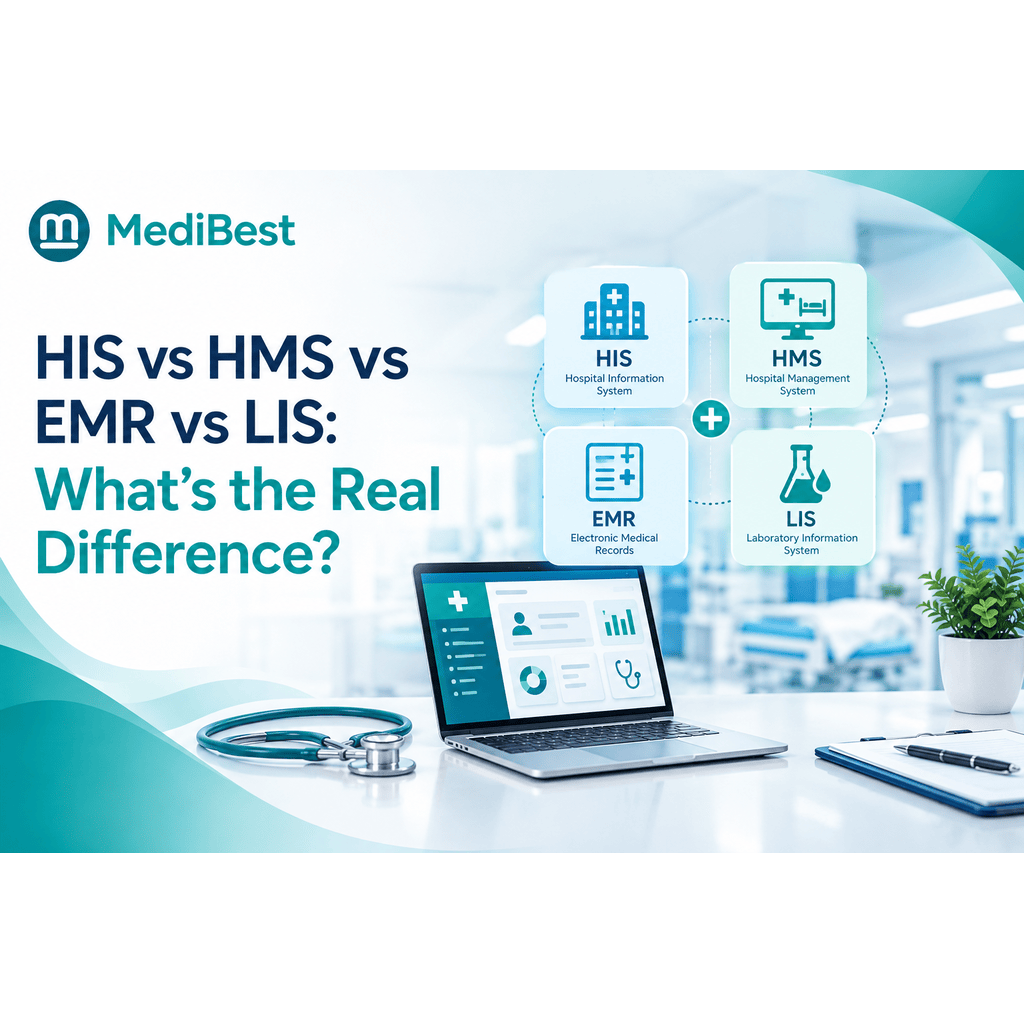
Lab integration is really just one piece of a larger question about how connected your hospital’s core systems are. If you are still mapping out how different pieces like HIS, HMS, EMR, and LIS relate to each other, our guide on what actually separates these systems is a useful next read, since lab connectivity sits directly at the intersection of HMS and LIS.
Medibest builds this connection directly into its core platform rather than treating lab integration as a separate add-on project, which is usually what keeps rollout timelines shorter and support simpler once you are live.
Frequently Asked Questions
1. Does hospital management software include lab management by default?
Some platforms include basic lab result entry built in, while others connect to a separate LIS through an integration. Which approach fits depends on your hospital’s lab volume and whether you run a full in-house diagnostic lab.
2. What is the difference between a connected LIS and manual result entry?
A connected LIS pushes results automatically into the patient’s record the moment they are validated. Manual entry means a staff member retypes results from the lab system into the hospital system, which takes longer and carries more risk of transcription errors.
3. Can hospital software connect directly to lab analysers?
Yes, in many cases, though it depends on whether the analyser supports digital output and whether the hospital system’s integration is compatible with that specific machine or brand.
4. Is real-time result delivery possible without manual entry?
Yes, once a proper HL7 or FHIR based connection is set up between the two systems, results typically appear in the patient’s chart within moments of being validated in the lab.
5. Do small hospitals need a separate LIS or just a lab module inside their HMS?
It depends on lab volume. A smaller facility with limited testing can often manage with a basic lab module inside the HMS, while a hospital running a high volume of tests usually benefits from a dedicated, connected LIS.
See This Working on Your Own Hospital’s Setup
If your lab and hospital systems still depend on staff to manually move information between them, the fix is usually simpler than it looks once the right connection is in place.
Connect your lab and hospital records the way they were meant to work.