The right hospital management software in Indore is the one that fits your daily hospital workflow, supports ABDM and NABH requirements, protects patient data, and comes with support nearby. To check this, ask every vendor the ten questions below and ask them to prove each answer in a live demo, not on a slide. A few hours of careful questioning now can save you years of rework later.
Why Does Choosing the Right Hospital Software Matter?
Your hospital software touches every patient, every bill, and every report. A wrong choice shows up quickly:
- Front desk staff type the same details twice
- Doctors wait for files and test results
- Billing errors delay discharges
- Staff go back to paper because the system is slow or confusing
There is no single best solution for every hospital. A ten-bed nursing home and a multi-specialty hospital need different things. The best choice is the one that matches your size, your workflows, and your plans for growth.
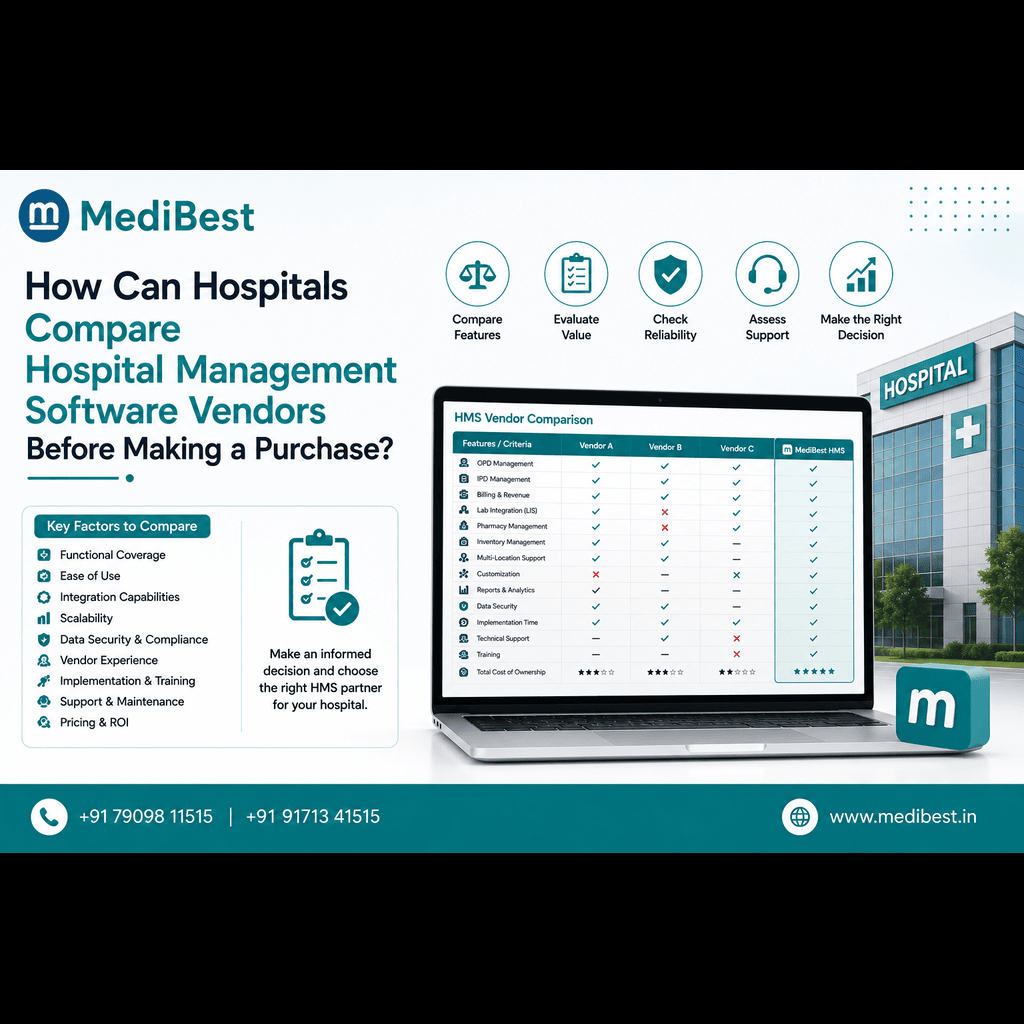
10 Questions to Ask Before Choosing a Hospital Software Company
1. Does the software match how our hospital actually works?
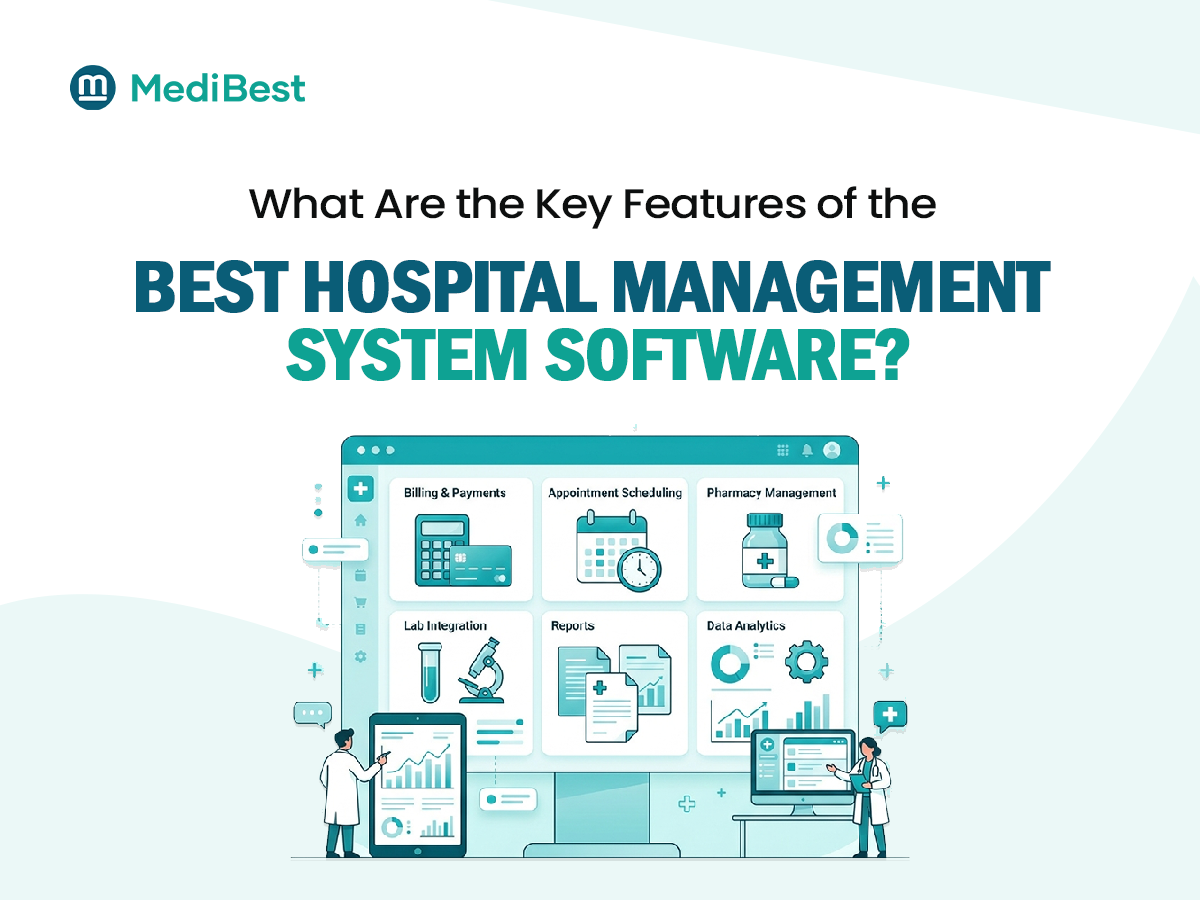
A long feature list means little if the system cannot support how your hospital operates. Check whether it covers the departments and processes you need, including OPD, IPD, operation theatre, laboratory, pharmacy, billing, and medical records.
Ask the vendor to demonstrate a few tasks specific to your hospital. For example, can a nurse update a patient’s bed status? Can a doctor review relevant test results? Can billing staff see the correct charges without entering the same information again?
What to verify:
- Which modules are included in the quoted package?
- Can forms, approvals, and workflows be configured?
- Can departments share information without unnecessary duplicate entry?
- Are additional modules or customizations charged separately?
Choose a system that fits your operations rather than forcing your staff to work around it.
2. Can you show a complete patient journey in a live demo?
A good vendor will walk through one patient from registration to discharge and billing, using your scenario instead of a rehearsed one.
Then introduce a few realistic exceptions:
- A laboratory test is cancelled after being ordered.
- A patient is transferred to another ward.
- A bill is paid in multiple instalments.
- An insurance or corporate billing case needs additional documentation.
Watch how the system handles each step and whether staff can easily trace what happened.
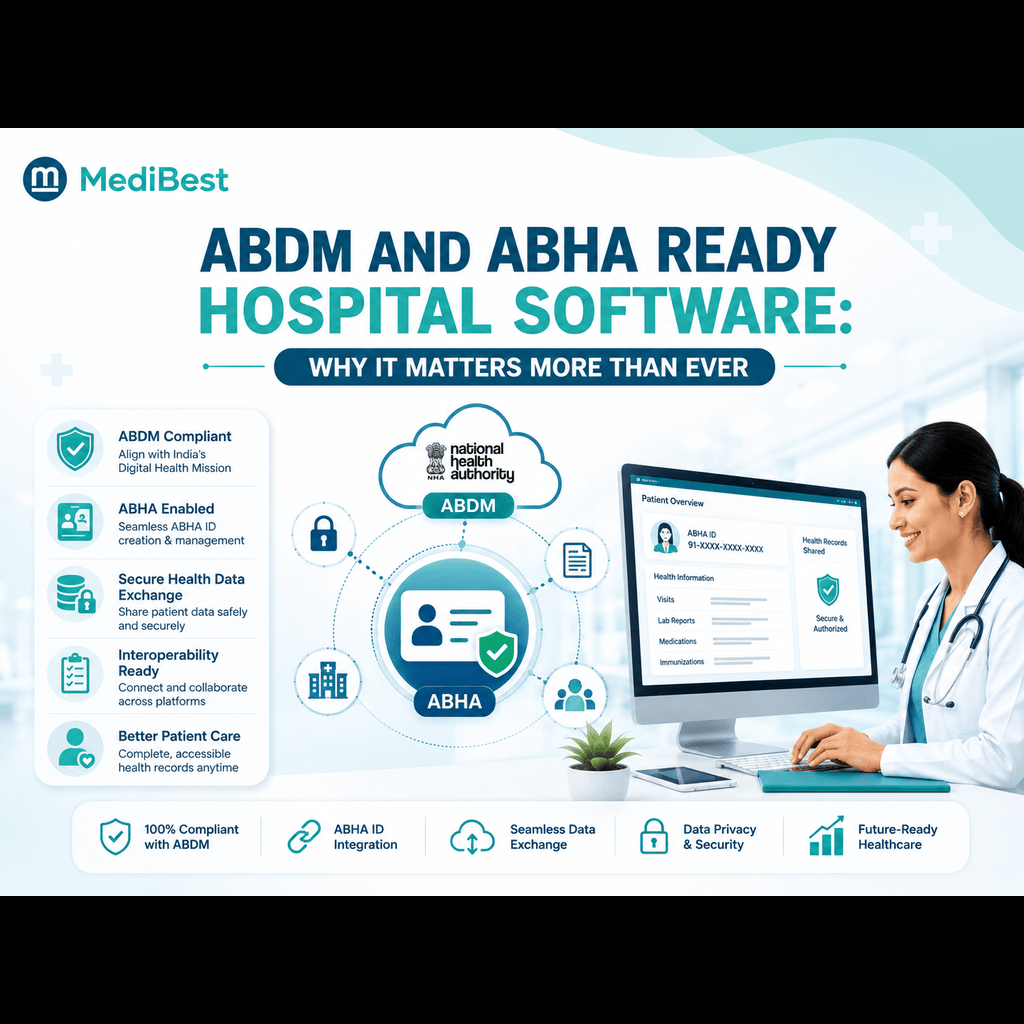
3. Is the product ready for ABDM and ABHA?
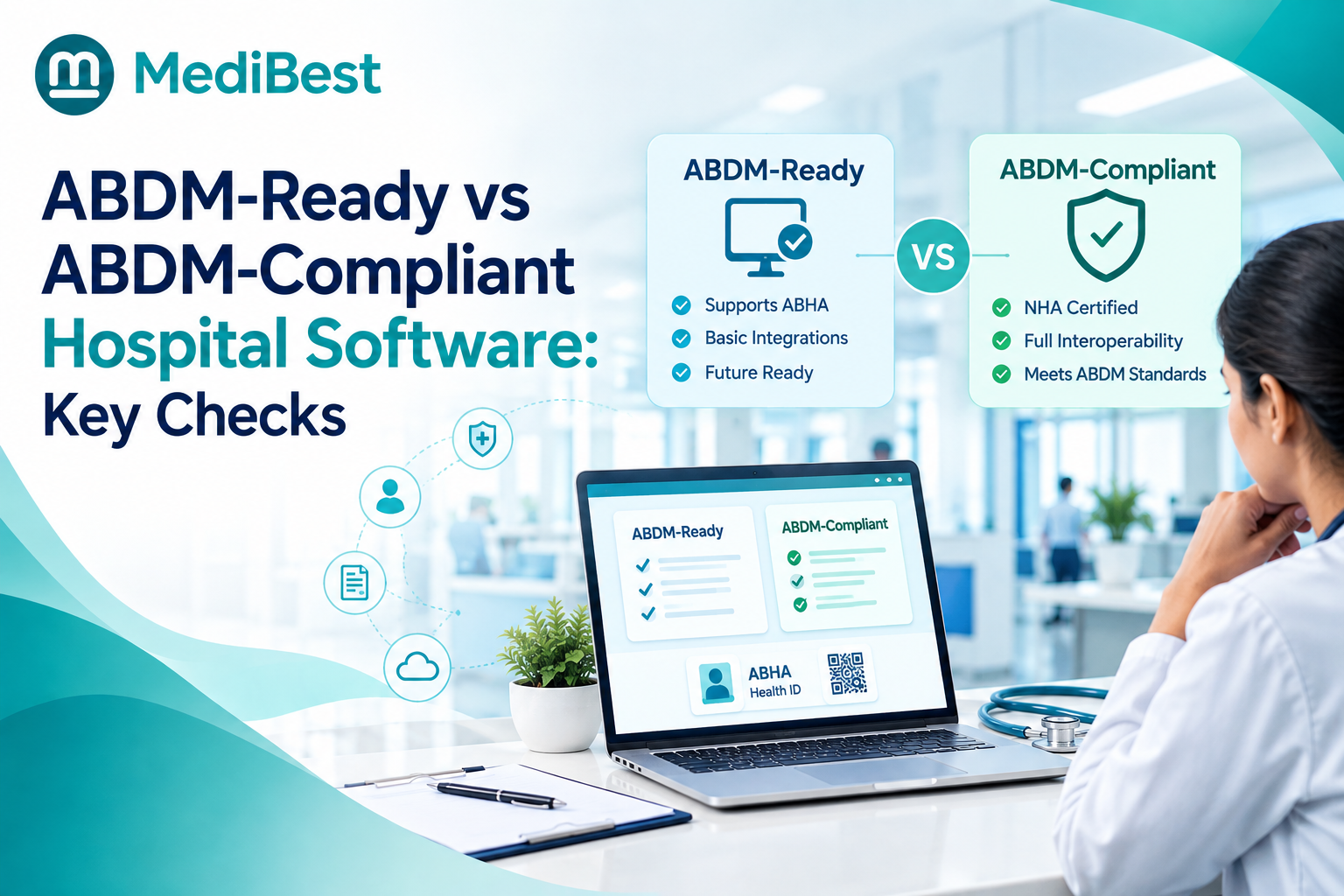
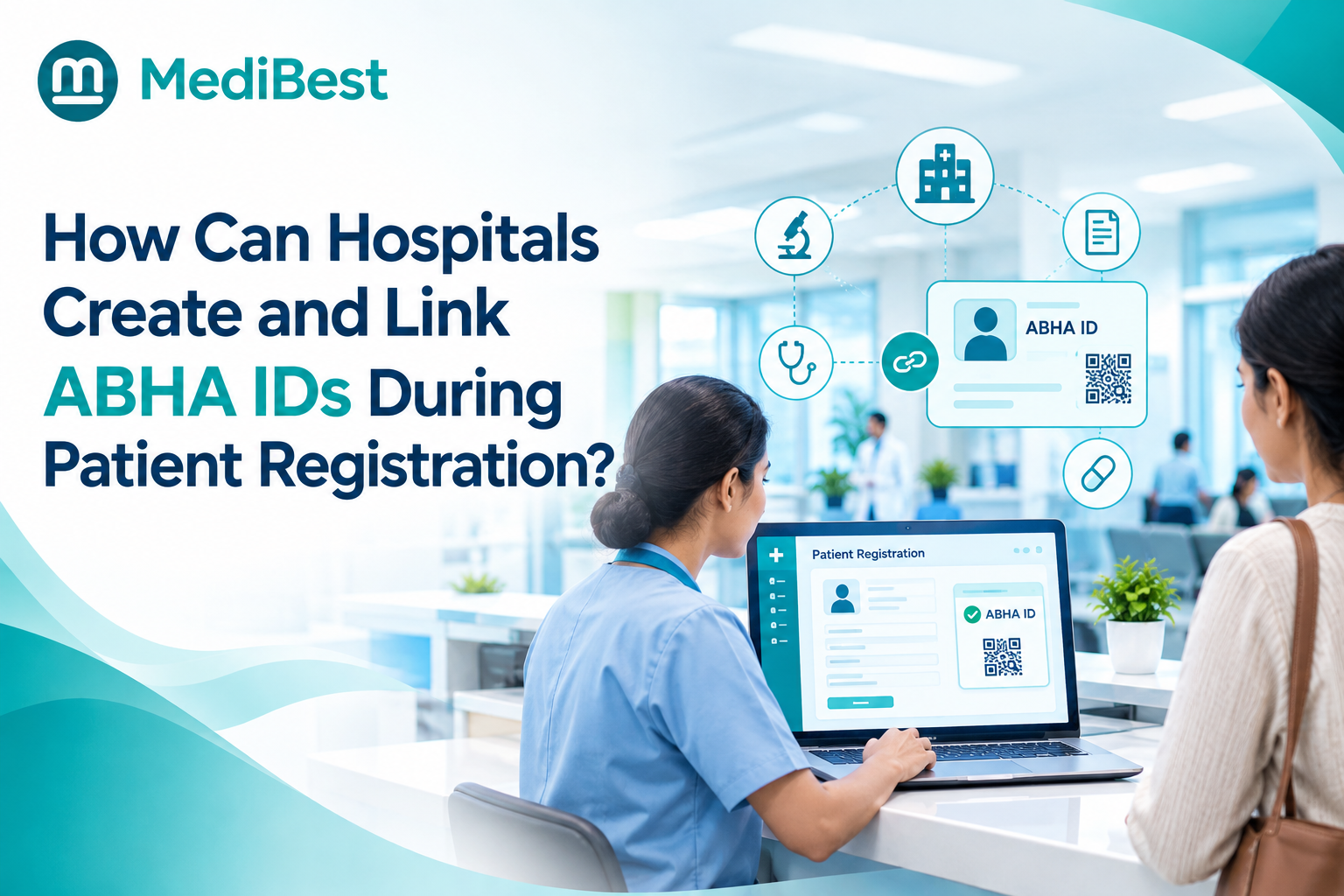
Patients increasingly arrive with ABHA numbers, so your software should support them. ask vendors to explain their actual ABDM and ABHA integration capabilities. Do not assume that a general claim of being “ABDM-ready” proves every required workflow is available.
Ask whether the product supports the relevant patient identity, health record linking, consent, and data exchange workflows. Request current documentation and a demonstration of the specific functions your hospital needs.
Also clarify which integrations are already available, which require configuration, and which are still planned.
For background, read our guide on ABDM and ABHA-ready hospital management software.
4. Can the software support our documentation and NABH preparation?
Software cannot make a hospital NABH ready by itself, but it can make the paperwork much easier. Ask the vendor to demonstrate features such as audit trails, standardized forms, medication tracking, and reports that help your quality team access relevant information quickly.
If you want a deeper look at this topic, read our guide on how hospital software supports NABH preparation.
5. How does the software protect patient data?
Patient records require careful access control and reliable data protection. Ask vendors to explain their security measures in clear, practical terms.
Find out how user permissions are assigned, whether relevant activities are recorded in audit logs, how backups are managed, and how data can be recovered after an incident. Discuss encryption, hosting arrangements, and the vendor’s approach to applicable Indian data protection requirements, including the Digital Personal Data Protection Act, 2023, as relevant to your deployment.
Do not settle for a general promise that the system is secure. Ask for documentation and clarify who is responsible for security updates, backups, monitoring, and incident handling.
6. How will you move our existing data?
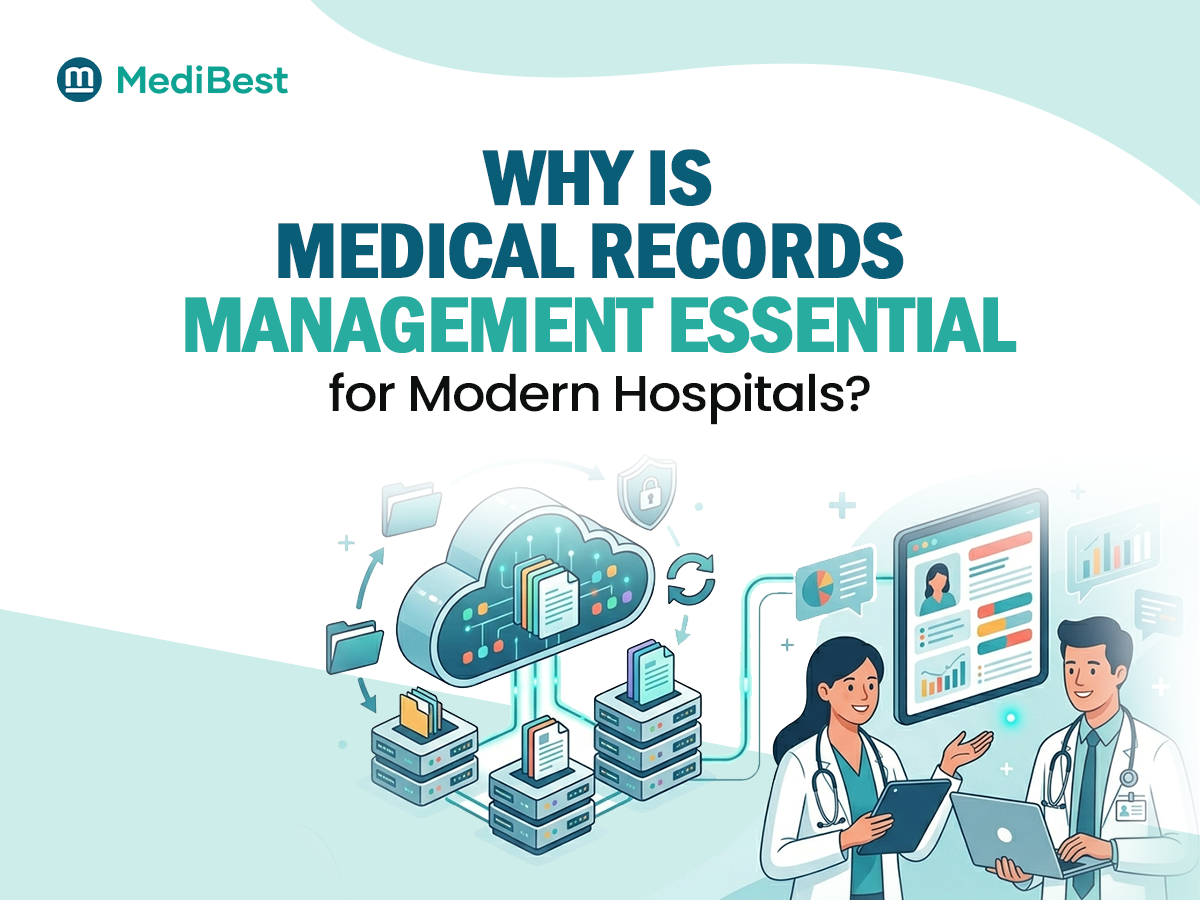
If you already use another system or paper registers, ask what gets migrated and who checks it. Patient history, pending bills, and stock details are the items that cause the most trouble when transferred carelessly.
Ask for the migration plan in writing, including how errors are found and fixed after the transfer.
7. What training will staff receive before and after go-live?
Even a capable system can struggle to deliver value if employees do not know how to use it. Training should reflect each department’s responsibilities rather than giving everyone the same generic session.
Ask whether the vendor provides role-based training for doctors, nurses, reception staff, pharmacists, and finance teams. Confirm whether training materials, refresher sessions, and assistance during the initial rollout are included.
Also ask for a realistic implementation timeline based on your hospital’s size, modules, data migration needs, and staff availability.
A useful question to ask: What support will be available when staff encounter problems after the initial training is over?
8. Who will support us after launch, and how fast?
Your hospital may depend on its software throughout the day and night. A problem affecting registration, billing, or clinical workflows needs a clear escalation process.
A hospital management software company in Indore may be able to provide convenient local coordination, but location alone does not guarantee better service. Check the actual support arrangements.
Ask about:
- Support hours and emergency escalation.
- Expected response times for critical issues.
- Remote troubleshooting and on-site visits.
- Software updates and maintenance.
- The process for reporting and tracking unresolved problems.
Get important service commitments in writing. Reliable support should continue beyond installation and initial training.
9. Can the software grow with us?
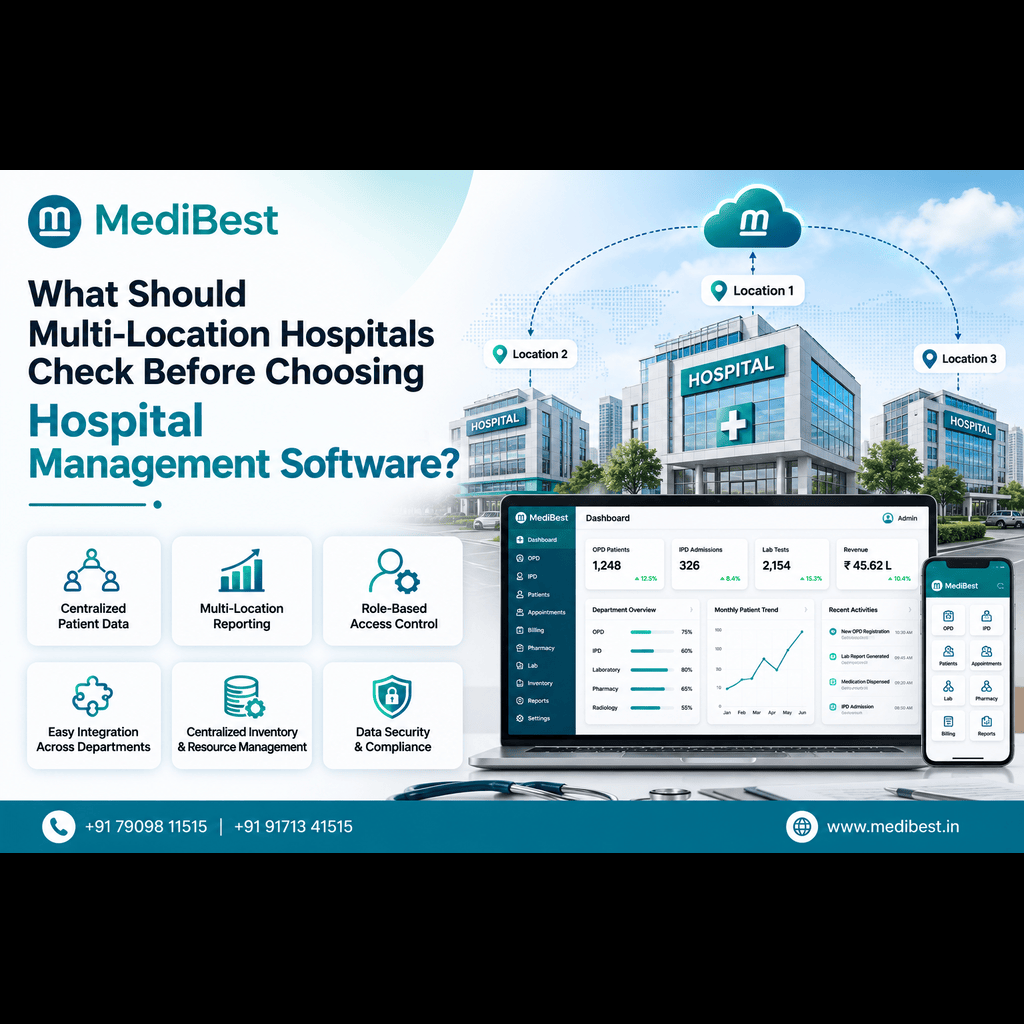
Your current requirements may change as you add beds, departments, specialties, or new locations. Check whether the software can accommodate that growth without requiring a complete replacement.
Ask whether you can introduce modules in stages, add users, connect diagnostic equipment, and support multiple locations where needed. Clarify how additional modules, integrations, or capacity affect the total cost.
You should also understand whether the product can adapt to changing operational needs and relevant digital health workflows.
A scalable system should have a clear growth path, not just a promise that it can handle everything in the future.
10. Can we speak to hospitals already using it?
References help you understand what happens beyond the sales process. Ask the vendor to connect you with a hospital that has similar departments, operating requirements, and implementation complexity.
If possible, speak directly with an administrator or department lead. Ask them:
- Was the implementation completed as planned?
- Did staff receive enough training?
- How responsive is support when an issue occurs?
- Are there unexpected costs or limitations?
- What would they check more carefully if choosing again?
Honest feedback can reveal practical details that a brochure or demonstration may not cover.
What red flags should you watch for?
Pause before committing if a vendor:
- Refuses a live demo with your own scenario
- Cannot show ABDM or security documentation
- Avoids talking about training and support
- Promises a very short timeline without understanding your workflows
- Offers no references
One concern does not automatically mean the product is unsuitable, but unanswered questions should be resolved before signing a contract.
How does MediBest approach these questions?
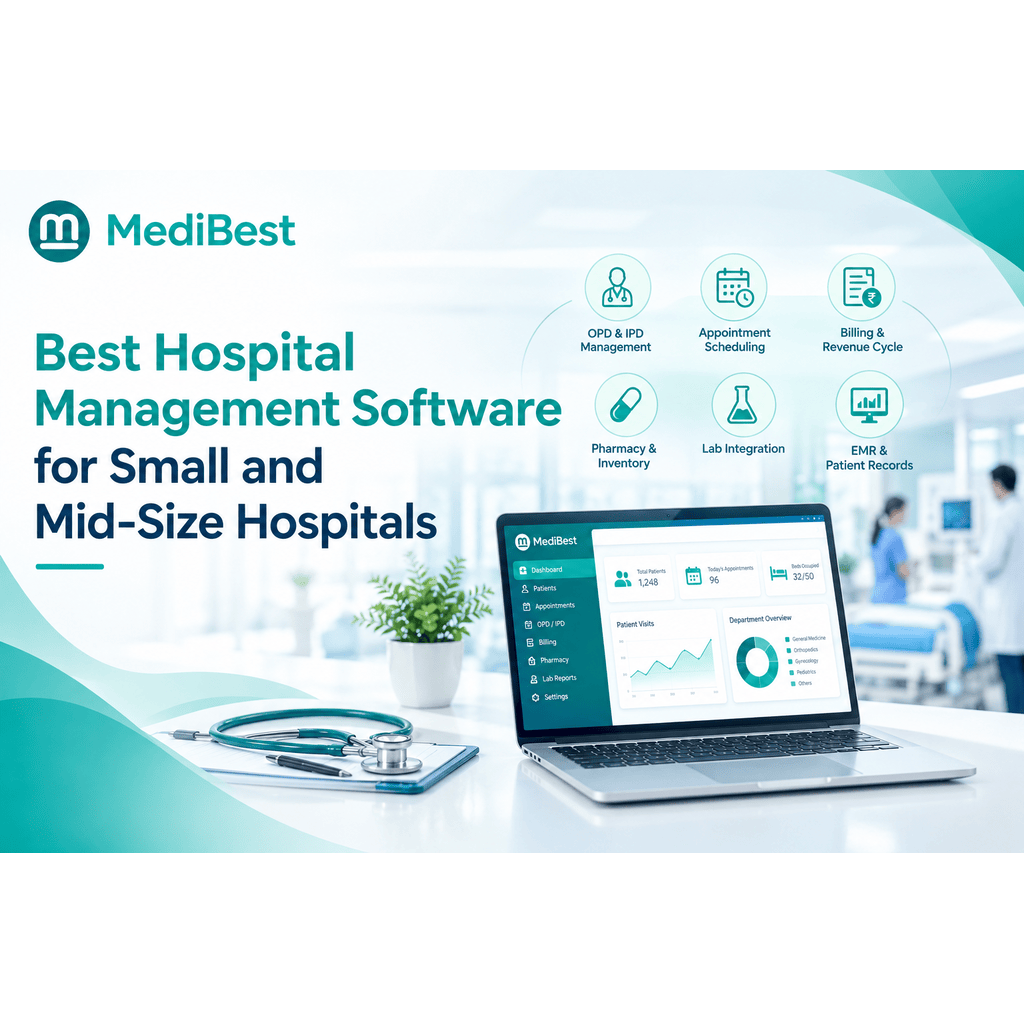
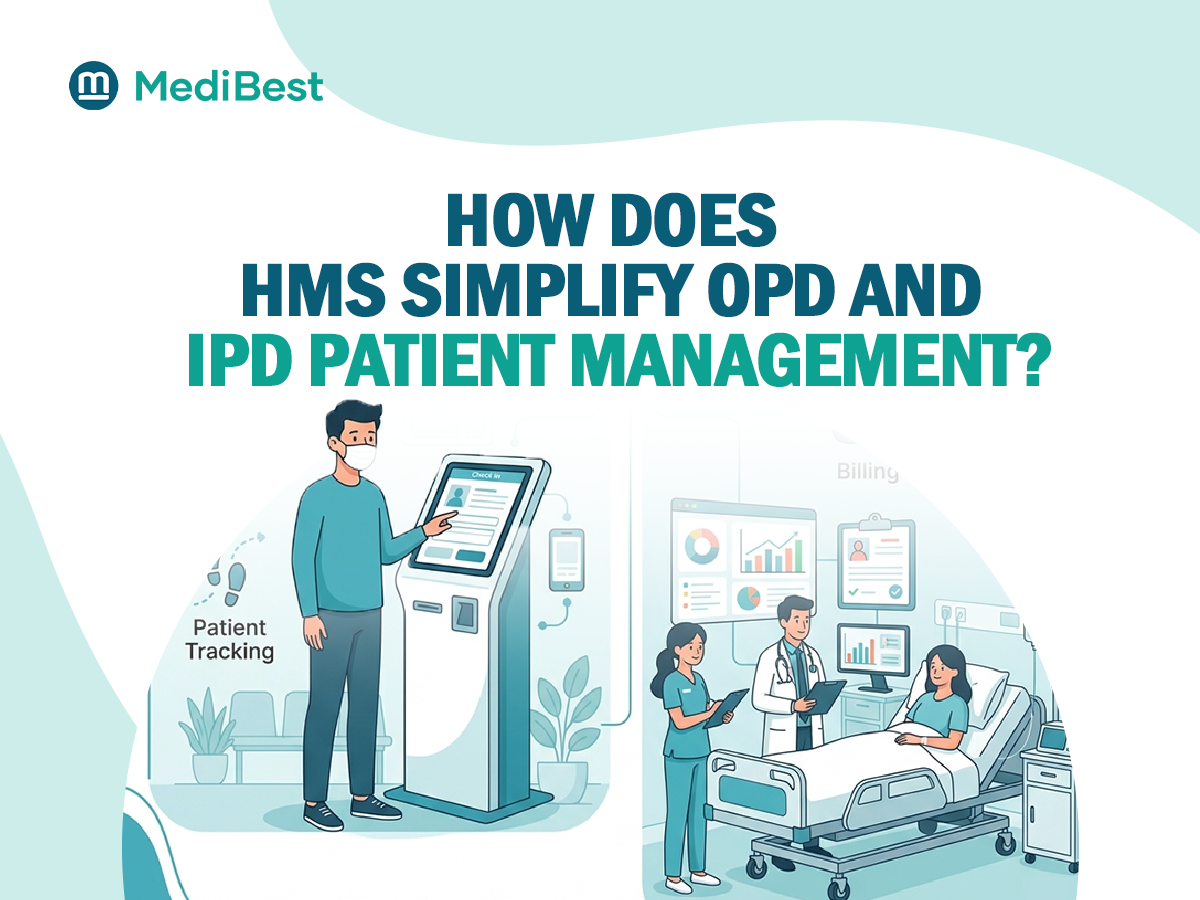
MediBest is an Indore-based healthcare IT company offering a hospital management software solution in Indore for hospitals and other healthcare facilities. Its HMS brings together functions such as patient registration, OPD and IPD management, billing, pharmacy, laboratory, and reporting.
Explore the MediBest Hospital Management System to understand the platform and its modules. Then request a demonstration based on your hospital’s requirements and use the same 10 questions to evaluate workflow fit, implementation, integrations, and support.
The aim is not to choose a vendor based on promises. It is to understand what the software can do, what your hospital will need, and how the vendor will support you over time.
Frequently Asked Questions
1. How do I choose the right hospital management software company in Indore?
Compare vendors on workflow fit, implementation experience, data protection, relevant integrations, training, and post-launch support. Ask for a live demonstration using your own scenarios and speak with existing customers before making a decision.
2. What features should hospital management software include?
Common requirements include patient registration, OPD and IPD management, billing, pharmacy, laboratory workflows, medical records, and reporting. Depending on the hospital, you may also need ABHA-related workflows, inventory management, multi-location support, and integration with diagnostic equipment.
3. How long does hospital management software implementation take?
The timeline depends on hospital size, the number of departments, data migration, customization, and staff training. Request a written implementation plan with clear stages, responsibilities, testing, and go-live support instead of relying on a generic timeline.
4. Is a local hospital software company always the better choice?
Not necessarily. A local company may offer convenient coordination or on-site assistance, but product quality, healthcare experience, security, implementation planning, and support commitments matter just as much. Compare evidence and service terms rather than location alone.
5. Should small hospitals and nursing homes invest in hospital software?
Hospital software can help smaller facilities manage patient records, billing, appointments, and inventory more consistently. The right choice depends on the facility’s needs and budget, so look for a suitable starting package that can expand as requirements change.
Conclusion
Choosing software is easier when you stop comparing feature lists and start testing real workflows. Ask the ten questions, watch the demo closely, speak to existing users, and pick the vendor who answers clearly and supports you locally. If you would like to see how MediBest handles these questions with your own workflow, our team is happy to walk you through it.