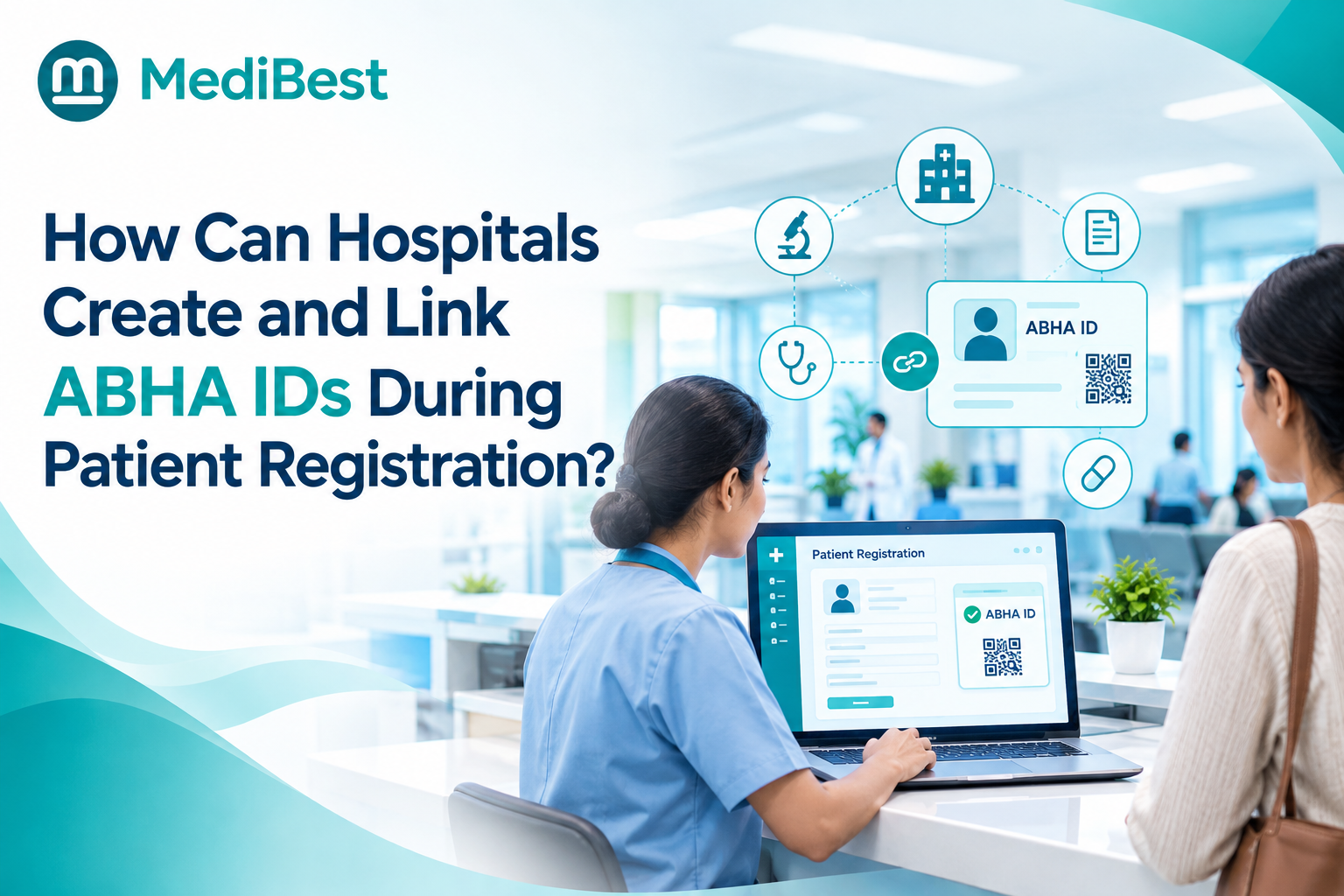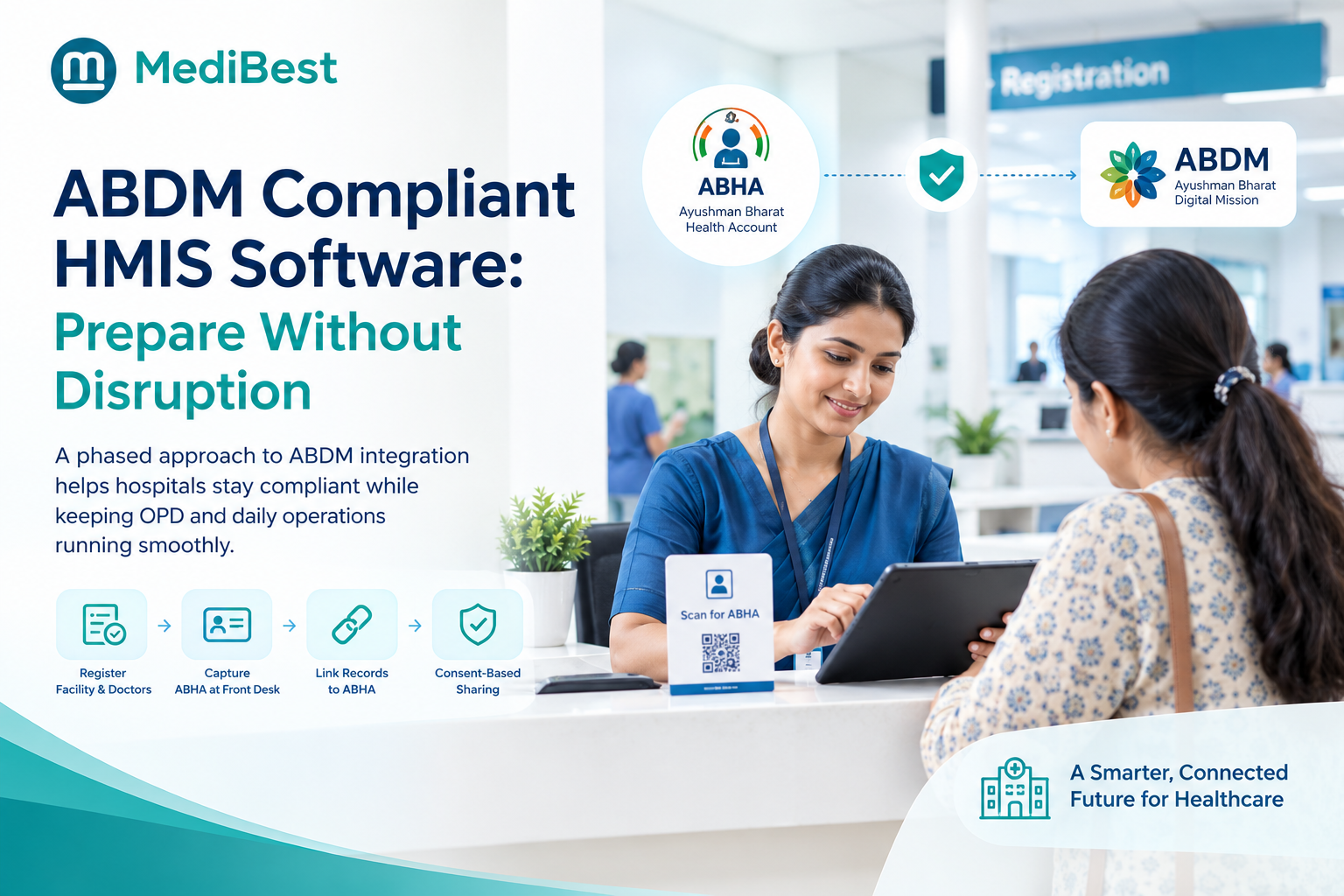
Hospitals can prepare their HMIS for ABDM without disrupting daily work by rolling it out in phases. Clean your patient data, register the facility, test in the ABDM sandbox instead of the live system, train staff by role, and pilot at one counter before expanding. Nothing should reach live patients until it has passed testing somewhere else.
Most of the work happens behind the scenes, so patients notice only a smoother registration desk. Here is the plan, how much each phase touches your OPD, and the mistakes that create queues.
What does ABDM readiness actually involve?
ABDM readiness has three parts, and hospitals often treat them as one. Each part needs its own owner and its own checklist.
- Registration: Your facility is listed in the Health Facility Registry (HFR), and your doctors are listed in the Healthcare Professionals Registry (HPR).
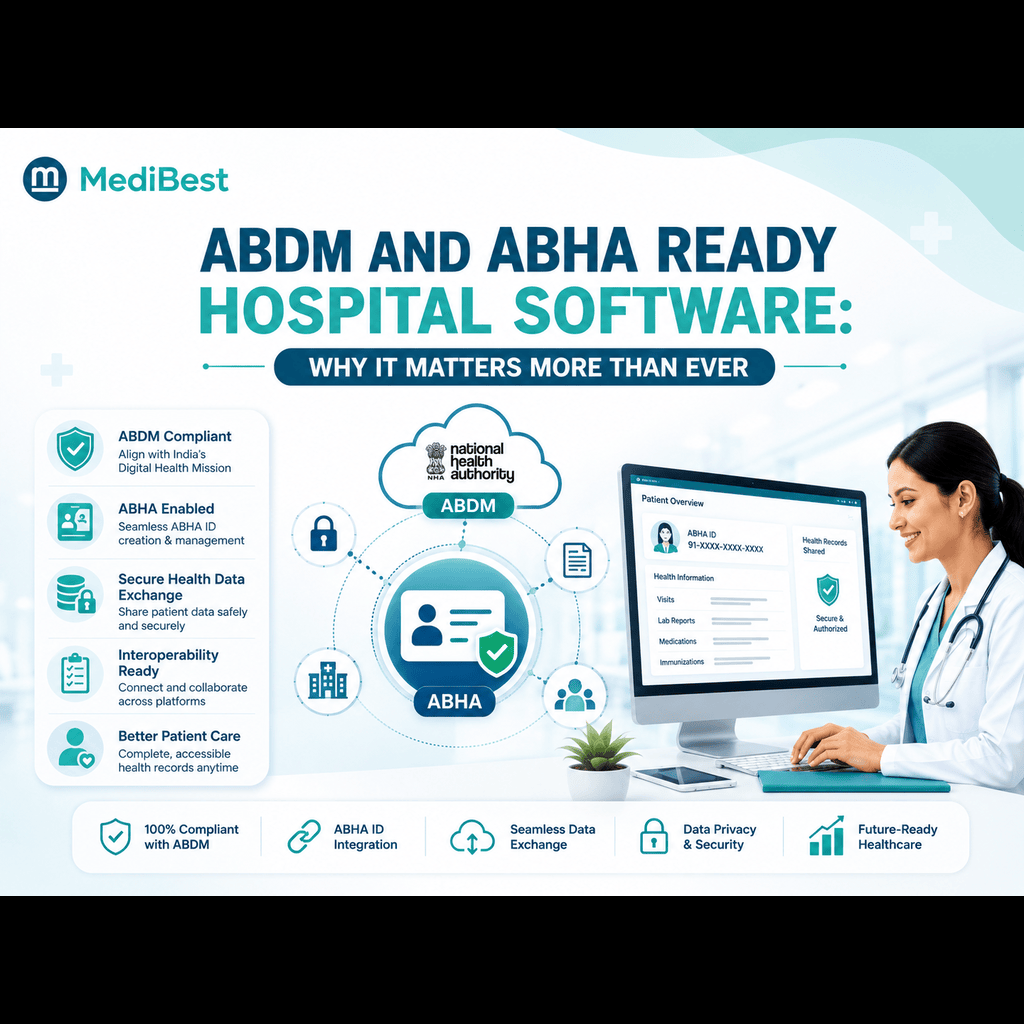
- Software readiness: Your ABDM compliant HMIS software creates and verifies ABHA numbers, links each visit to them, and shares records only with the patient’s consent. It must also have passed ABDM testing.
- Operational readiness: Your staff are trained, patients know what to expect, and a fallback plan is ready for the front desk.
All three matter because the gaps show up at the registration counter. Registering your facility does not prove your software is validated, and validated software does not mean your front desk is ready.
Which starting point are you on?
Your first step depends on the software you use today. The National Medical Commission (NMC) describes three situations in its step-by-step guidance for medical colleges, and the same logic works for any hospital:
- You already use ABDM-enabled software: Ask your vendor to confirm that the exact version you run is ABDM enabled, and request the upgrade if it is not.
- You do not use any software yet: Choose an ABDM-enabled HMIS from the start, so you do not have to retrofit it later.
- You use custom or non-ABDM software: The software needs sandbox testing that covers ABHA creation, record linking, and consent-based sharing.
NMC notices issued in 2026 direct medical colleges to connect their attached hospitals’ HMIS with the ABDM-HMIS portal. Other hospitals should check what applies to them with the National Health Authority or their state scheme.
Not sure which group you fall into? The MediBest team can review your current setup and explain what the next step looks like.
How do you roll out without stopping the front desk?
Split the project into six phases and keep the risky ones away from live patients.
- Clean your data. Check your hospital management software for duplicate profiles and missing or wrong mobile numbers, since these cause problems when creating ABHA.
- Register the facility and doctors. This is back-office work, but assign one owner so it does not fall on clinical teams.
- Build and test in the sandbox. Use a test copy of your system, never the live one.
- Train in small groups. Start with front desk staff, then doctors and records teams.
- Pilot at one counter. Pick one desk or OPD during a quieter period.
- Extend and review. Add departments gradually and review issues weekly.
| Phase | Who is involved | Impact on daily work |
| Data cleanup | Records team, IT | Low |
| HFR and HPR registration | Admin, doctors | Low (admin time) |
| Sandbox testing | IT, vendor | None |
| Training | Front desk, nurses, doctors | Low (short sessions) |
| One-counter pilot | One desk or OPD | Medium, limited and watched |
| Full rollout | All departments | Low, once the pilot is stable |
What should go-live day look like?
Pick a low-footfall day and keep your current registration process available as a fallback for the first weeks, in line with hospital policy and any scheme rules. If the new step stalls, staff should know exactly what to do so no queue builds.
Put a trained helper at the pilot desk, tell patients in advance with a simple sign, and agree who can pause or roll back the pilot. Treat this as a change to your whole health care management system, not an IT task. Front desk habits, doctor workflows, and patient communication all shift together.
What should you track during the pilot?
Watch five numbers, and expand only when they stay steady:
- Registration time per patient
- Failed or repeated transactions
- Duplicate patient profiles created
- Questions raised by staff
- Patient feedback at the desk
What does each team need to learn?
Short, role-specific training works best.
| Team | What they need to learn |
| Front desk | Creating and verifying ABHA, handling patients without one |
| Doctors | Viewing shared records, responding to consent steps |
| Nurses and records | Linking visits to the right ABHA |
| IT team | Monitoring, backups, access control, error recovery |
| Management | Reading adoption numbers and deciding on expansion |
Which mistakes cause queues and rework?
Most disruption comes from shortcuts. Watch for these in any upgrade of your healthcare management information systems:
- Testing on the live system instead of the sandbox
- Training every department on the same day
- Skipping data cleanup, then fixing duplicates at the counter
- Going live at every counter at once
- Believing a vendor’s ABDM claim without checking evidence
- Having no fallback, escalation, or rollback plan
How do you check a vendor’s ABDM claim?
Ask for evidence tied to the exact software version you will use, not a general claim. In a demo, ask:
- Which ABDM milestones has this version completed?
- What security and audit requirements are done?
- Can you show ABHA creation, record linking, and consent in a test environment?
- What happens when a connection or API fails?
- What support do we get during and after go-live?
A hospital IT management system that already handles ABHA, linking, and consent keeps the change inside tools your team uses daily, instead of adding separate portals.
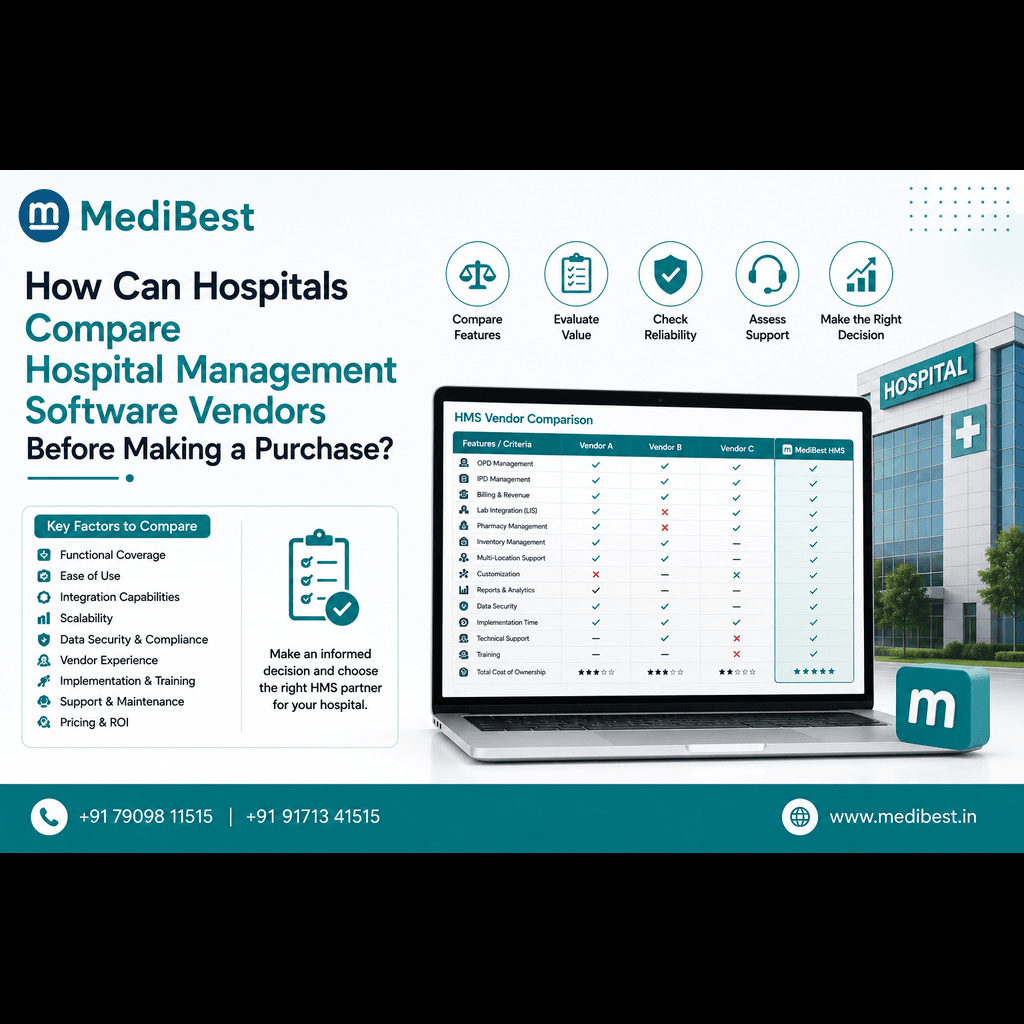
MediBest, an Indore-based healthcare-IT company, provides hospital management software covering registration, billing, pharmacy, laboratory, and reporting. Hospitals comparing ABDM compliant HMIS software can ask the team to demonstrate its ABDM workflows and current validation status in a live walkthrough. If you are still shortlisting, these [questions to ask a hospital software company in Indore](INSERT BLOG URL) will keep the comparison fair.
Frequently Asked Questions
1. How long does ABDM integration take?
It depends on your current software, data quality, and testing. Integrator guidance says software is certified once through the sandbox, and each facility then registers independently in the Health Facility Registry. Ask your vendor for a written plan with stages and go-live criteria, not a single date.
2. Will ABDM integration disrupt OPD registration?
It does not have to. Sandbox testing, role-based training, a one-counter pilot, and a fallback process keep live registration running. Disruption mostly comes from testing on the live system or launching everywhere at once.
3. Is ABDM integration mandatory for every hospital?
Not in the same way. NMC directions cover medical colleges, while other hospitals may face different requirements by scheme or state. Confirm your obligations with the National Health Authority or your scheme authority.
4. What are HFR and HPR?
HFR is the Health Facility Registry, which gives your facility an ID in ABDM exchanges. HPR is the Healthcare Professionals Registry for doctors and other clinicians. Registering in both is separate from validating your software.
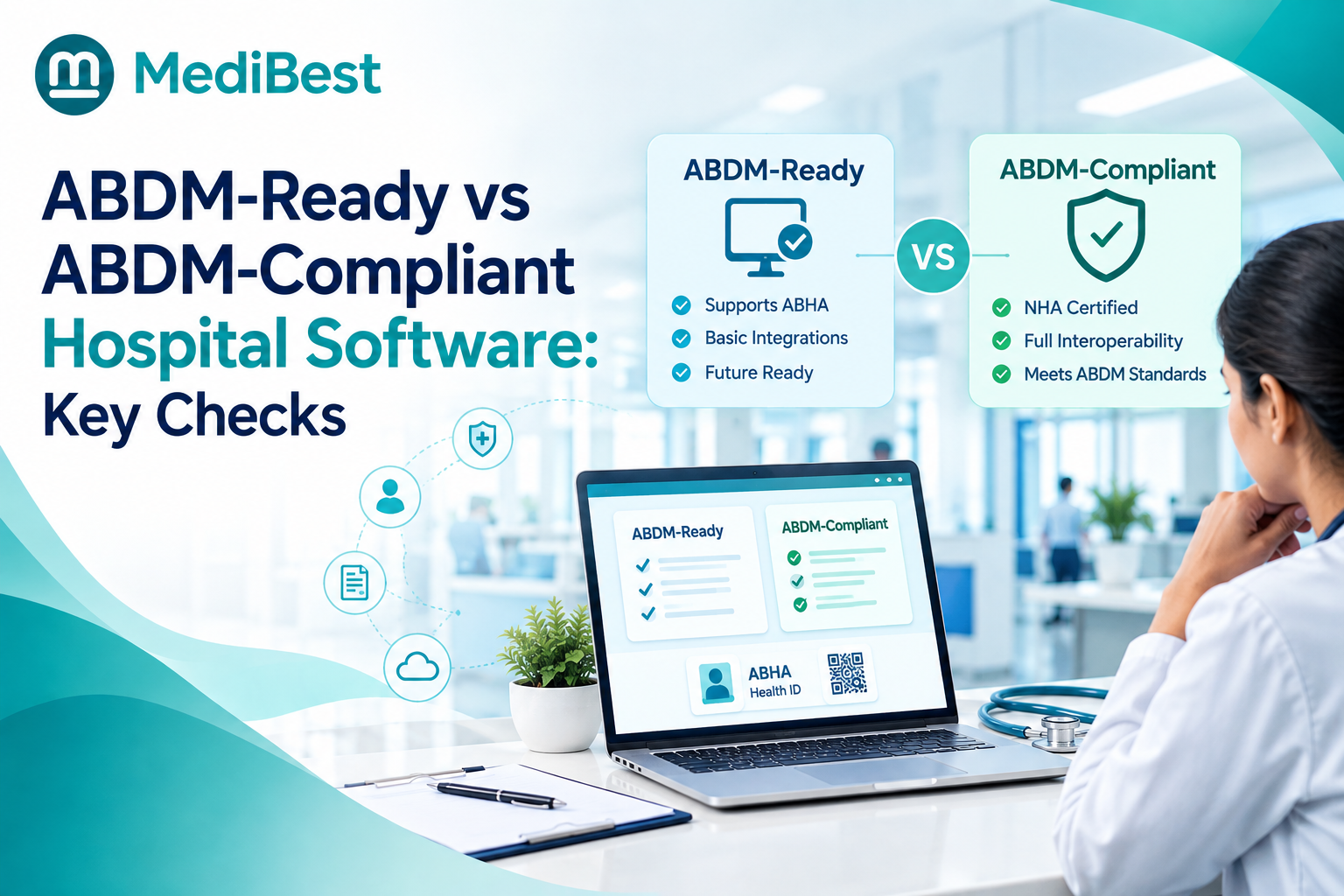
5. What makes an HMIS ABDM compliant?
It creates and verifies ABHA at registration, links records to it, supports consent-based sharing, and has passed ABDM milestone testing and security checks. Verify these against the ABDM partner list and a live demo.
6. Do I need to replace my whole HMIS?
Not always. If your vendor already has an ABDM-enabled version, an upgrade may be enough. A short technical assessment will show what needs to change and how long it will take.
Conclusion
Preparing your HMIS for ABDM does not need a shutdown. Clean your data, register the facility, test away from live patients, train by role, and pilot at one counter before you scale. If you want to see how a connected system handles ABHA at registration without slowing your OPD, the MediBest team can walk you through it.