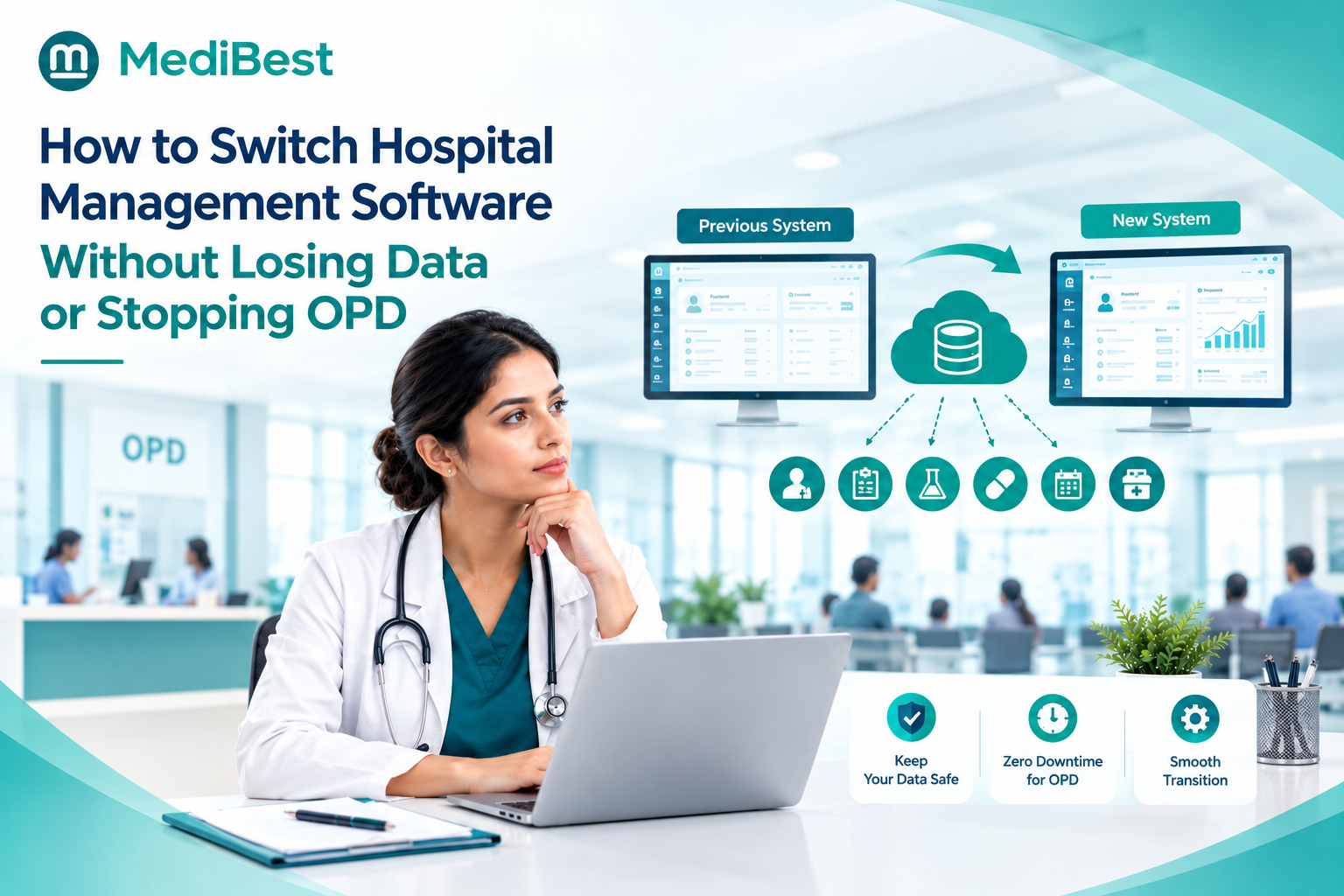
To switch hospital management software without losing data or stopping OPD, run the new system beside the old one first, move your data in stages, and cut over on a low-patient day with a rollback plan ready. Most data loss happens when a hospital skips the test migration or switches off the old system too early. Done in this order, OPD keeps running and no patient record is left behind.
Here is the full plan, step by step, with the checks that matter most.
Why Do Hospitals Switch, and Why Does It Feel So Risky?
Nobody changes the system that holds every patient record for fun. Hospitals usually switch for one of these reasons:
- The system is slow, crashes during OPD hours or has not been updated in years
- Billing, pharmacy, lab and accounts run on separate tools that do not talk to each other
- Support is slow, or the vendor has stopped improving the product
- The hospital is adding branches, beds or departments the old system cannot handle
The fear is just as common: lost records, wrong bills, a queue stuck at the front desk. If you are still deciding whether it is time, our checklist on signs your hospital management software needs an upgrade can help you decide.
The good news is that these risks come from a messy process, not from switching itself. A hospital that moves to software for healthcare management with a clear plan can keep seeing patients every day of the move.
What Data Should You Move, and What Can Stay Behind?
Moving everything at once is the most common mistake. Split your data into three groups:
| Group | What it includes | What to do |
| Must move before go-live | Patient master data and UHIDs, doctor and tariff lists, admitted IPD patients, open bills and advance deposits, pharmacy stock with batch and expiry, pending lab and radiology orders, opening ledger balances | Migrate and verify line by line |
| Move for continuity | Recent OPD visits, prescriptions, reports and past bills your doctors look up often | Migrate after go-live, in a second batch |
| Archive | Old closed bills and records many years back | Keep as read-only files you can search |
For each group, name one person who signs off that the numbers match. Finance checks ledgers, the pharmacy head checks stock, and the medical records team checks patient data.
A Safe Switch in Seven Steps
- Audit and clean your data: Remove duplicate patients, fix missing phone numbers and close old open bills. Messy data moves into the new system as messy data.
- Map every field: Decide where each old field lands in the new system. Pay extra attention to UHIDs, bed names, tariff codes and item masters.
- Run a mock migration: Move a copy of your data into a test version of the new system, then compare it with the old one. A good hospital management system software vendor will ask for a data sample before they ask for your signature.
- Run both systems side by side: This is called a parallel run. Staff enter a small set of real cases in both systems for a few days, so you catch mismatches before they matter.
- Train staff by role and shift: Front desk, nurses, pharmacy and billing each need their own hands-on session, including night shift.
- Pick a quiet cutover day; Many hospitals choose a Sunday or a holiday, when OPD load is lowest. Freeze changes in the old system a few hours before.
- Keep the old system read-only: Do not cancel it the day you go live. Keep it available for a set period so anyone can look up a record they cannot find.
Planning a switch and worried about OPD? Share your current system and wards with our team, and get a cutover plan built around your hospital’s busiest hours.
How Do You Keep OPD Running on Cutover Day?
The patient in the queue should not notice anything. A few habits make that happen:
- Pre-register early: Book the next day’s appointments in the new system a day before, so the front desk is not creating records from scratch.
- Keep a fallback ready; Print the day’s appointment list and keep simple paper forms at each desk in case something is slow.
- Add extra hands: Put a trained super user at registration, billing, pharmacy and the ward desk for the first days.
- Check IPD first; Before opening the OPD counters, confirm every admitted patient, bed, open bill and advance deposit in the new system.
- Match stock in the pharmacy; Count a few fast-moving items and compare them with the system, including batch and expiry.
- Hold a daily huddle: Spend ten minutes each day for the first week on the problems staff found, and fix them fast.
What Mistakes Cause Data Loss?
Watch for these, because each one is avoidable:
- Cancelling the old system before every record is checked
- Skipping the mock migration to save a few days
- Moving all history at once instead of in priority order
- Letting staff keep entering data in the old system after cutover
- No rollback plan, so a bad cutover day becomes a bad week
A simple rollback plan is a written decision point. If key checks fail by a set time, you go back to the old system and try again on another day.
How Do You Choose the Right Partner for the Move?
The system matters, but so does the team doing the move. Ask every vendor:
- Can you show a mock migration with our own data before we sign?
- Who maps our fields, and who signs off on the numbers?
- How is the first week of support handled, and who answers at night?
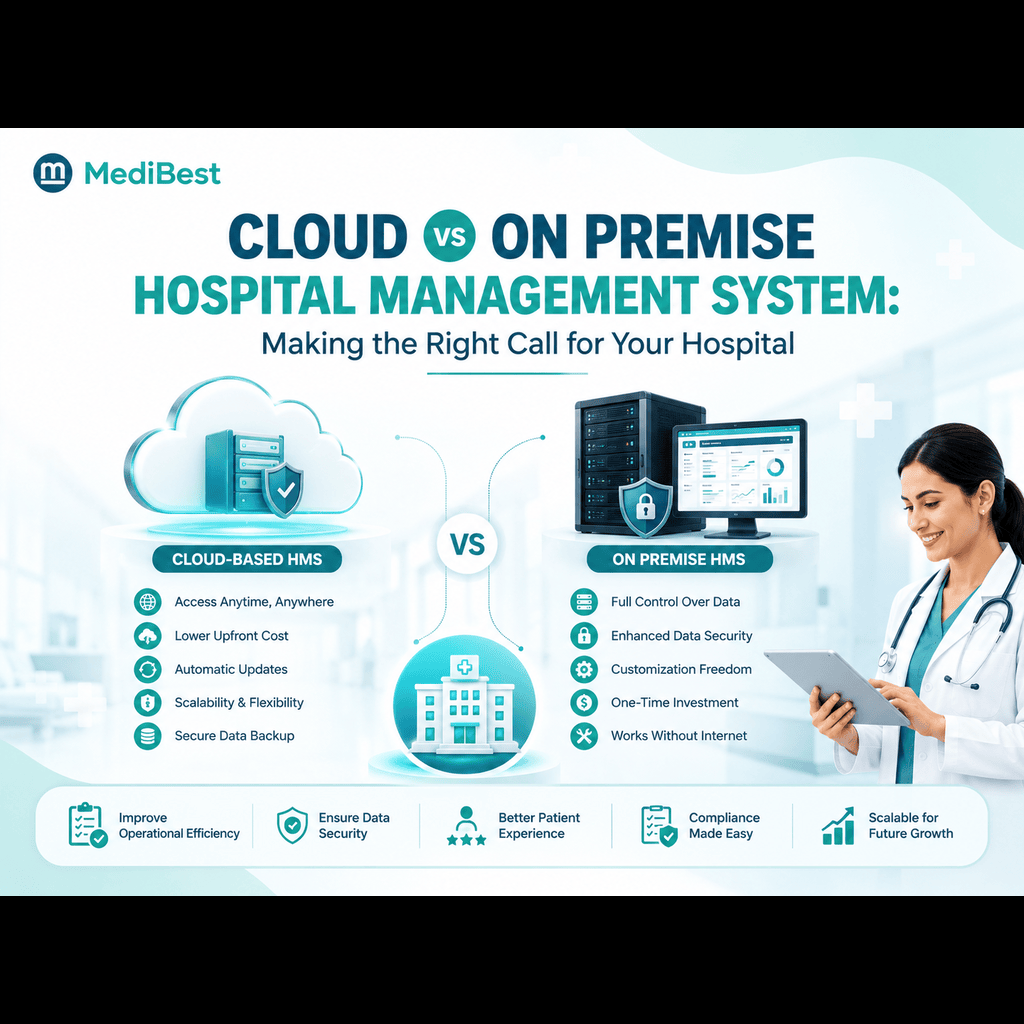
- Can the system run on cloud or on premise as we grow?
When you compare the best hospital system software services on offer, look at what happens after go-live as much as the demo. Medibest HMS is web based, can be deployed on cloud or on premise, and comes with a support team available 24×7, which matters most in the first weeks after a switch.
Switching Hospital Software FAQs
1. How long does it take to switch hospital management software?
It depends on your size, number of modules and how clean your data is. Plan for weeks, not days, because cleaning, mock migration and a parallel run all take time.
2. Can a hospital switch software without stopping OPD?
Yes. Run a parallel run, pick a low-load cutover day, keep a paper fallback and put trained staff at every counter. Patients should see normal queues.
3. Will we lose old patient records when we switch?
Not if you export everything before cancelling the old system, test with a mock migration and keep the old system read-only for a while. Records you do not migrate can be archived.
4. What is a parallel run?
It means using the old and new systems together for a short period, on a small set of real cases, so you can compare results and fix mismatches before the full switch.
5. What should we do if the migration fails on cutover day?
Follow your rollback plan. Return to the old system, find the cause, fix it and try again on another day. This is why the old system must stay intact until everything is verified.
6. Which data should be migrated first?
Start with patient master data, admitted IPD patients, open bills, advance deposits, pharmacy stock and opening ledger balances. Older history can follow in a second batch.
7. Where can I find a hospital management software solution in Indore?
If you want a hospital management software solution in Indore with a clear migration plan, our team can review your current setup and walk you through a cutover plan before you commit.
Final Thoughts
Switching is less risky than staying on a system that slows your staff every day. Clean your data, test the move, run both systems together and pick a quiet cutover day. Do that, and your patients will notice the improvement, not the change.
Ready to move without the stress? Talk to the Medibest team and get a plan built around your wards, billing and OPD hours.